

Have you registered your machine?
Download the MyDyson™ app and register for fast access to tailored guides, 24/7 support, and filter replacement reminders.
Alternatively, you can register online here.
Installing your Wall Dok™ and charging your machine
Regularly charging your machine is an important part of cordless vacuum maintenance. Watch the videos below to learn how to install your Wall Dok™ and use your charger.
-
Charging the battery
It's important to fully charge the battery before first use to help future battery monitoring and run time.
-
Setting up your Wall Dok™
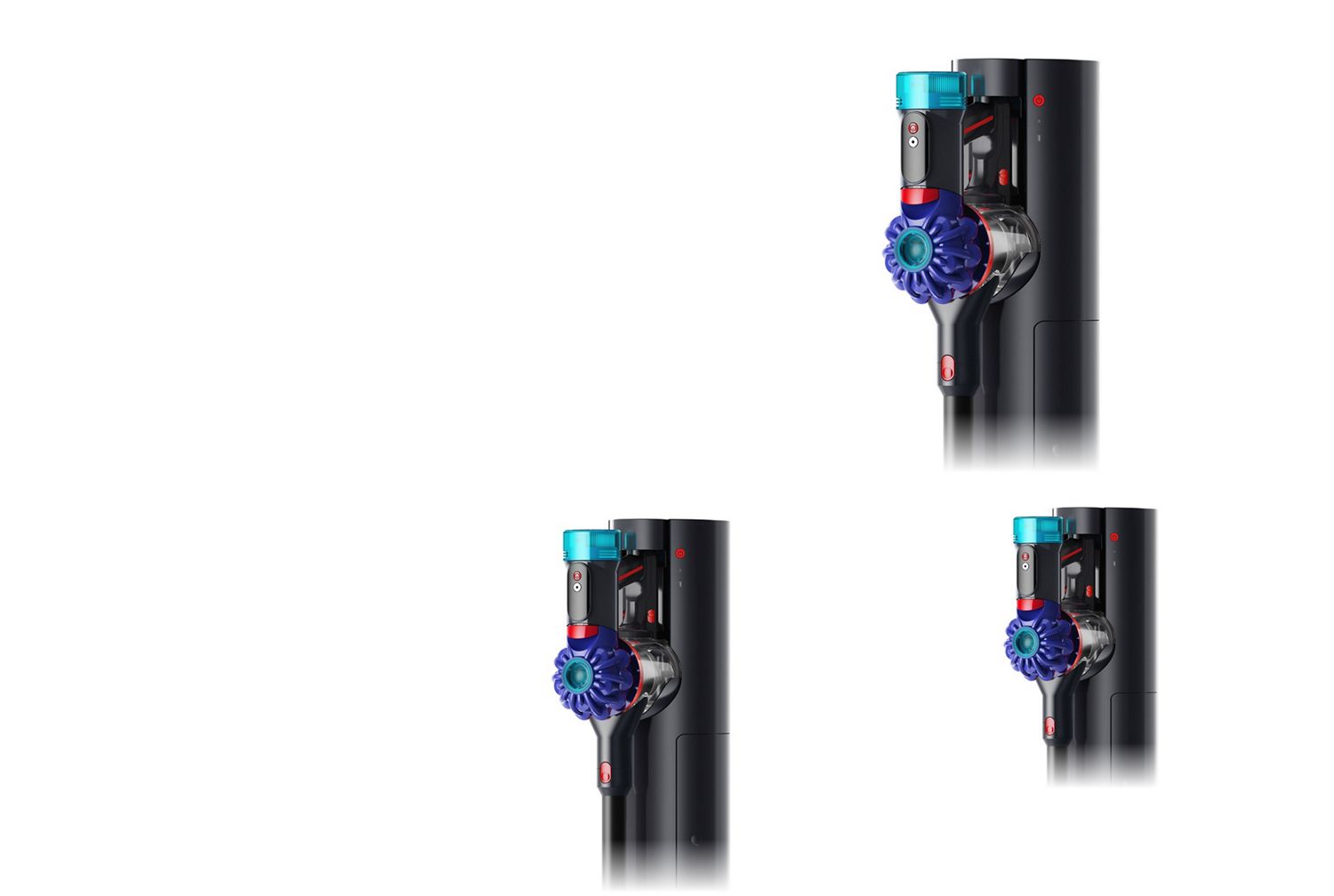
Your Wall Dok™ can be used to store and charge your machine. Watch the video to learn how to install yours.
Get the most out of your machine
Choose the right settings for the task and always be ready to go with 100% charge.
Get the best out of your battery
We recommend placing your vacuum cleaner back on charge after each use so it's ready to go. You can do this directly into the machine or through the Wall Dok™, and the charger will stop charging when it reaches 100%.
How to choose the right power mode
Your Dyson V10 Konical™ vacuum is engineered with three different power modes. Switch between Eco and Auto mode dependent on your cleaning needs, and activate MAX mode when you need a short burst of maximum suction. Fade-free power for every task.
Getting to know your cleaner heads and tools
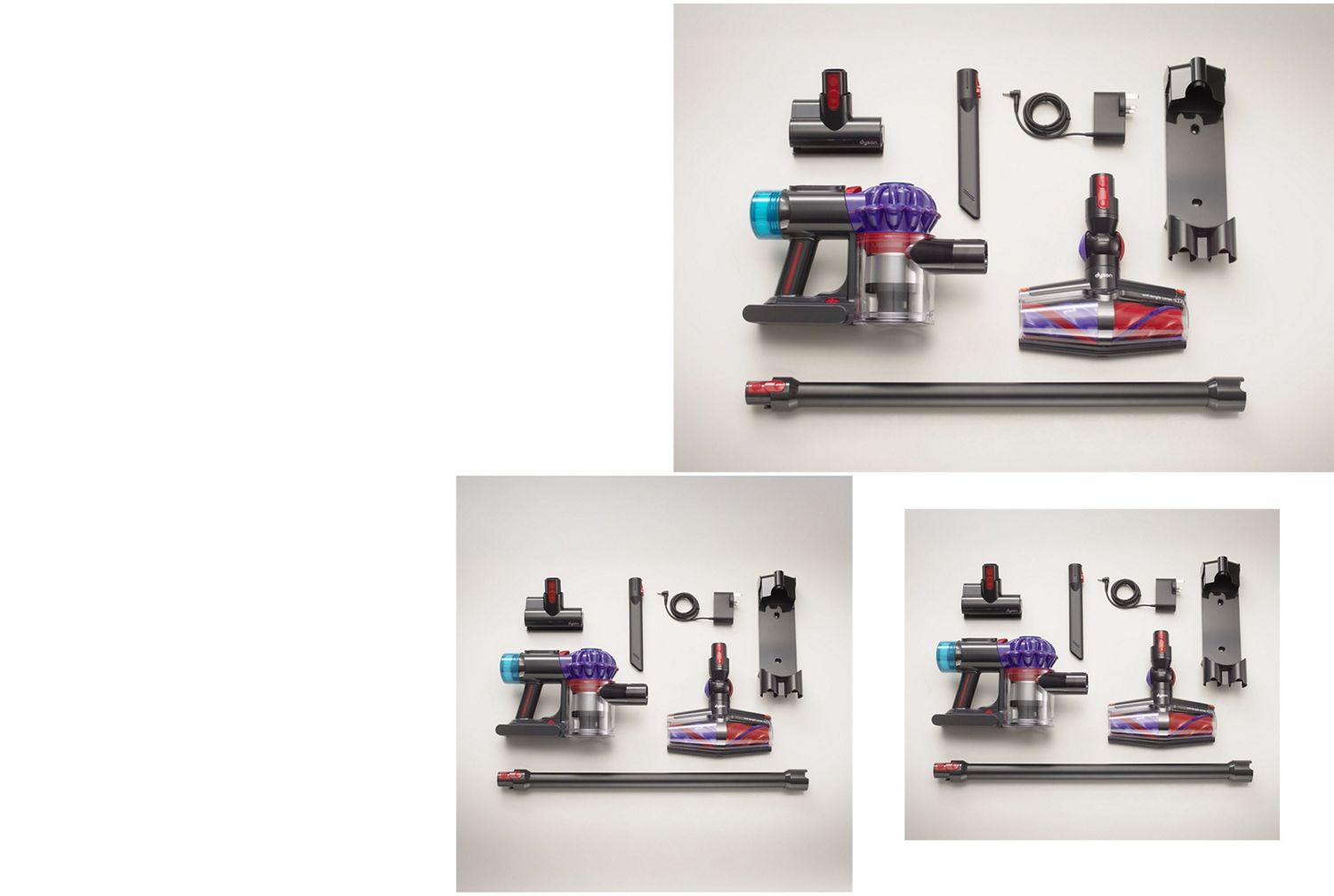
Discover your cleaner head and tools. Designed for whole-home cleaning. From precise cleaning in tricky areas to deep cleaning on mattresses and upholstery.
-
Conical cleaner head
Two rotating conical brush bars are engineered to spiral and de-tangle hair up to 25 inches.¹ Laser-like light reveals hidden dust.
-
Mini motorised tool
A mini motorised brush bar, concentrated in a smaller head to remove stubborn dirt from mattresses, upholstery and stairs.
-
Crevice tool
The Crevice tool reaches up to seven inches into narrow spaces as small as half an inch.
-
Maintaining your cleaner head
Keep your cleaner head clear of debris for optimal performance. Regularly maintain your brush bar by using clean, cold water.
-
Emptying and cleaning the bin
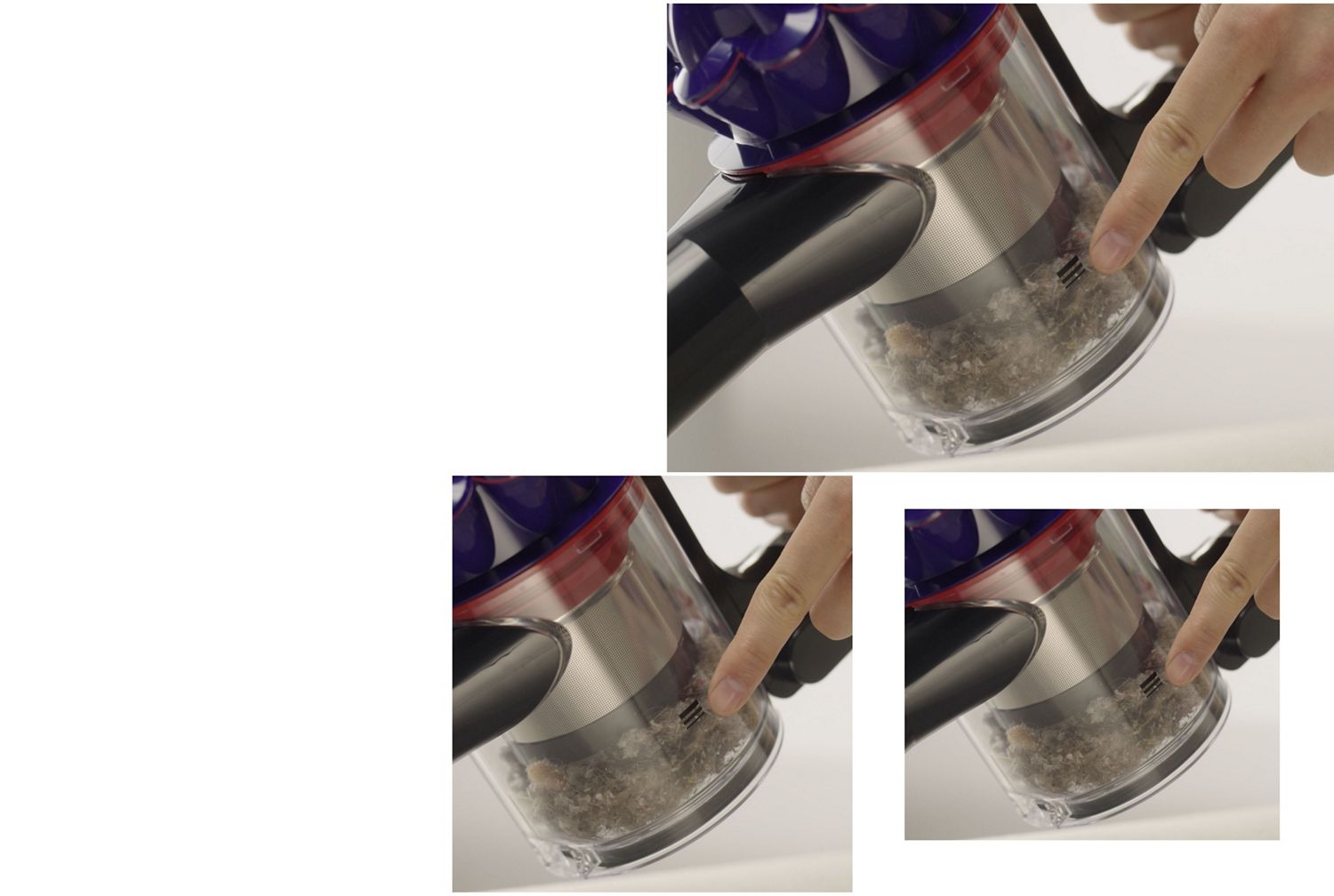
The ‘point and shoot’ mechanism hygienically ejects dust and debris deep into your bin, in one action – so there’s no need to touch the dirt.
-
Washing your filters
Regularly clean your Pre-motor filter and Post-motor filter with clean, cold water for maximum performance.
Frequently asked questions
Dual rotating Conical brush bars de‑tangle all hair lengths.¹ For best performance and to ensure there is no hair build up, remove the brush bars and wipe them clean before re‑inserting. This preserves de‑tangling performance.
Reduced suction may occur if the 15 cyclones or Root Cyclone™ separation system are obstructed. Empty the bin using the no‑touch point‑and‑shoot mechanism, then check the airway and filter. This ensures continued no‑loss‑of‑suction performance.
Empty the bin whenever debris reaches the MAX line. The vacuum uses hygienic no‑touch bin emptying that ejects dust in a single action, helping maintain airflow and cleaning performance.
You can cycle between Eco, Medium, and MAX modes using the Mode button on the top of the machine. The Mode button sits below the red power button, closer to the post‑motor filter.
Run time varies depending on power mode and floor type. Eco mode delivers the longest run time, while Medium and MAX provide more suction for demanding tasks. The vacuum can run up to 60 minutes of fade‑free suction⁴ under recommended conditions.
The Dyson V10 Konical™ vacuum uses fully‑sealed, five‑stage HEPA filtration that captures 99.99% of microscopic particles as small as 0.1 microns.³ If filtration reduces performance, remove the filter and tap it gently to release dust before reinstalling.
Pulsing blue: charging
No light: fully charged
Flashing blue: battery fault
Solid orange: motor fault
Flashing orange: incompatible tool
Flashing white: cyclone not fitted correctly
Remove the cyclone and the bin using the release catches. Wipe the bin with a damp, lint‑free cloth only. Do not use detergents, air fresheners, or dishwashers. Ensure the bin is completely dry before refitting.
The Conical brush bars are engineered to deep clean all floor types. For carpets, check that the brush bars are free of debris. For hard floors, ensure the blade of light is clear to reveal hidden dust optimally.
Intermittent stopping may indicate an airflow obstruction. Check the wand, cleaner head and bin inlet for blockages. The digitally controlled motor (spinning up to 110,000rpm) protects itself by regulating power when airflow is restricted.
A pulsing motor indicates a blockage. Disconnect from the charger, let the machine cool, and check for obstructions in:
The bin and cyclone
The wand (check both ends)
The cleaner head and brush bar
Remove any debris before restarting.
For best performance, only use MAX mode when necessary. The machine can remain in the dock or on charge as it stops charging automatically. The vacuum won’t operate or charge below 5°C (41°F) to protect the motor and battery.

The Dyson guarantee
¹ Tested with hair to 60cm, in Boost mode.
² Suction tested to IEC 62885-4:2023, Sec. 5.11 and 5.12, in Boost mode at the inlet in SGS Laboratory USA in 2025.
³ Filtration tested in accordance with ASTM F3150.
⁴ Applies in Eco mode in handheld configuration. Actual run time will vary based on power mode, floor type and/or attachments used.
Apple, the Apple logo, and Siri are trademarks of Apple Inc. App Store is a service mark of Apple Inc.
Google Play, the Google Play logo, Google Assistant are trademarks of Google Inc.