
Have you registered your machine?
Download the MyDyson™ app to register. Plus, fast access to tailored guides, 24/7 support, and roller replacement reminders.
Alternatively, you can register online here.
-
Power modes
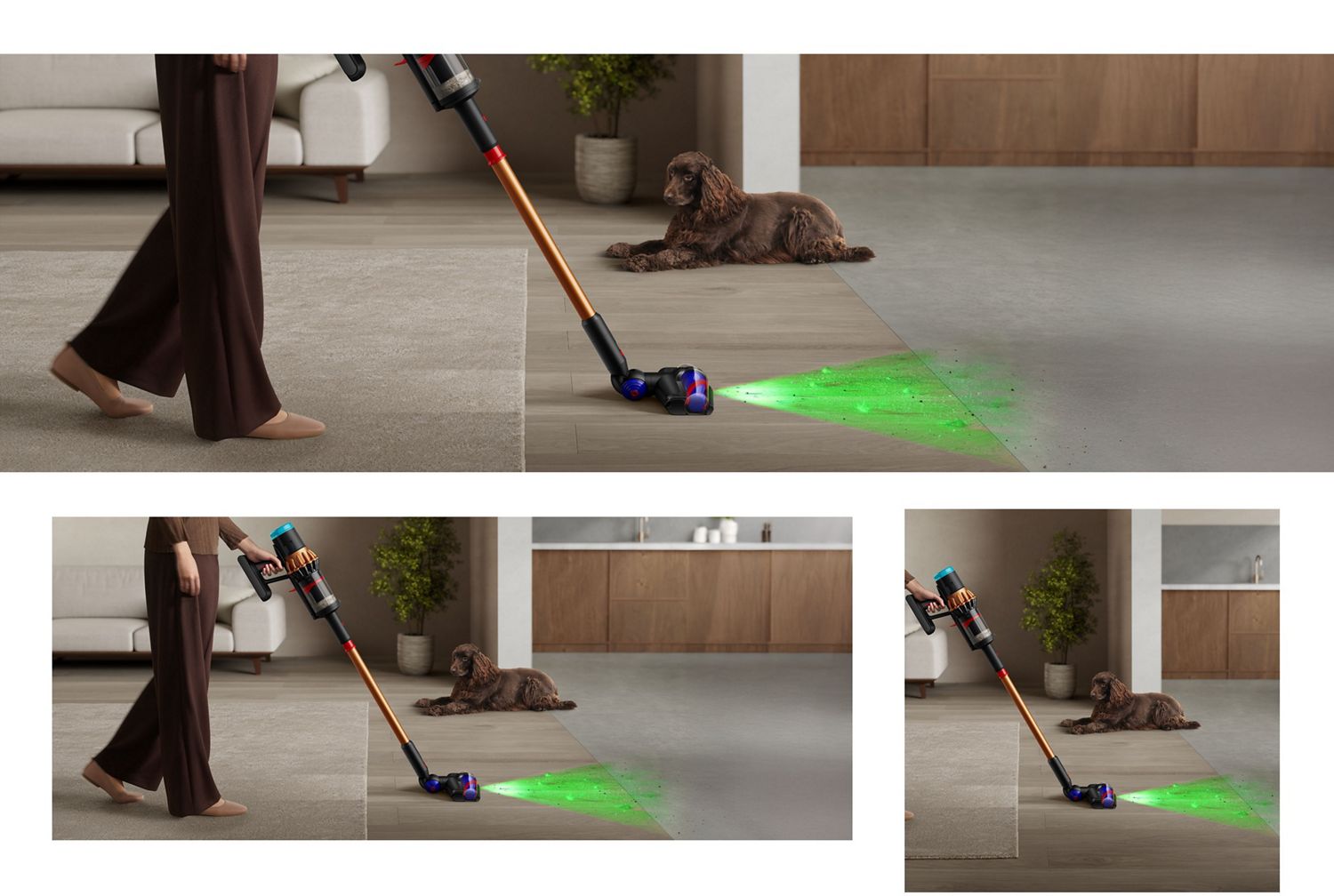
We recommend auto mode, as it adjusts suction power and run time automatically based on dust levels and floor type. Eco mode is for longer run times, and Boost mode for concentrated areas of tough dirt.
-
Maintenance alerts
When your filter needs cleaning, you’ll be prompted with this alert. Keeping you up to date with your machine’s maintenance needs.
-
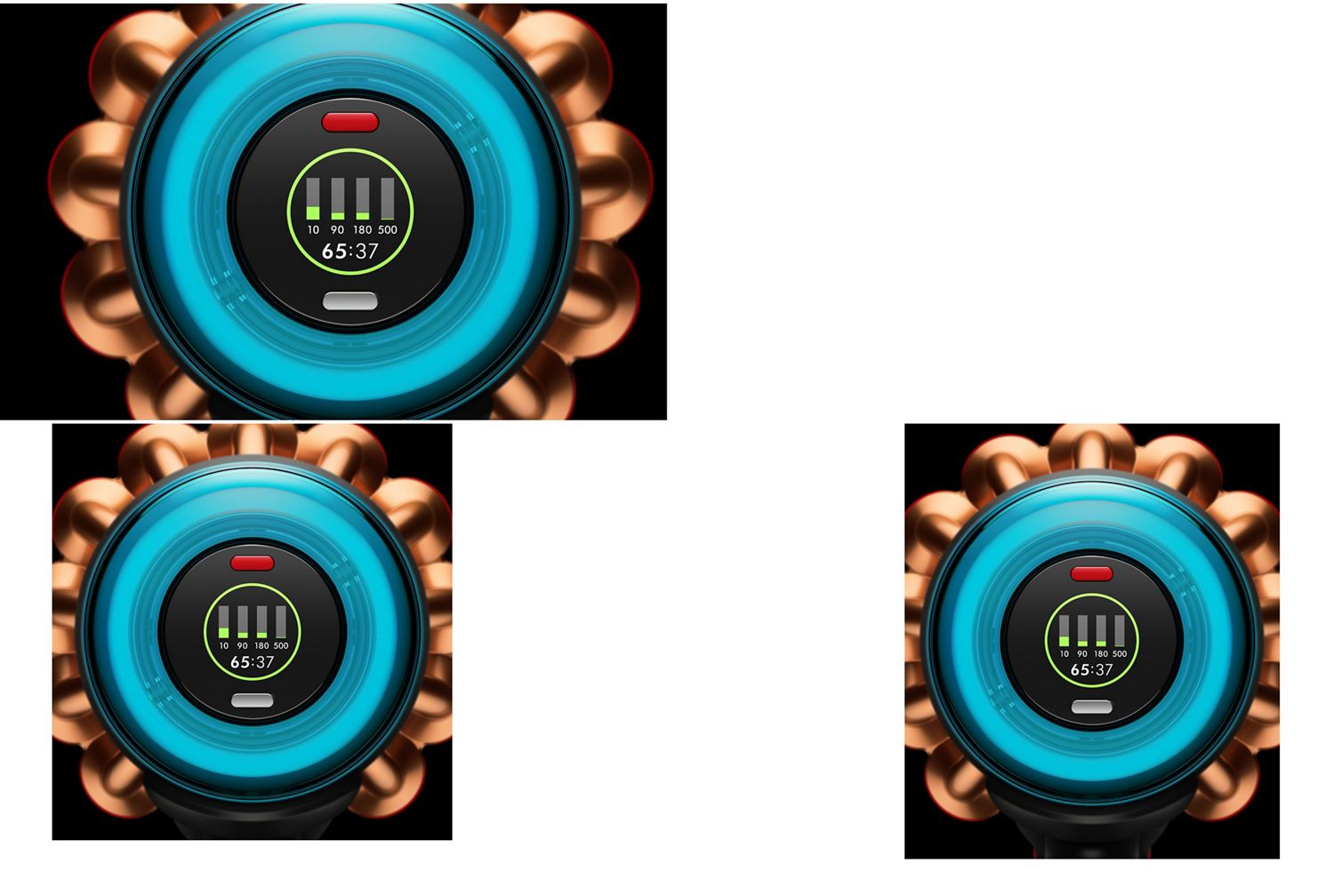
Battery display
The LCD screen constantly displays your machine’s remaining run time – so you’ll always know how much cleaning time you have left.
-
Less emptying, for less hassle
Keep compressing while you clean to help your bin hold 3x more dust.
-
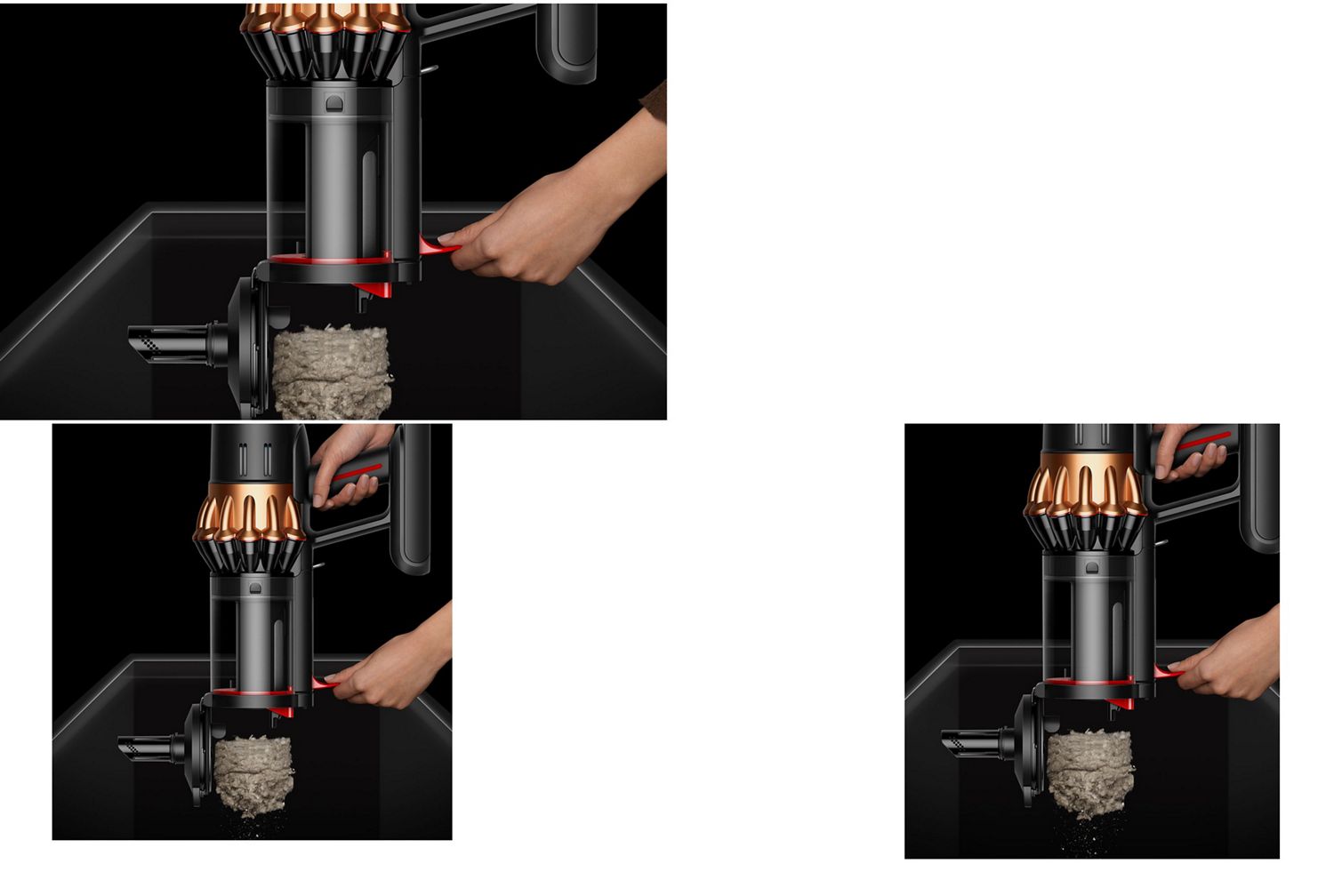
Wipe-clean emptying
When it's time to empty the bin, push the black bin release to open, and then push the red plunger down to empty the contents hygienically.
-
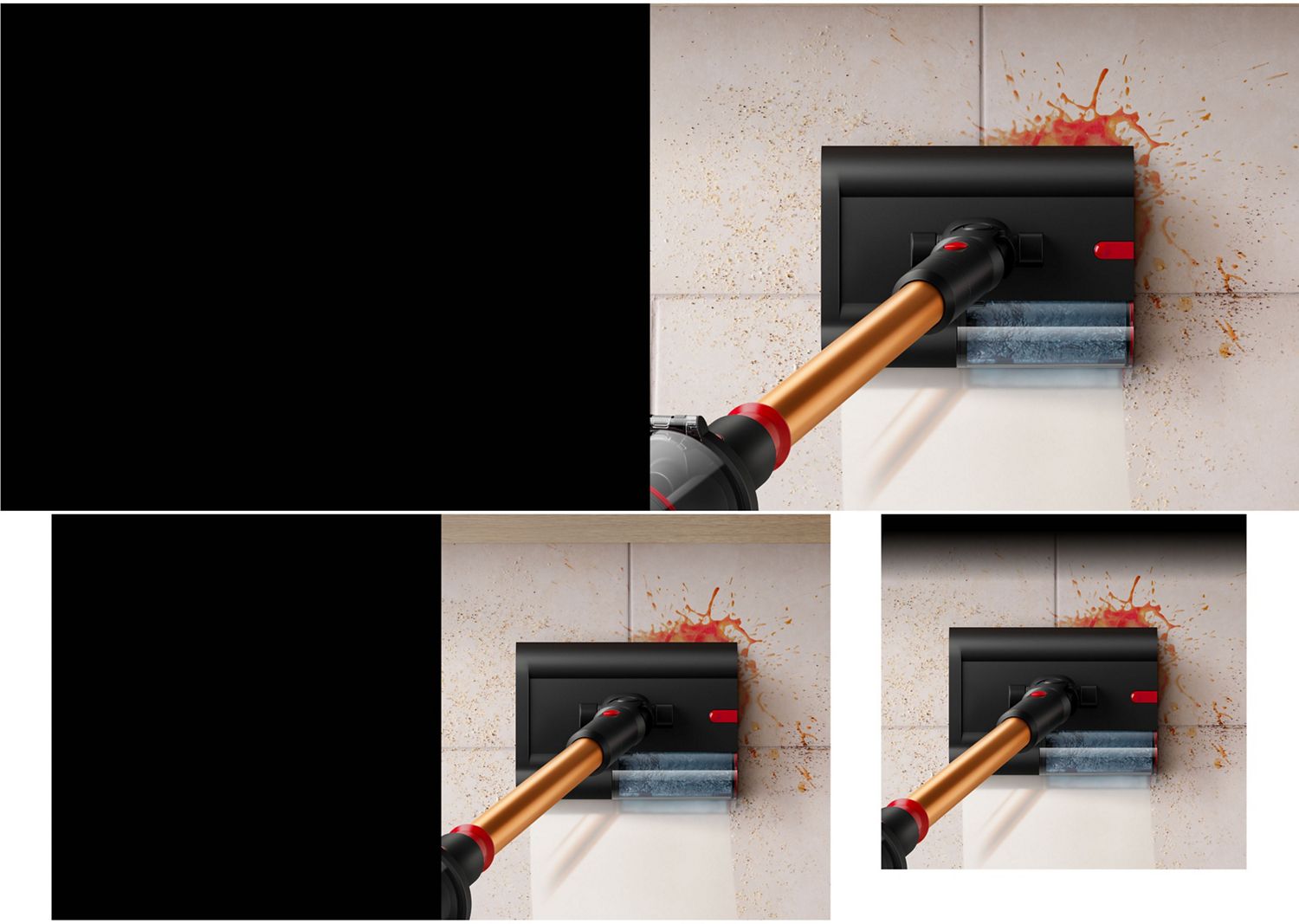
Wet cleaning mode
Washes away light spills and debris, for a clean floor finish.
-
Max hydration mode
Increased hydration to fight stubborn stains or dried-on dirt.

-
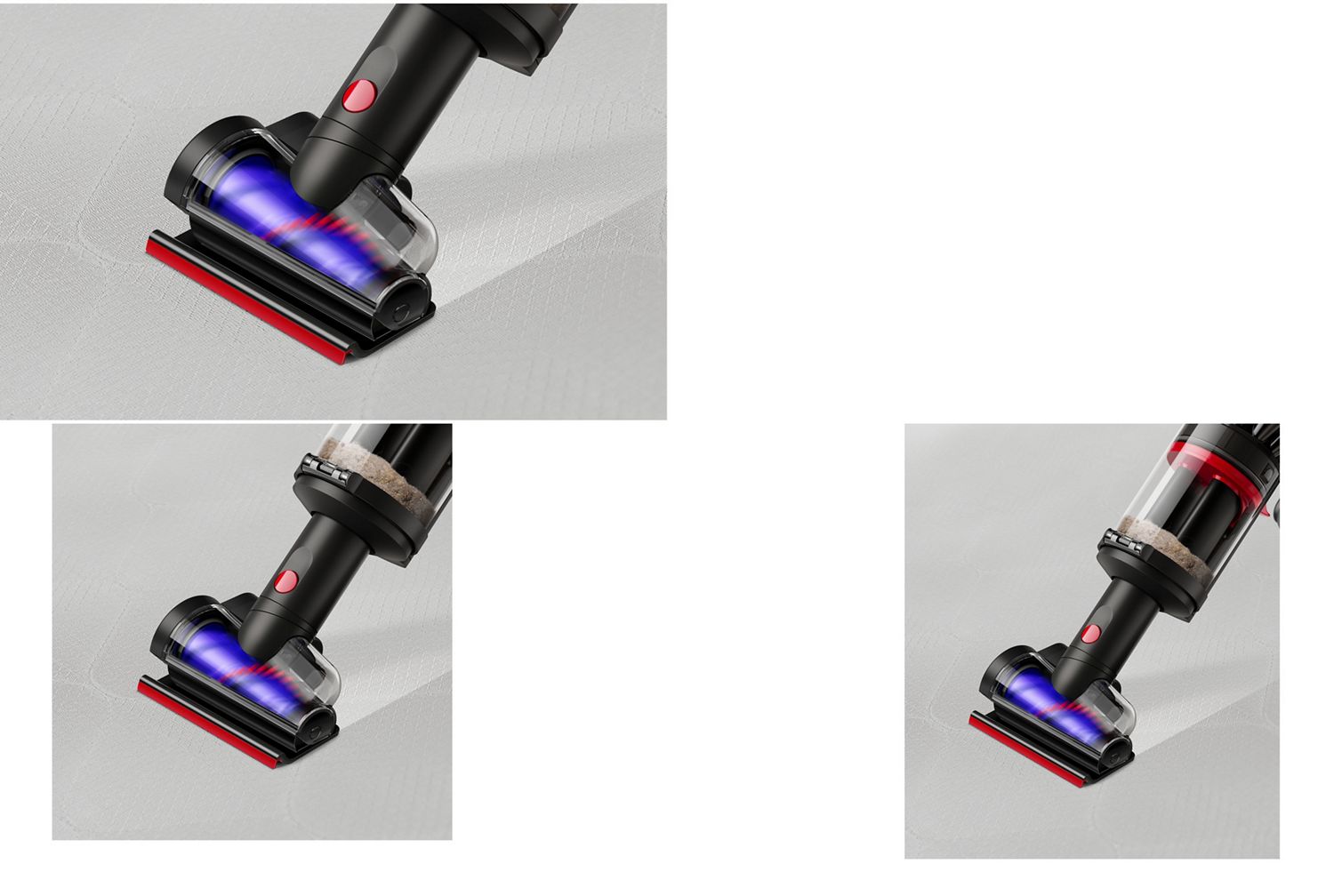
Hair screw tool 2.0
Removes and de-tangles stubborn hair. Additional rubber strip to agitate deeper into carpets and increase front edge cleaning. Suitable for mattresses, pet beds, stairs, and carpets.
-
Combi tool
Two tools in one – wide nozzle and brush. Simple switching between cleaning and dusting tasks around your home or car. Suitable for worktops, skirting boards and dashboards.
-
Crevice tool
Engineered for precise cleaning around tricky edges, narrows spaces and into hard-to-reach corners. Suitable for behind or in-between furniture and walls.
Maintaining your Dyson V16 Piston Animal vacuum
-
Filter maintenance
Learn how to wash your machine’s filter to maintain powerful suction.
-
Cleaning the bin
Learn how to empty and clean the bin of your machine, when required.
-
Locate and remove blockages
If a blockage arises, learn how to locate and remove for optimal performance.
-
Charge your machine
Learn how to charge your machine directly from the cable.
-
Clean your machine’s parts
Learn which parts are washable and how to clean them.
-
Set up the Floor Dok™
Learn how to set up your Floor Dok™ so you know how to store and charge your machine.
-
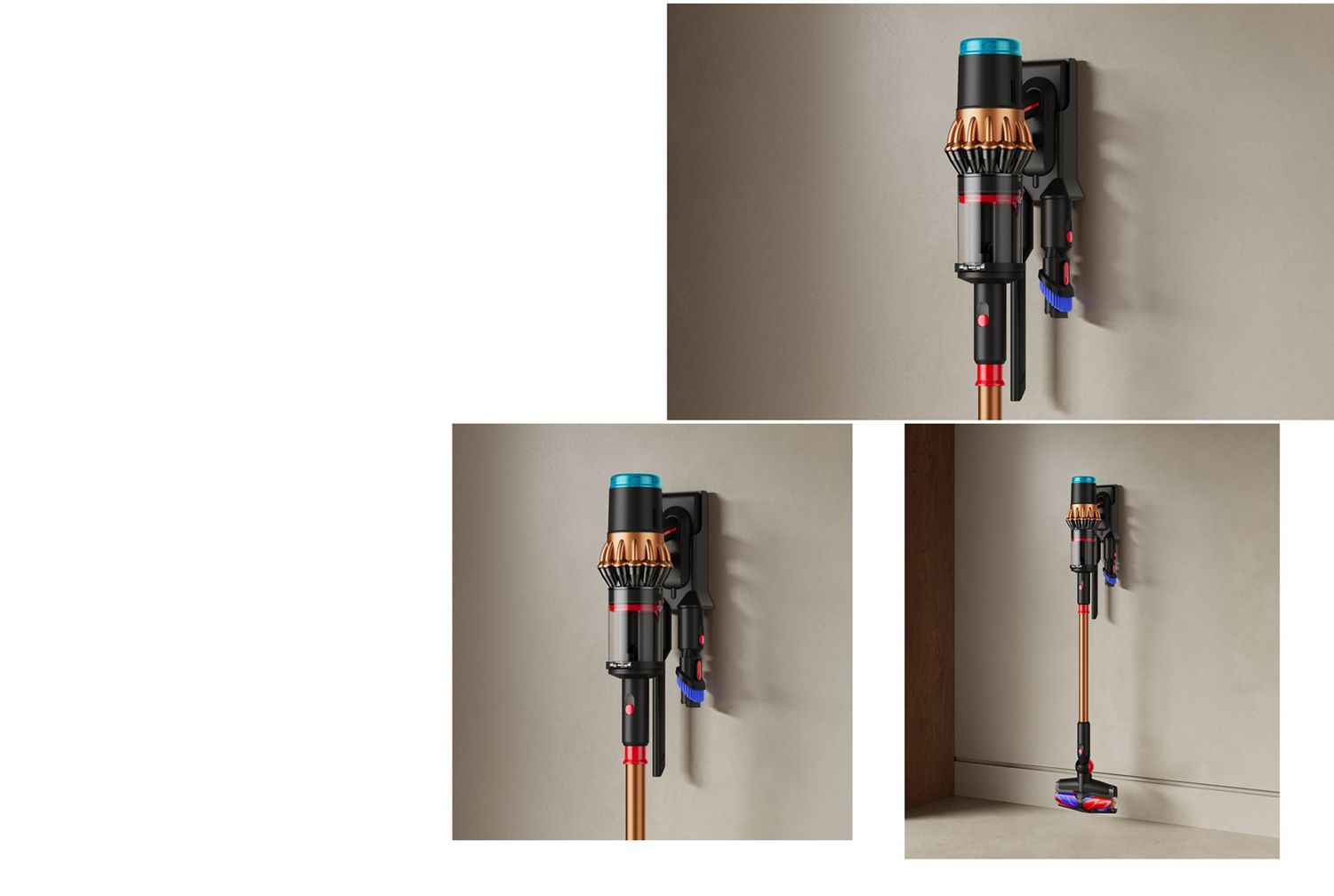
Set up the Wall dock
Learn how to mount your vacuum to your Wall dock, to charge your machine and tidily store two tools.
-
Real-time display
Learn how to read the real-time display.
Frequently asked questions
We offer a 2-year warranty which can be activated via the MyDyson™ App.
In Auto mode, the Dyson Hyperdymium™ 900w digital motor controls suction power with the conical brush bars – intelligently reacts to the amount of dust detected for a deeper clean, automatically.
Adjusting the motor sensitivity in the settings menu affects how responsive your machine is to the level of dust detected. Set to ‘High’, and your machine will react more often, and provide more suction power, when a smaller concentration of dust is detected. Set to ‘Low’, and suction power will react less often, and to larger amounts of dust. To change the motor sensitivity, hold the selection button beneath the LCD screen to enter the settings menu. Then tap the button to scroll through to the motor sensitivity settings. Hold to select, then choose your preferred setting.
Yes, the battery is designed to be left on charge, to ensure your vacuum is ready for the next use.
A full charge takes up to 4.5 hours.
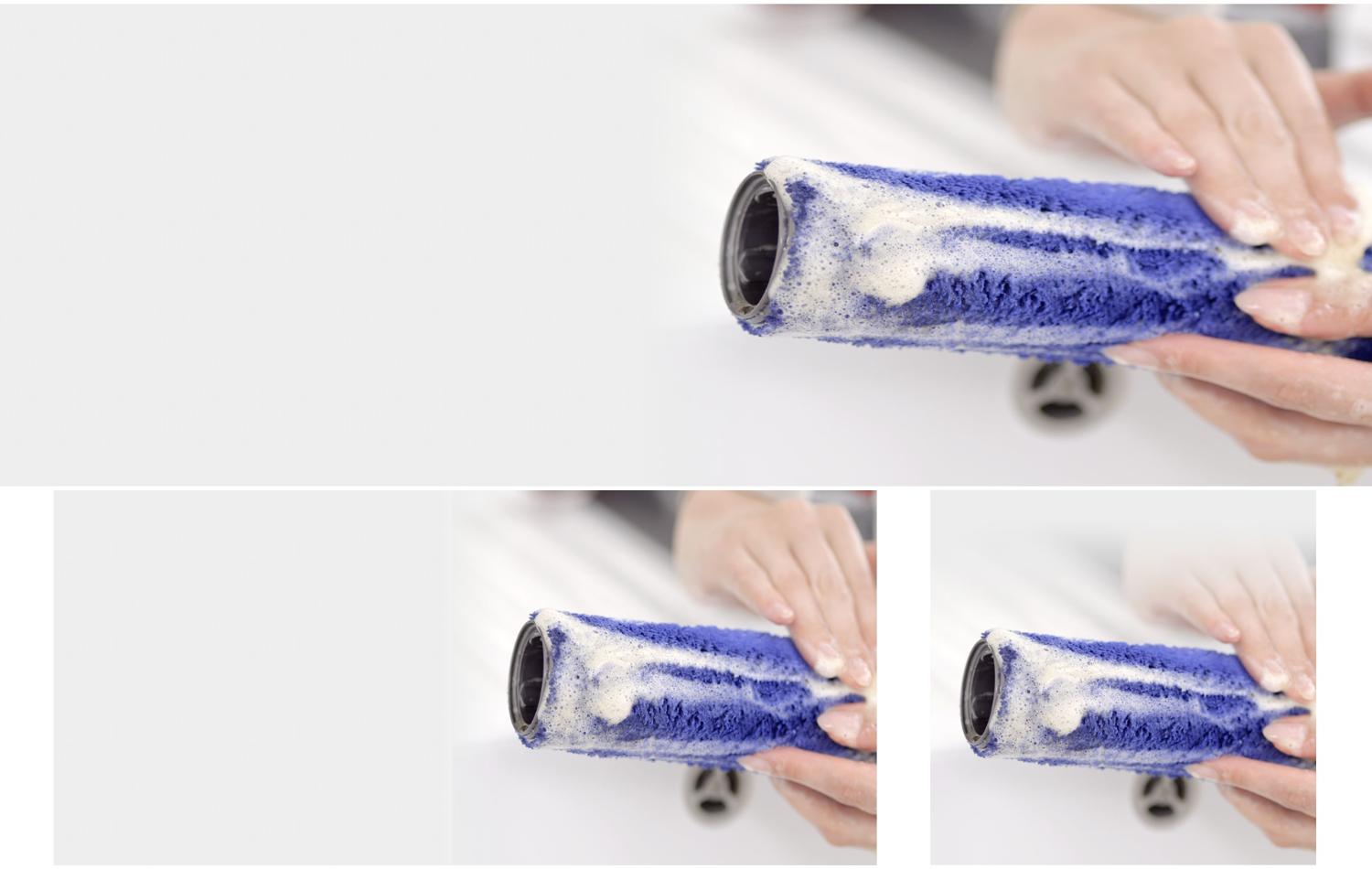
Slide the cassette out to empty the waste tray, which can also be washed and wiped down to remove more stubborn stains or debris. Make sure you do this after every clean to maintain optimal hygiene. Clean the wet roller using water and a common household anti-bacterial detergent - dilute as per manufacturers recommended ratio. Rinse the main roller head with running water. Do not soak it in the water to protect motor.
Boost mode can be used for powerful, intensive bursts. Max hydration mode has been engineered to increase hydration for more impactful spot cleaning on stubborn stains or dried-on debris. These modes effect the run time of your vacuum, so we encourage you to use them only on certain areas. Remember that the vacuum adjusts suction power according to floor type and dust levels in auto mode automatically.
The screen on your machine will remind you when it's time to clean the filter. This will usually be around once a month but may be more frequent if you use your machine a lot.
After washing the filter, leave it to dry for at least 24 hours in a place with plenty of airflow, such as near a fan or open window. It's important that the filter is completely dry before it goes back into the machine or you may damage the motor.
Avoid drying the filter in a tumble dryer, microwave or near a naked flame.
The filter, bin and All Floors Cones™ Sense cleaner head.