Free next-day delivery



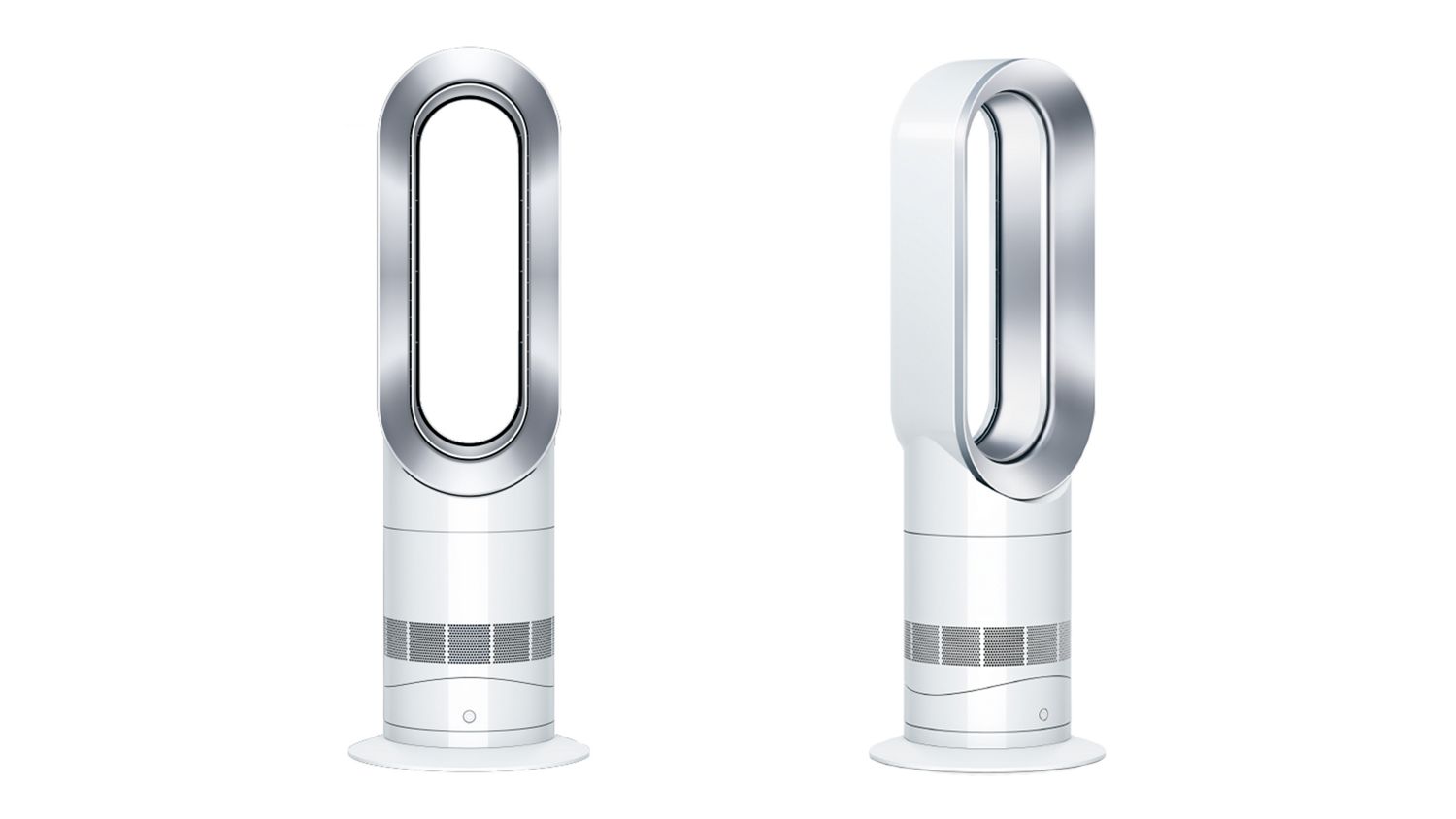
Dyson Hot+Cool™ Jet Focus AM09 fan heater (White/Nickel)
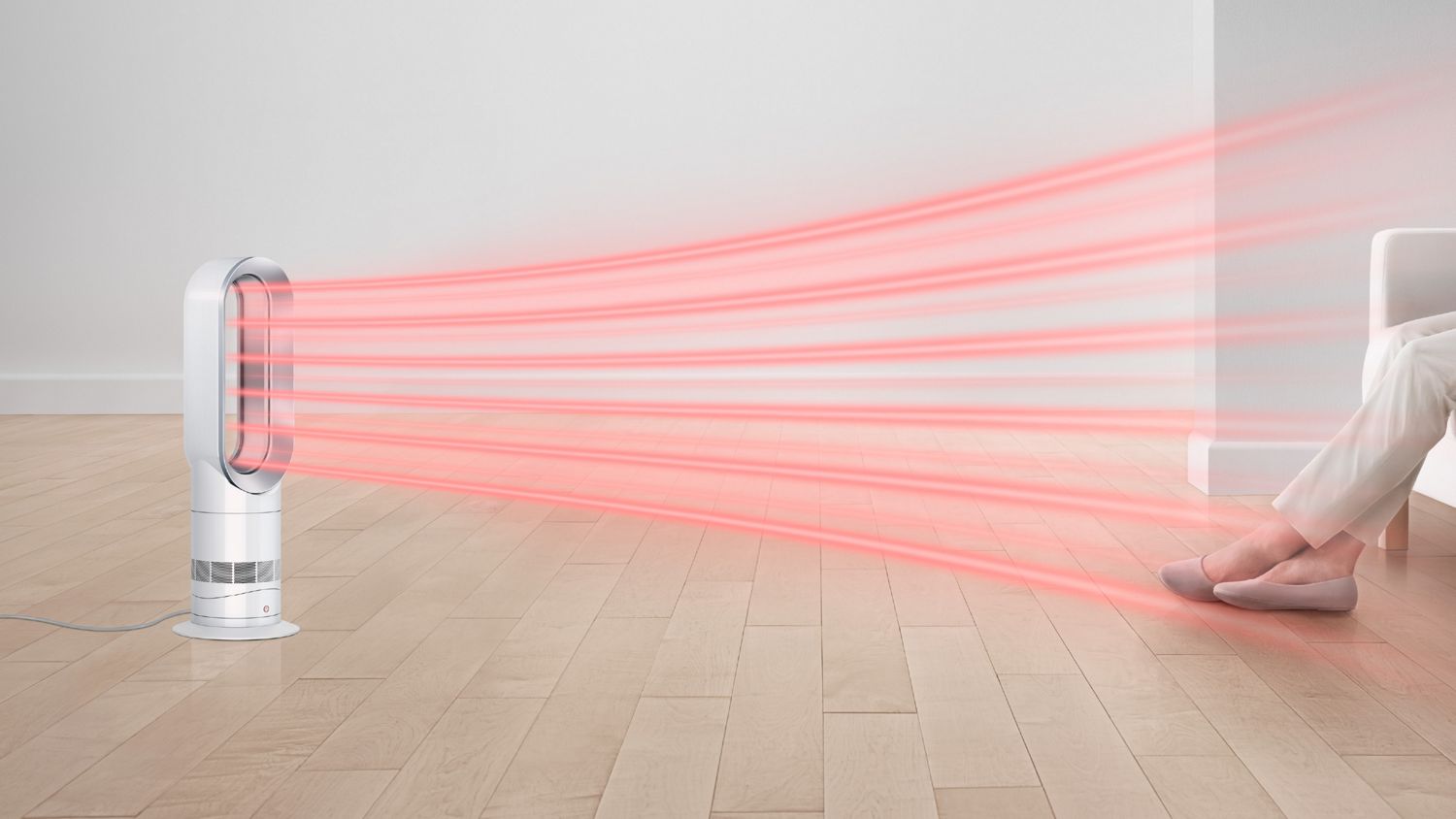
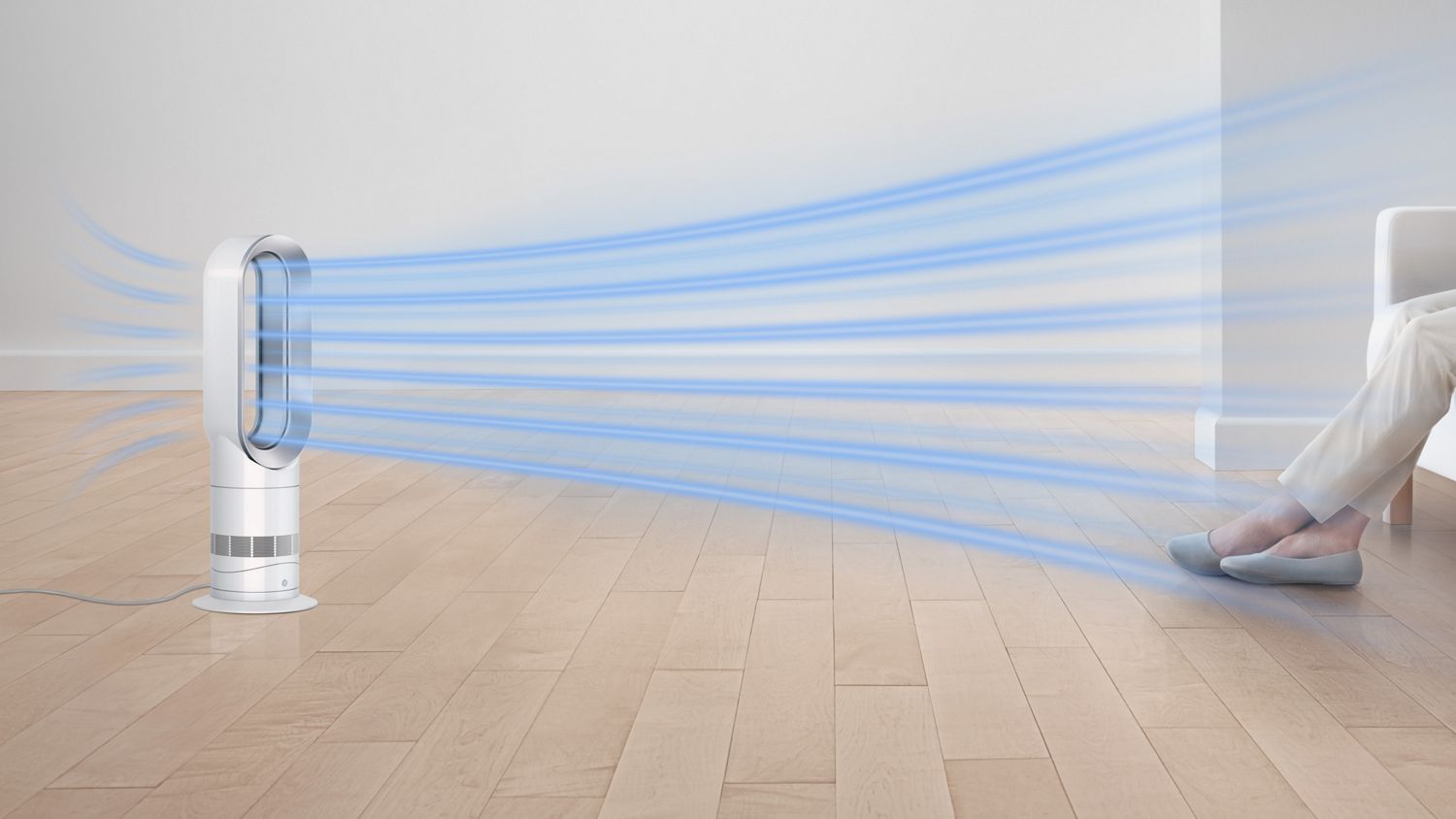
Heats you or the whole room¹ fast and evenly.² Cools you in summer.
Dyson Hot+Cool Jet Focus fan heater
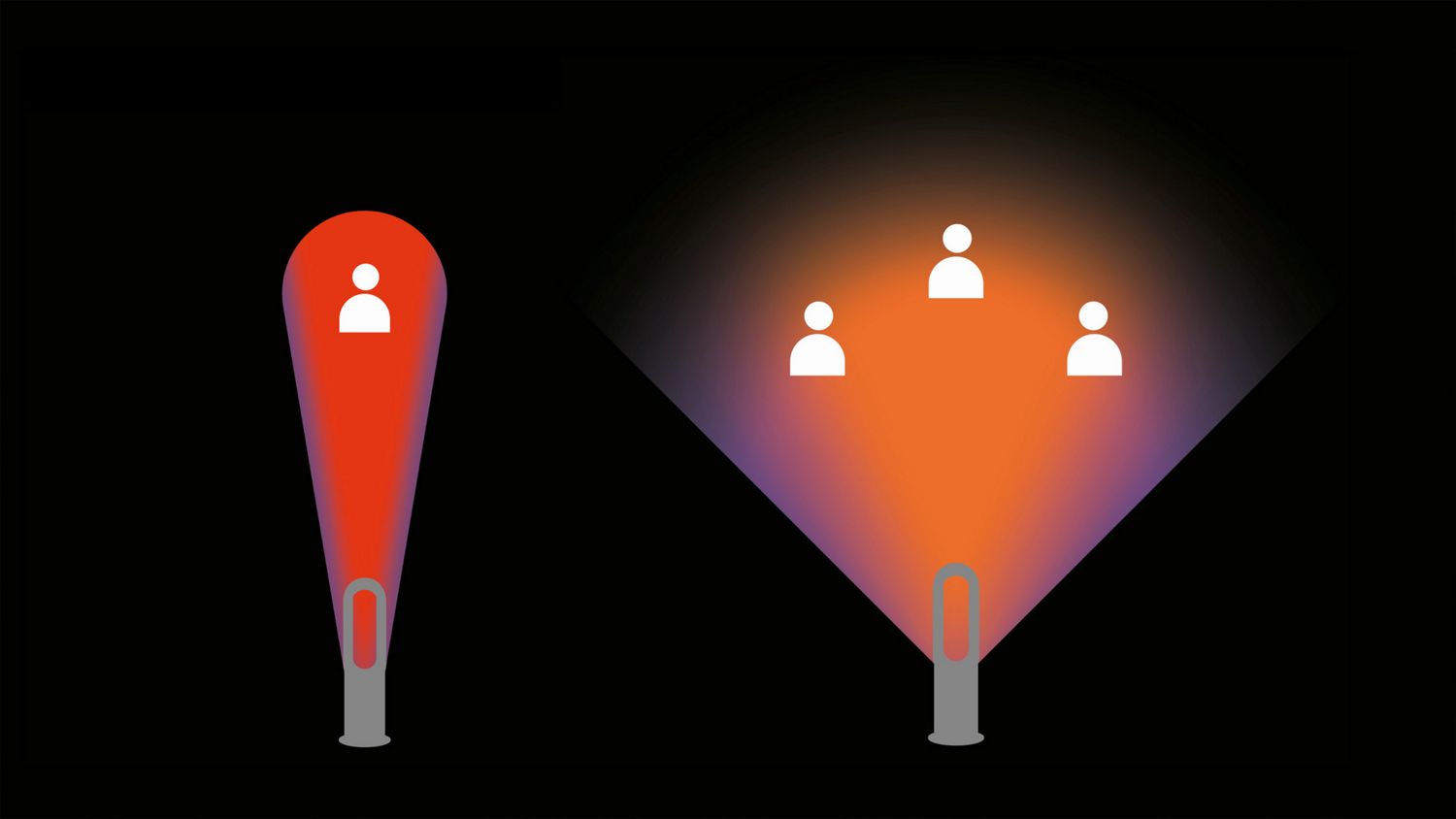
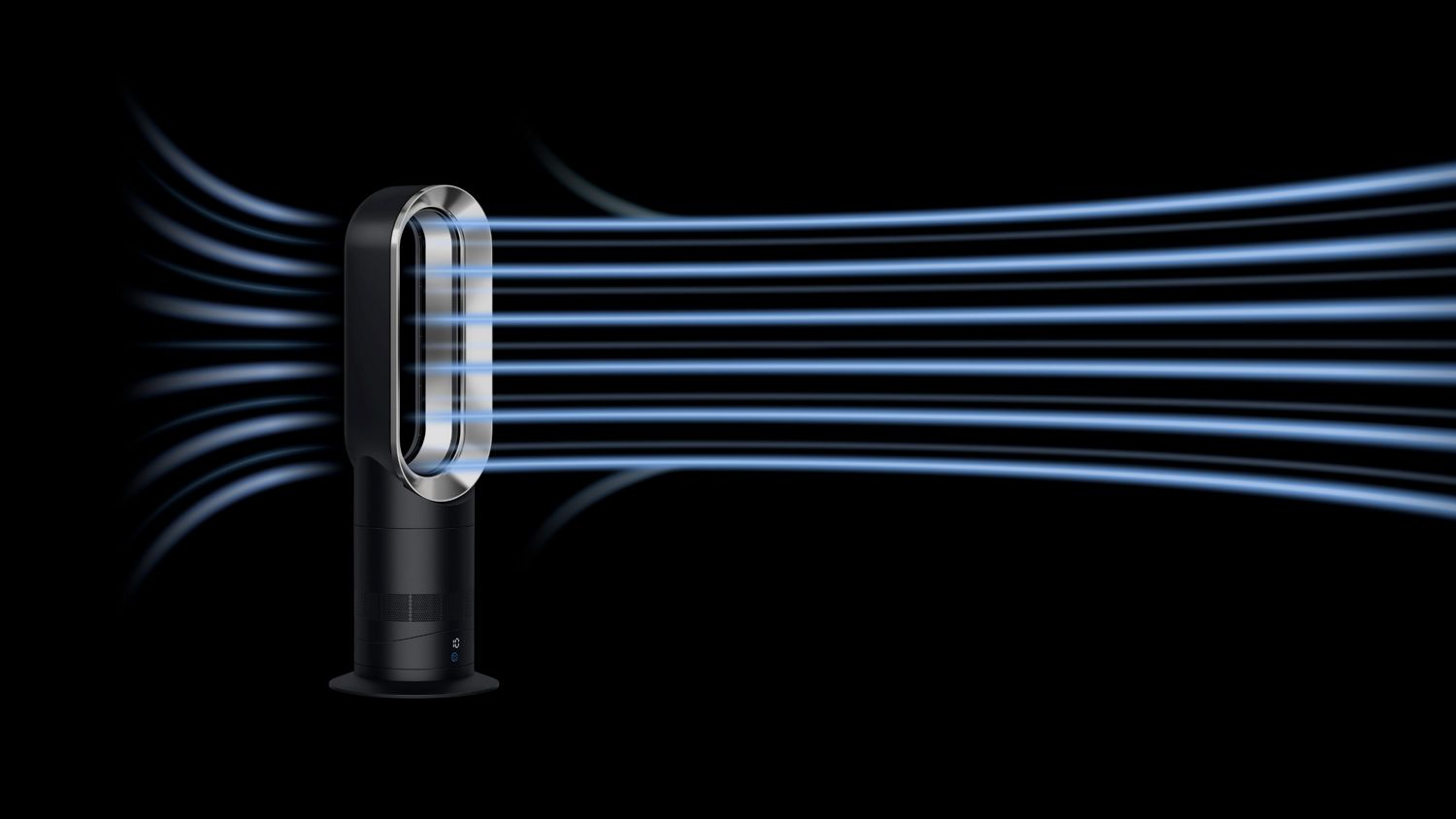
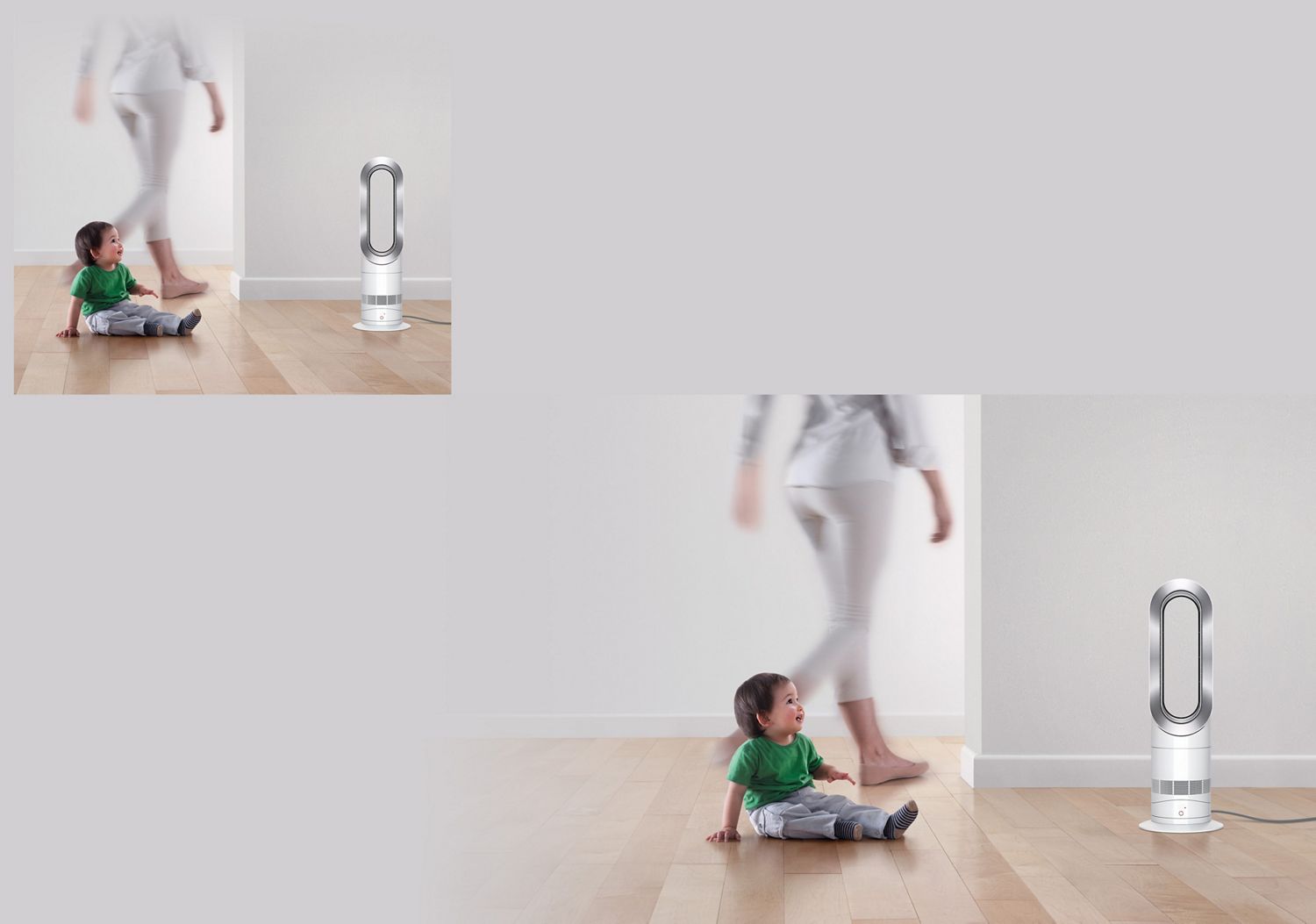
The Dyson Hot+Cool Jet Focus fan heater provides comfortable heating and cooling all year round. Diffused mode heats the room evenly,² while Jet Focus mode channels a powerful jet of air.³ Its bladeless design makes it safe and easy to clean. It has a magnetic, curved remote control.
This product is only suitable for well-insulated spaces or occasional use.
Specifications
-
Sound level (Max)
56 dBA
-
Sound level (Quiet Mode)
38 dBA
-
Airflow at max. setting
186 l/s
-
Amp diameter
153 mm
-
Total height
595 mm
-
Air treatment type
Hot+Cool
-
Format
Desk
-
Temperature settings
Yes - to the degree (0-37 degrees)
-
Weight
2.68 kg
-
Airflow at max. setting
186 l/s
-
Base diameter with plate
204 mm
-
Cord length
1.8 m

-
Height
595 mm
-
Length
113 mm
-
Width
153 mm




In the box
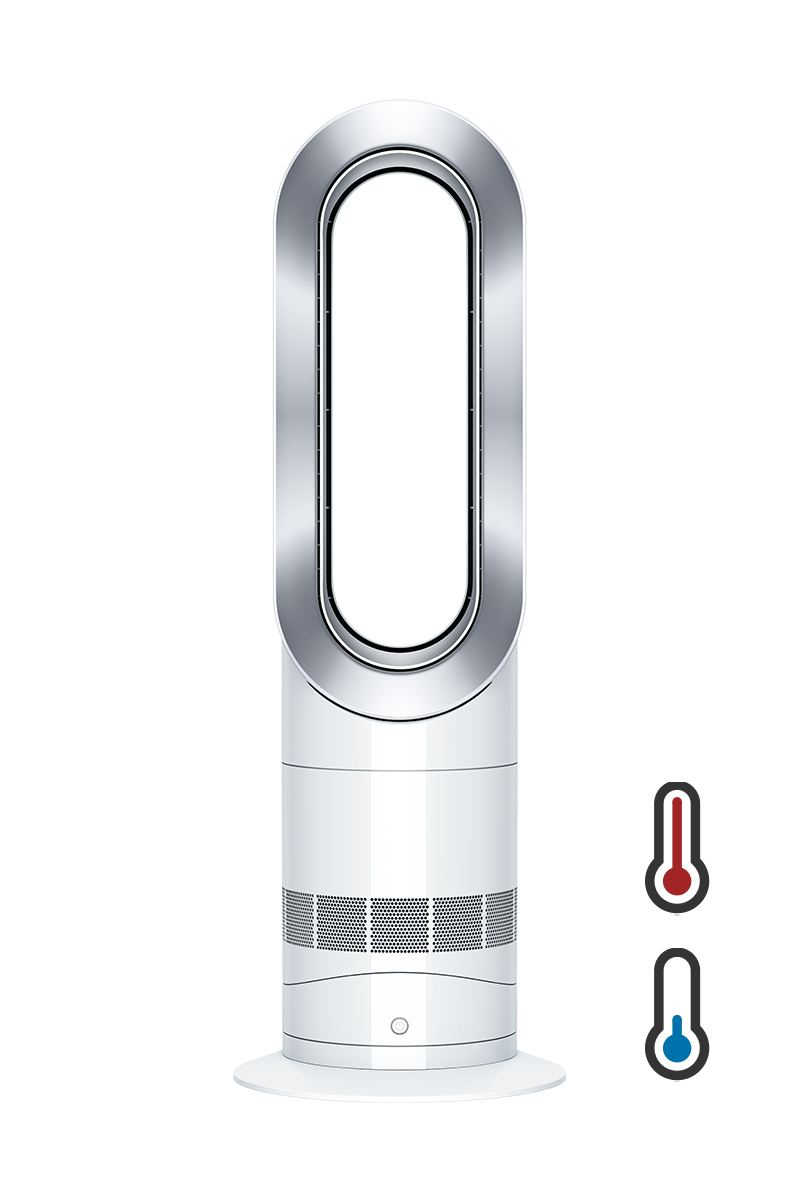
Dyson Hot+Cool™ Jet Focus AM09 fan heater (White/Nickel)
-

Remote control


Powerful heating and cooling with Air Multiplier™ technology and Jet Focus control³
This is a carousel with slides. Use Next and Previous buttons to navigate, or jump to a slide with the slide dots.
Air Multiplier™ technology
Amplifies surrounding air to project more than 186 litres per second of smooth, uninterrupted airflow.³

Air Multiplier™ technology
Amplifies surrounding air to project more than 186 litres per second of smooth, uninterrupted airflow.³
Jet Focus and Diffused modes
Jet Focus mode channels a powerful jet of air for long-range circulation.³ Diffused mode heats the room quickly and evenly.²
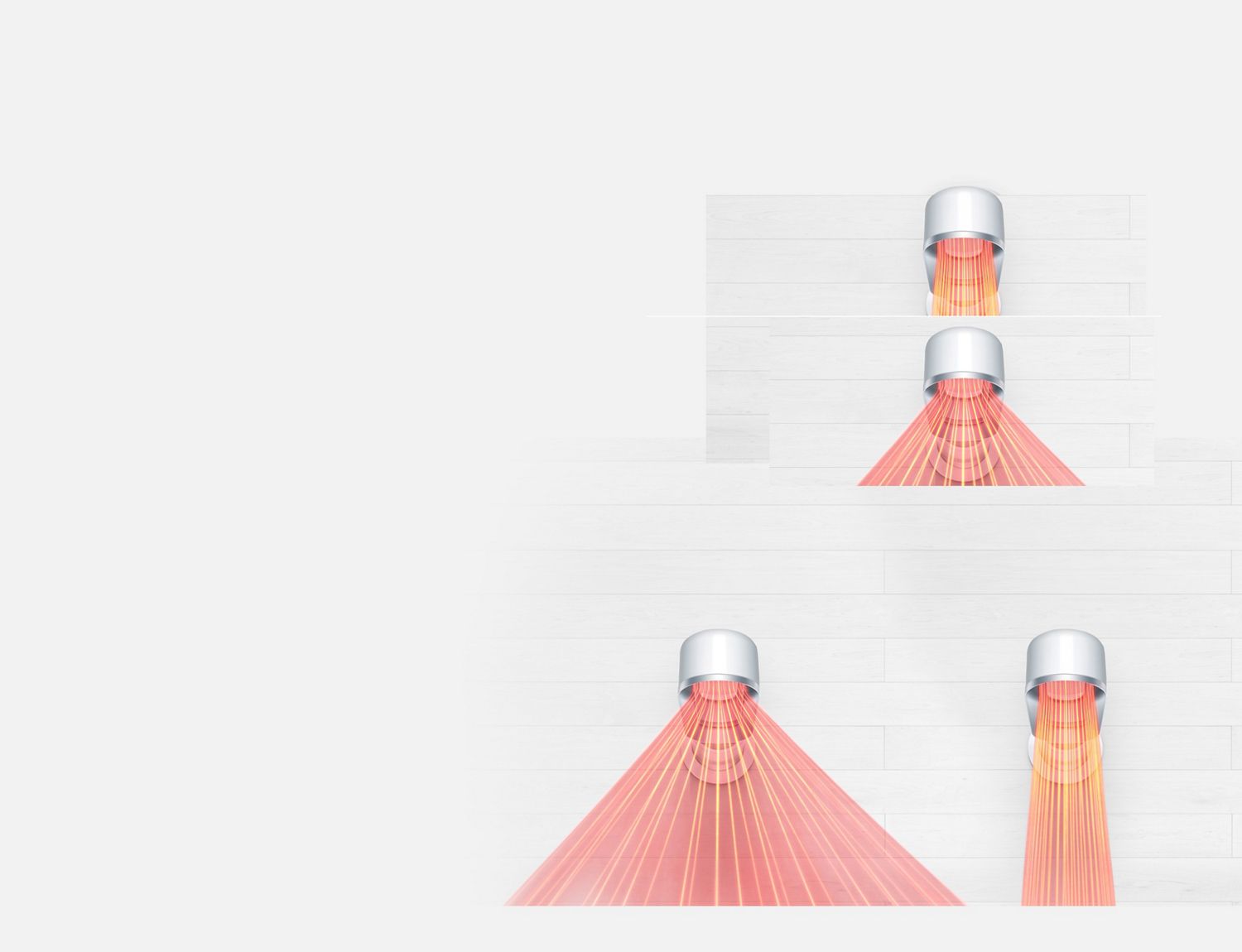
Jet Focus and Diffused modes
Jet Focus mode channels a powerful jet of air for long-range circulation.³ Diffused mode heats the room quickly and evenly.²
-
Helmholtz silencer
An acoustically engineered motor bucket with a Helmholtz silencer reflects and reduces sound waves to improve sound quality and reduce noise.
-
Jet engine technology
Mixed flow impeller with 11 asymmetric fins reduces noise, while scalloped trailing edges cut turbulence.
-
PTC ceramic plates
Within the loop amplifier heat the air as it’s projected. For fast and efficient room heating¹ using less energy than standard convection heaters.
-
Sleep timer
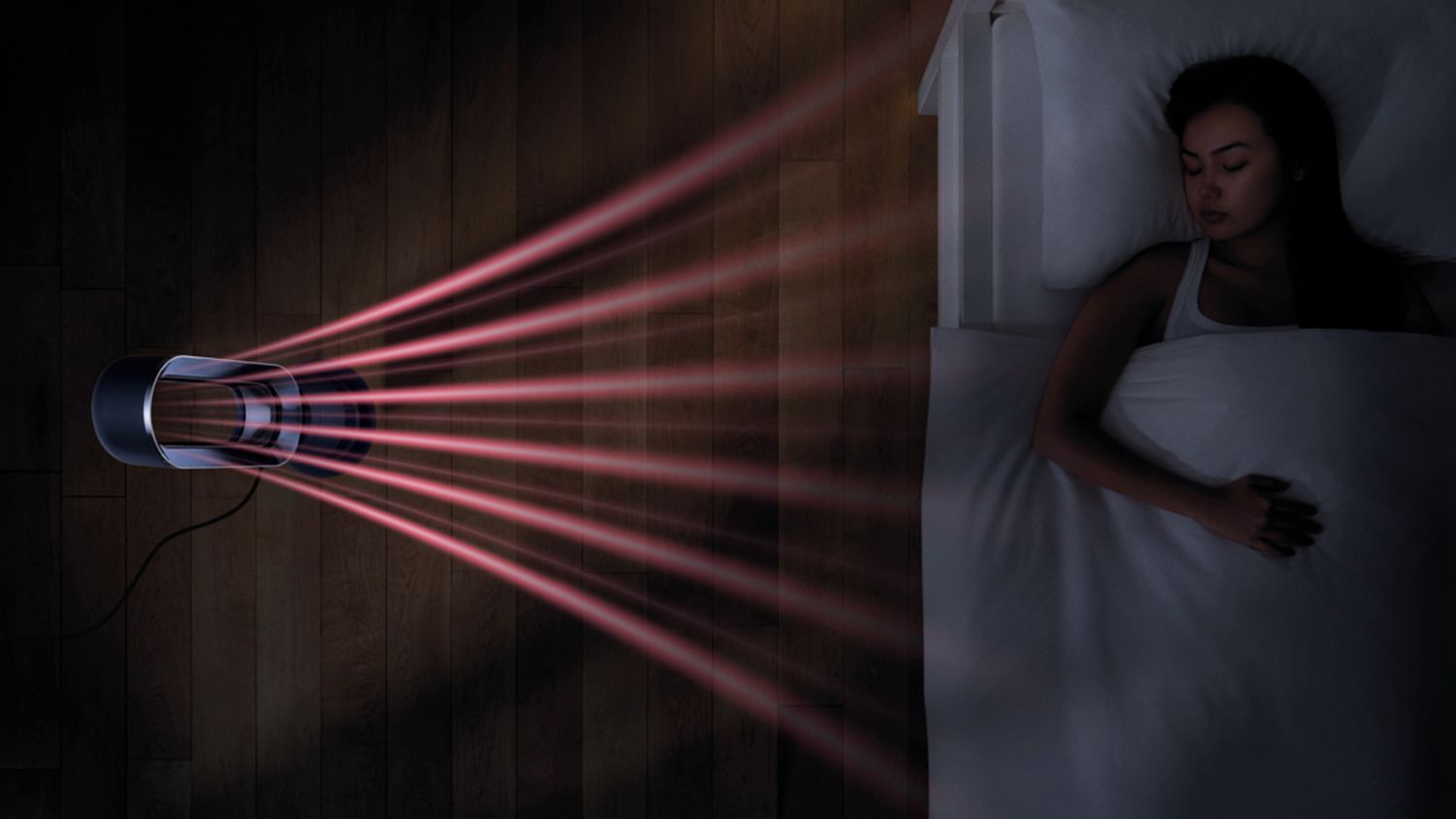
Set your fan heater to turn off at preset intervals, from 15 minutes to 9 hours.
-
One-touch oscillation
Smoothly oscillates up to 70° to project, mix and circulate warm or cool air throughout the room.¹
-
Easy tilt
Pivots on its own centre of gravity to direct airflow where you need it.
Frequently asked questions
Simply plug in and use the remote control to select heating or cooling mode. Choose Jet Focus for personal airflow or Diffused mode for whole-room comfort.
Yes. PTC ceramic plates heat the room quickly and evenly. Air Multiplier™ technology delivers up to 186 litres per second of smooth airflow for fast cooling.
Jet Focus and Diffused modes
Intelligent thermostat
Sleep timer (15 mins to 9 hours)
Remote control with 10 airflow settings
Smooth oscillation (up to 70°)
Bladeless design for safety and easy cleaning
Wipe the exterior with a dry cloth. No blades or visible heating elements make it easy to clean.
The AM09 is engineered for energy efficiency. It uses less energy than standard convection heaters thanks to its intelligent thermostat and ceramic heating.
These codes indicate system alerts. Refer to your user manual or Dyson support for specific troubleshooting steps.
This may be due to oscillation or thermostat adjustments. Ensure the machine is on a stable surface and not obstructed.
Check the sleep timer settings. If enabled, the machine will shut off after the selected interval. It’ll also go into Standby mode once its target temperature is reached.
Yes. The remote is curved and magnetised to store neatly on the machine.
¹In maximum setting. Tested for heating performance in a 35m³ room.
²Compared to earlier generation. Tested in a 35m³ room (DTM961).