Get more when you register your device
Download the MyDyson™ app to register. You can then enable your i.d. curl™ sequence, access how-to guides and tailored support, and more.
Alternatively you can register online.
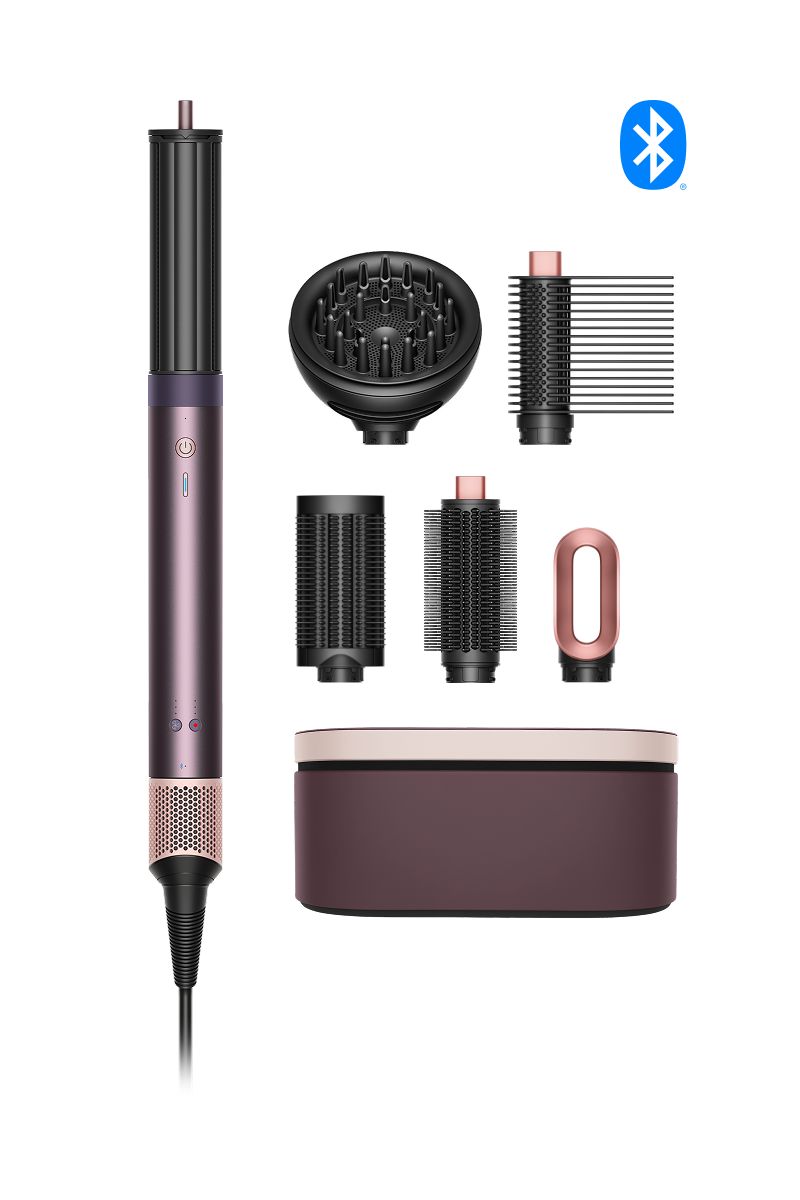
Controls
-
Power button
Press the Power button to activate airflow, initiate automatic features and turn off the device.
-
Cold shot button
Hold the Cold shot button to deactivate the heating element and set your style.
-
Airflow speed and temperature control
For each attachment, you can change the heat and airflow from the preset setting, to suit your needs. The device remembers and intelligently adjusts to your go-to styling settings.

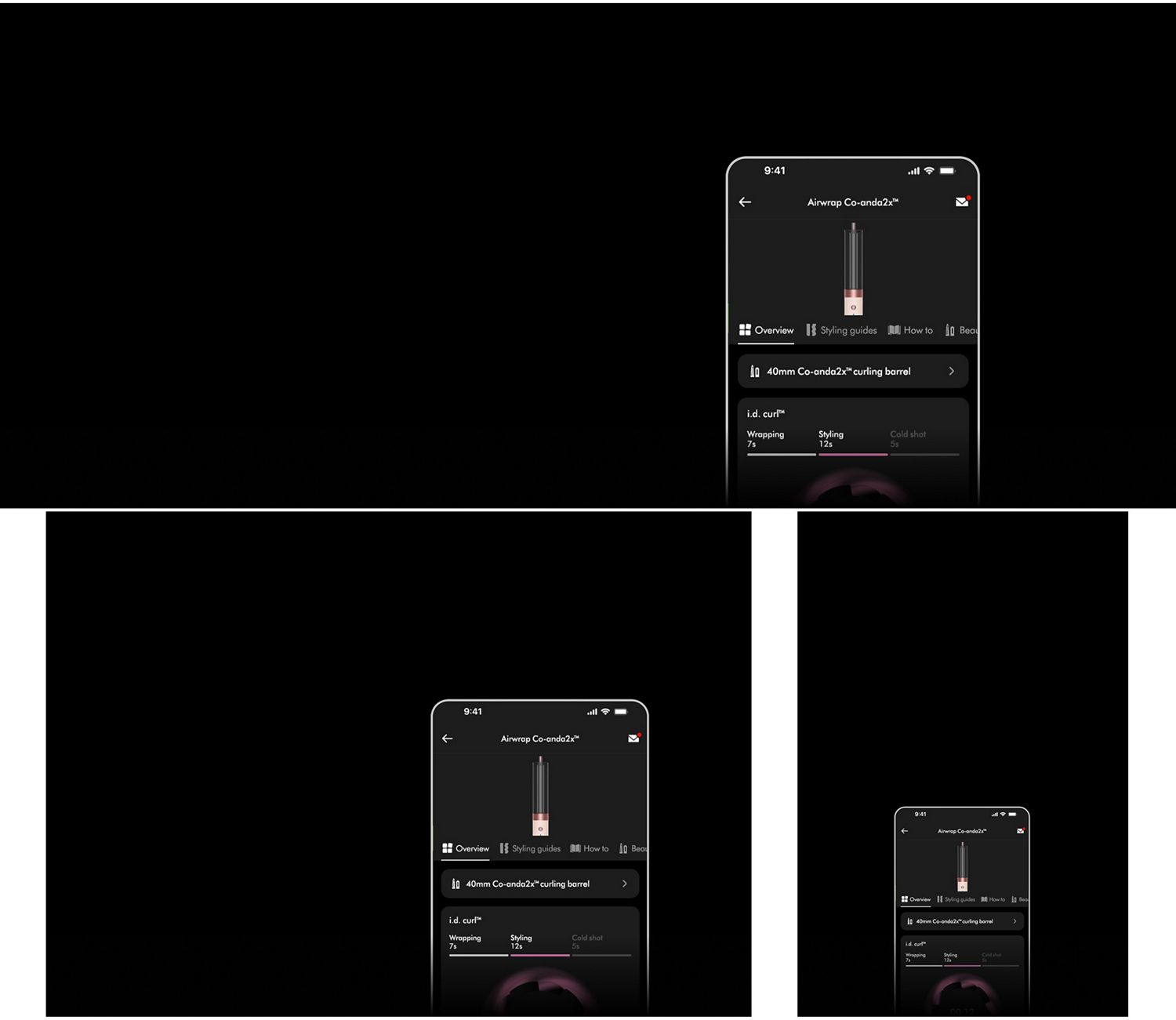
Unlock more features when you connect to the MyDyson™ app
Enabling your i.d. curl™ sequence
Connect to the MyDyson™ app and enable the i.d. curl™ sequence for your Dyson Airwrap Co-anda2x™ multi-styler and dryer. You’ll only have to do this once.
Maintenance notifications
Keep your Dyson Airwrap Co-anda2x™ multi-styler and dryer performing at its best with easy regular maintenance. The MyDyson™ app will tell you when and how to do it.
Guided styling
If you fancy trying a new look, the MyDyson™ app has plenty of styling guides.
Expert tips
Advice from Dyson hair experts, on how to keep your hair healthy and look its best.
Connecting your device is quick and easy

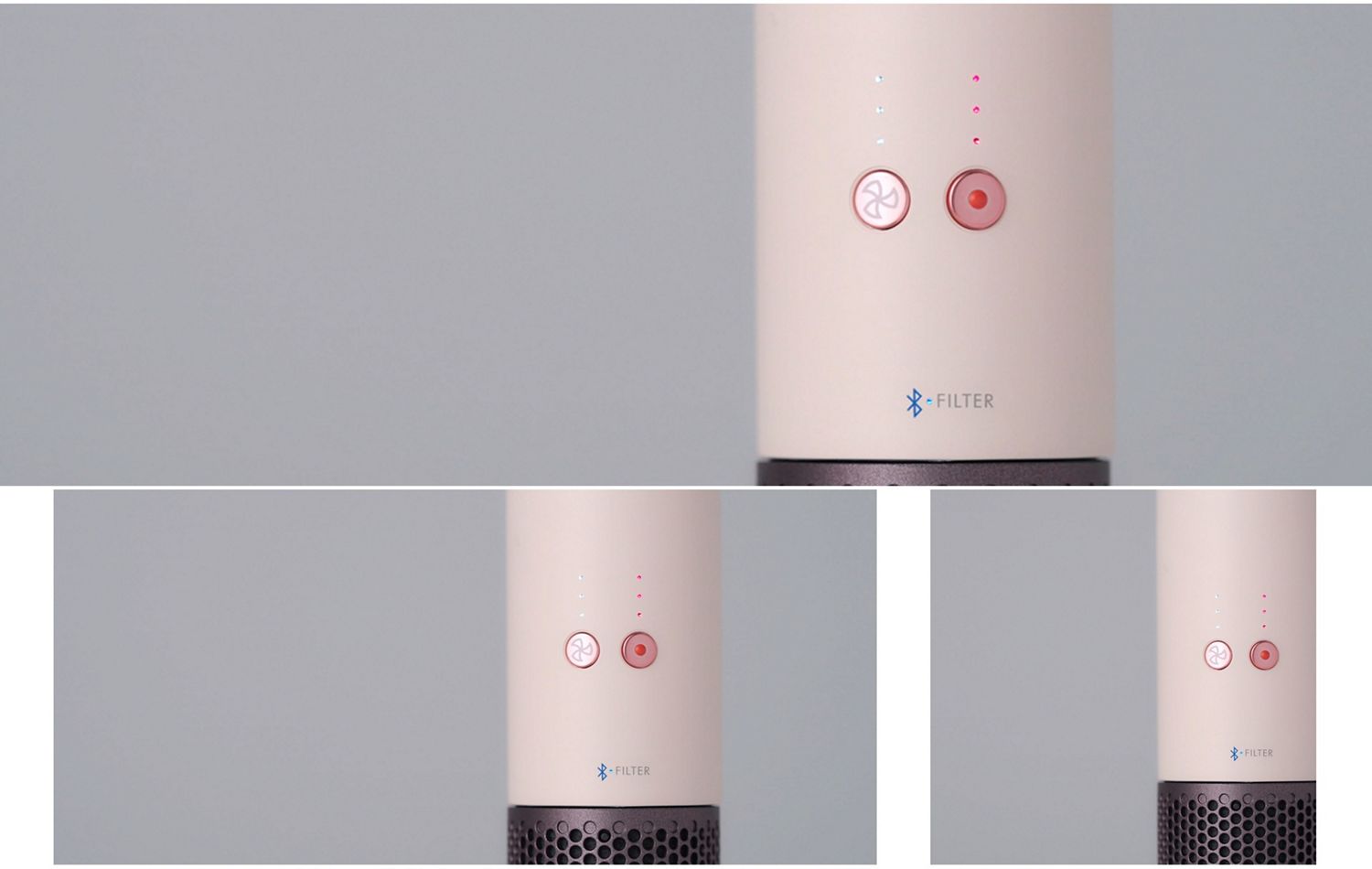
How to clean your filter
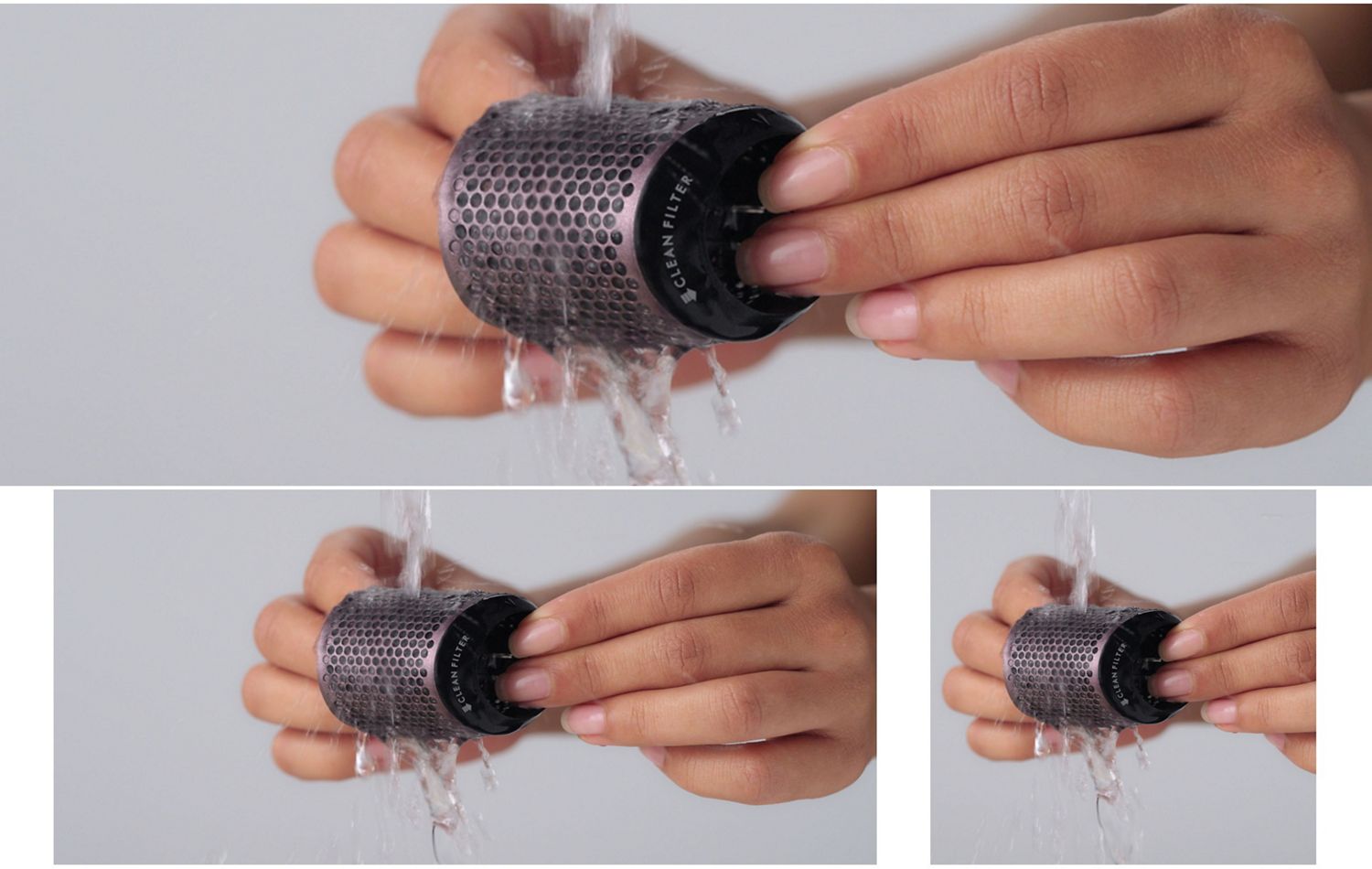
Filter cleaning is overdue when the amber LED starts flashing. Watch how to clean it with our quick and easy cleaning guide.
-
Cleaning your attachments
Simply wipe the surfaces of your barrel and brushes with a soft, damp cloth, and carefully pull any hairs out of the brushes.
Step-by-step styling guides
-
Soft, bouncy curls
Soft, bouncy curls and waves that are full of volume.
-
Smooth, straighter styles
See how to create a smooth, shiny, straighter everyday look.
Anti-snag loop brush 2x
-
Defined, natural curls
Create defined curls, with lift and volume.
-
Soft, stretched hair for a protective style
Stretch and detangle hair, so it’s ready for further styling.
Frequently asked questions
Enjoy effortless curling with one-touch i.d. curl™ sequence, activated in the MyDyson™ app.
Once connected to the app, you’ll be prompted to set up your hair profile. This contains the information required to create your i.d. curl™ personalised curling sequence, with the ideal timings to wrap, curl and set your hair. Once the Power button is pressed, i.d. curl™ sequence will activate and the sequence will begin.
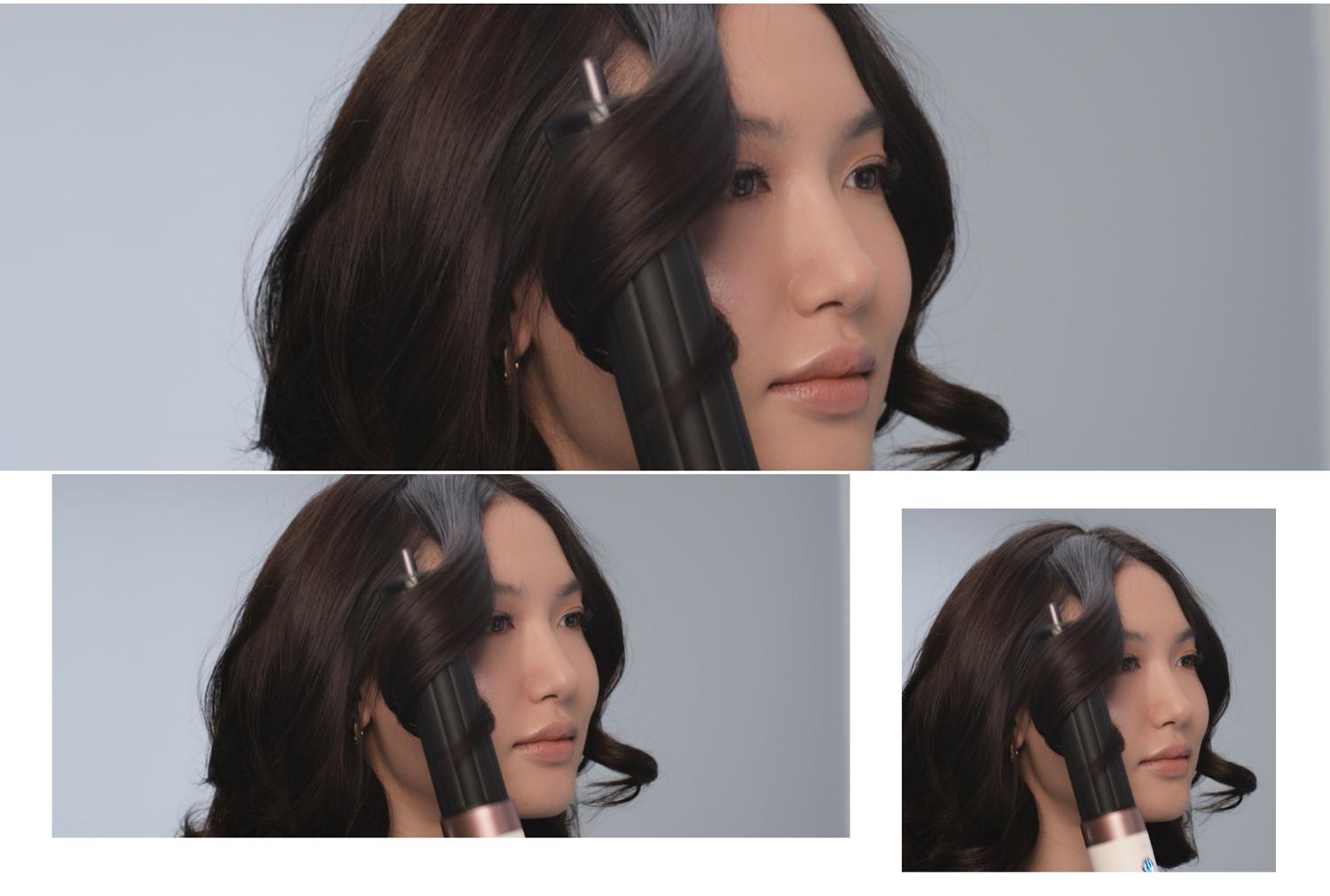
Taking a section of hair, hold it against the device until it latches on. There’s no need to count or time, as i.d. curl™ personalised curling sequence does it automatically. As the timer begins, it will start wrapping, styling, and then activate a Cold shot to set your curl. The device will then go into Ultra Low Flow Mode, where the curl will be released. Repeat around the head.
Before the first use, you will need to connect your Airwrap Co-anda2x™ multi-styler and dryer to the MyDyson™ app for your i.d. curl™ sequence to be enabled. For subsequent use, you can use your i.d. curl™ sequence with your device disconnected from the MyDyson™ app. However, your multi-styler and dryer needs to be connected if you want to adjust any timings or settings. We recommend connecting to the MyDyson™ app once in a while to get the latest firmware and software updates.
Temperature can be adjusted on the MyDyson™ app for thermal comfort. The sequence will take this temperature change into account and alter timings based on the new temperature to make sure it is always optimal. For example, if you reduce the heat, the sequence timings will increase.
Yes. This means the Airwrap Co-anda2x™ multi-styler can adapt to different styling routines for different users. However, you can only create one hair profile in the MyDyson™ app, so each user will need their own smartphone and app.
To enable features like Pause detect, your device maintains some function after being put down or turned off with the power button. This is so it can sense movement and reactivate airflow when needed. As a result, some LEDs will remain lit for up to 5 minutes after turning your machine off. The device is completely safe when in power-off mode, and you can unplug your machine at the wall.
An RFID chip enables the Dyson Airwrap Co-anda2x™ multi-styler and dryer to recognise each styling attachment when connected. The attachments are preset with recommended airflow and heat settings. To change the settings of an attachment, just use the heat and airflow buttons to manually change to your preferred settings. The next time you use this attachment, the device will remember your go-to settings and automatically adjust.
After use, the attachment may be hot. To remove, hold the attachment using the cool tip (located at the top of the attachment, or above the white line on the AirSmooth2x™ attachment), slide the Release button, and remove.
No, only Dyson Airwrap Co-anda2x™ attachments are compatible with this device.
The finishing attachment uses high-velocity airflow to deliver the tension needed to create straighter styles. It straightens dry hair using only air pressure.
Style with the Anti-snag loop brush 2x first until completely dry. Next, take a section of hair and place between the attachment arms. Press the Power button and move down the hair with slow passes to smooth. The attachment will automatically sense the completion of a pass and unclamp to release your hair.
The Wave+Curl diffuser 2x is a new format diffuser that disperses airflow in two different ways. It should be used on towel-dried hair before styling. We recommend applying a curl cream prior to this.
In Diffuse mode, airflow is gently diffused through longer prongs to reach deeper into the hair, for natural curls and coils.
In Dome mode, airflow is directed into the dome and infuses the hair gently for defined waves and curls.
You can change from Diffuse mode into Dome mode by lifting the pronged insert out of the attachment. Change back into Diffuse mode by placing the pronged insert into the attachment and pressing down the edges until it clicks into place, without using excessive pressure on the prongs.
The Tension comb 2x uses high-velocity, targeted airflow to dry hair fast, while stretching and smoothing curly and coily hair. Additional side bristles increase tension for a straighter finish.