Have you registered your machine?
Download the MyDyson™ app to register. Plus, fast access to tailored guides, 24/7 support, and roller replacement reminders.
Alternatively, you can register online here.
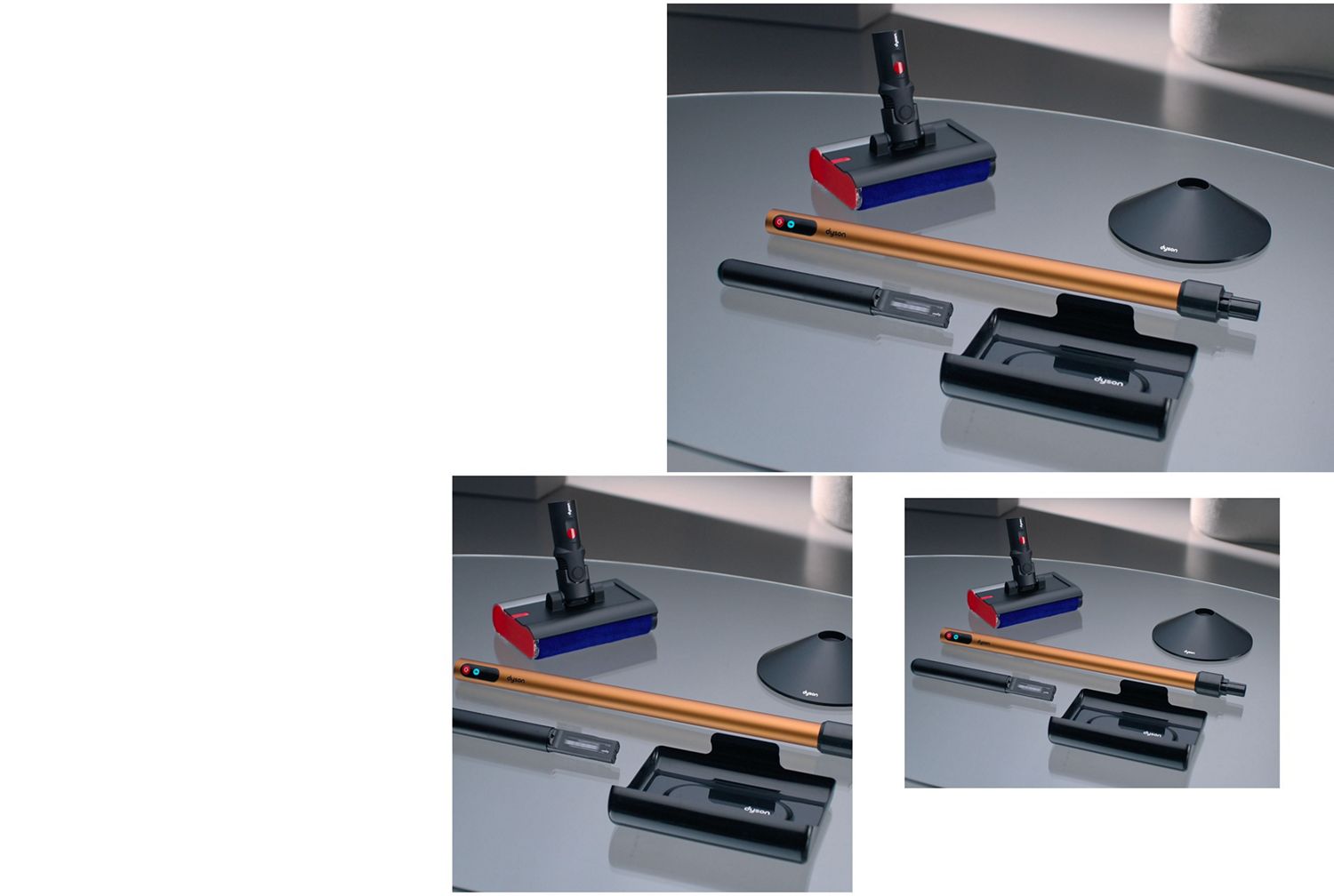
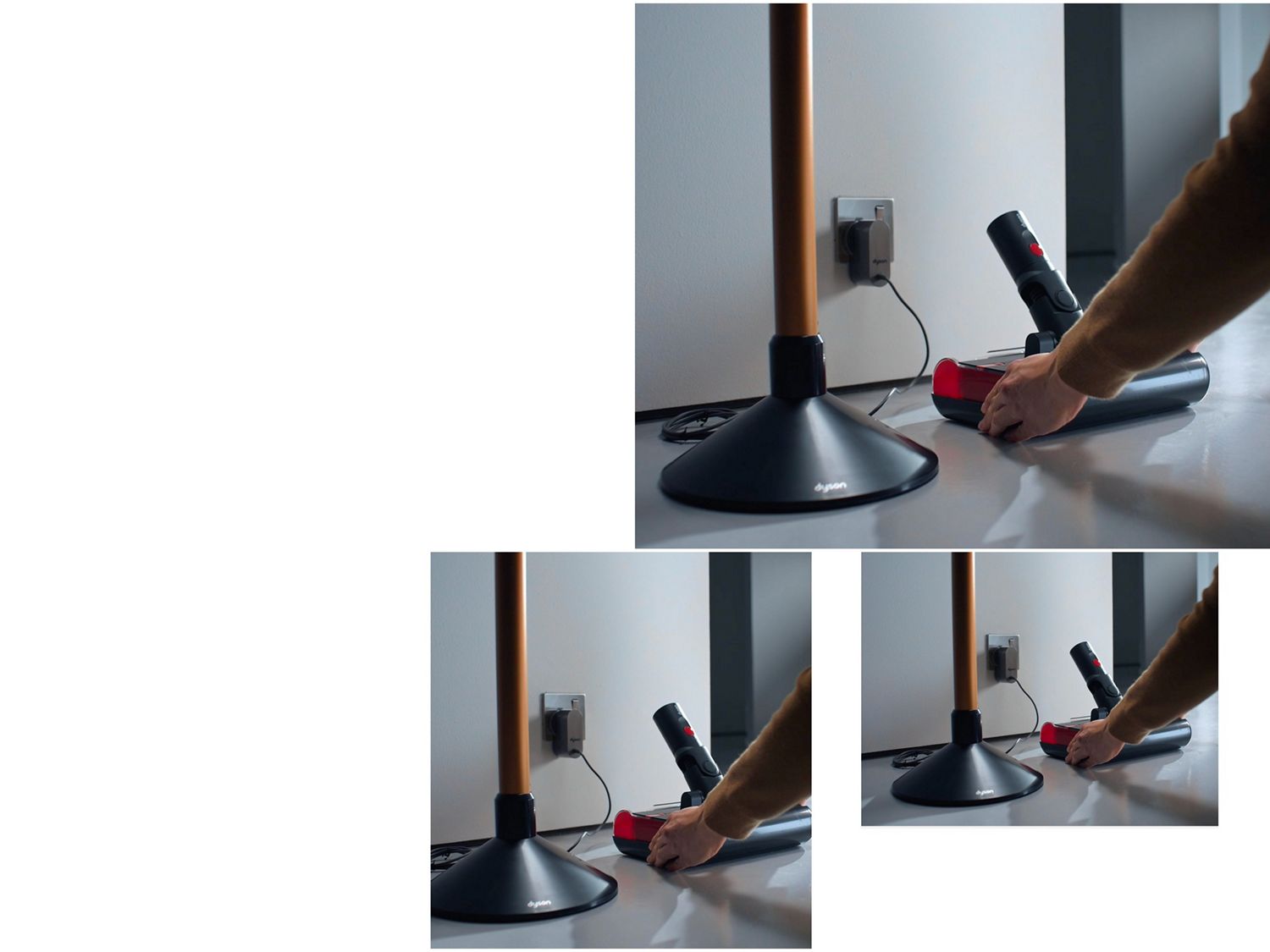
Preparing your Dyson PencilWash™ cleaner for use
-
Fill the clean water tank
Your machine requires water in order to function. Before use, fill the clean water tank located in the cleaner head to the ‘MAX’ line, or just below if adding cleaning solution.
-
Hydrate the roller
On first use, remove the roller and rinse under running water. Squeeze out any excess liquid, and refit.
Each subsequent time you clean, switch the machine on and allow 10 seconds for the roller to hydrate before you start.
Cleaning the waste tray
Hold the cleaner head level over a sink. Press and hold the red quick-release button, then slide the cassette out of the main body. Remove the long red cover inside and empty the waste tank.
-
1. Remove the cassette from the main body
-
2. Remove the red rectangular cover
-
3. Empty and rinse the waste tray
-
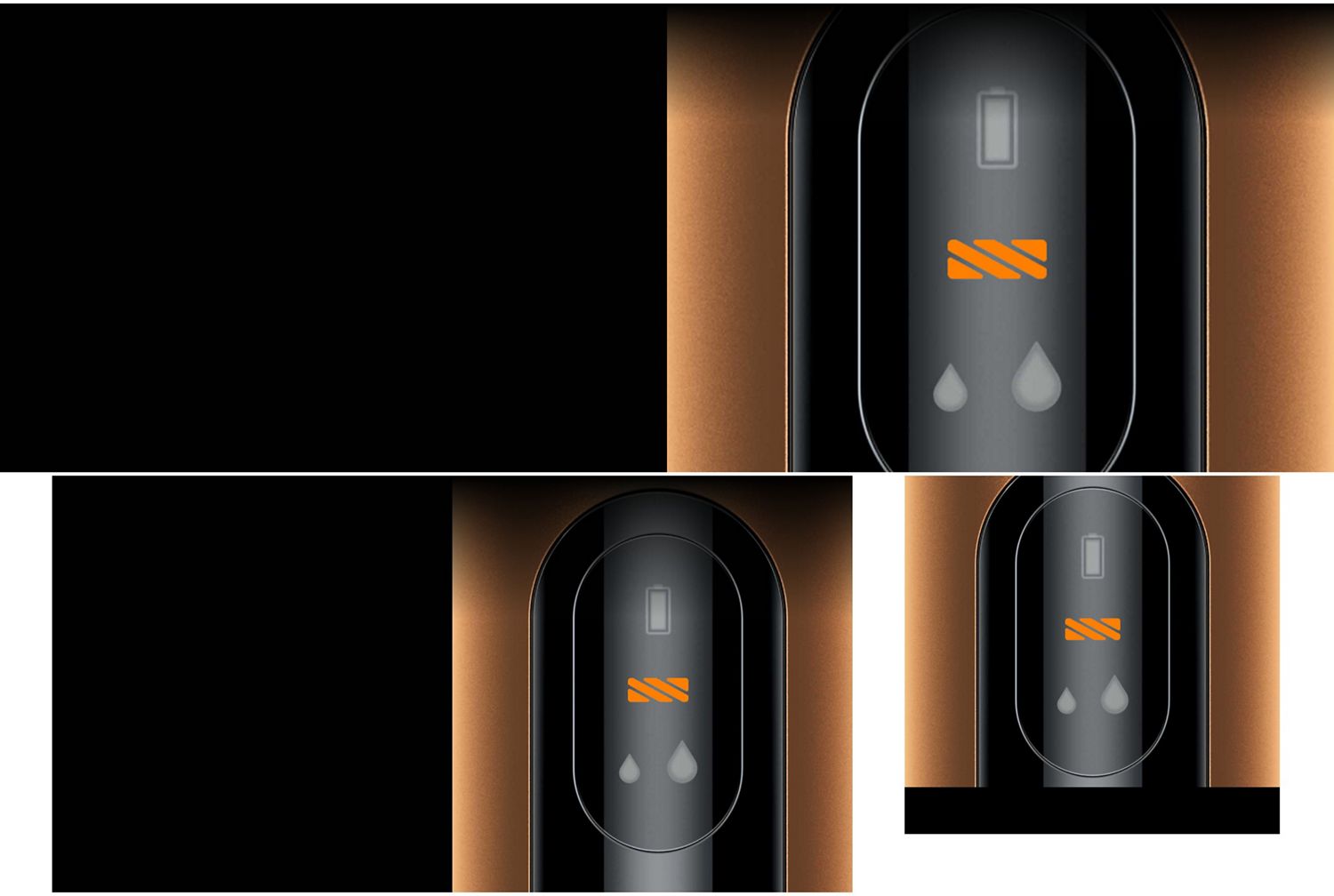
Standard mode
For everyday cleaning, light spills and debris. Your machine’s default mode.
-
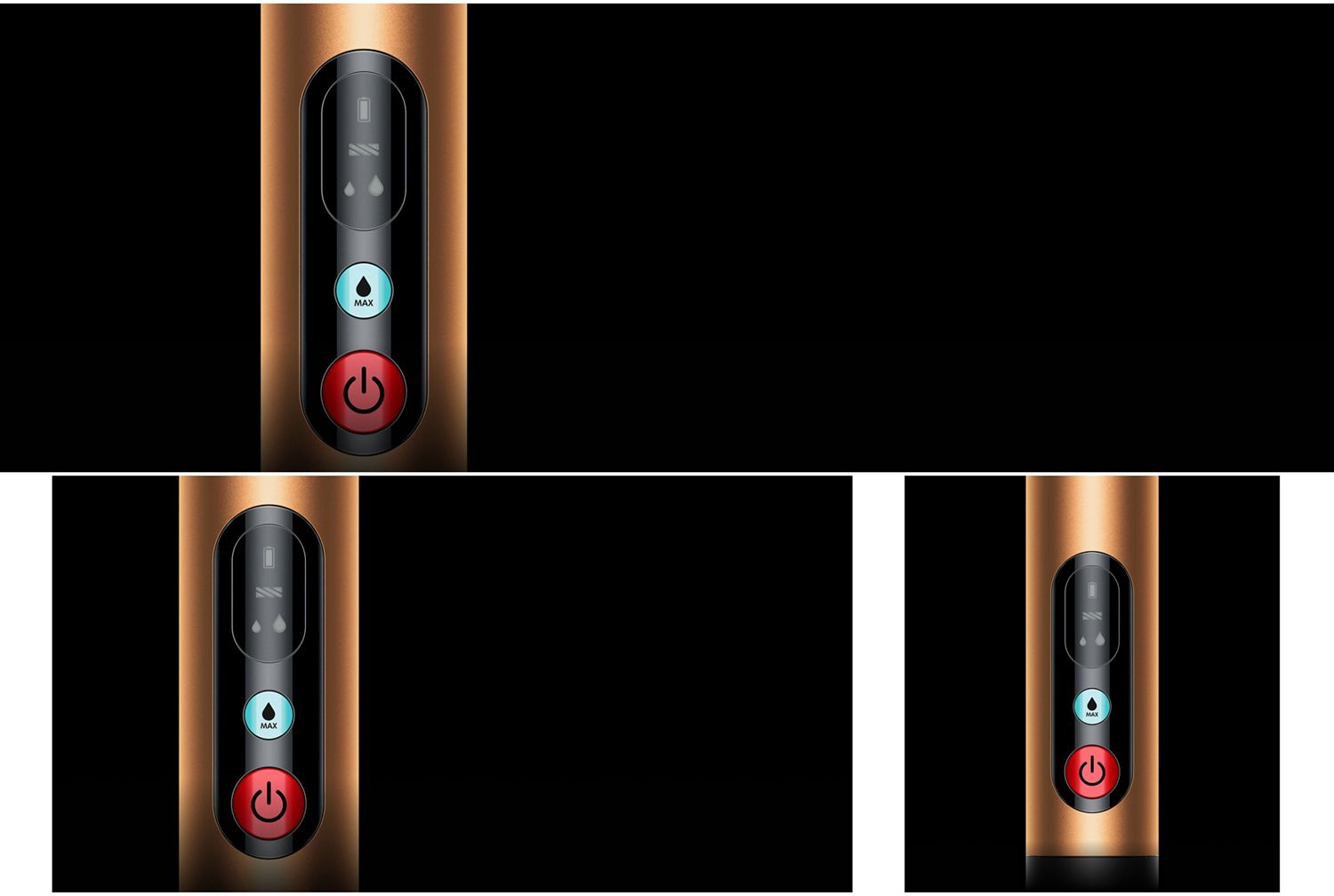
MAX mode
For spot-cleaning stains. Press and release the MAX button once to activate for 5 seconds, or press and hold down to activate for a maximum of 60 seconds.
Frequently asked questions
To set up and use the Dyson PencilWash™ wet cleaner, first ensure the dirty water tank is empty, clean, and securely fitted. Remove the clean water tank and fill it with water (up to 35°C/95°F). Do not use hot or boiling water. Add the recommended floor cleaning solution – never use bleach. Reattach the tank, fit the high-density microfibre roller, and power on the machine. Before cleaning, run the roller for 10 seconds to hydrate it, then select Auto or Max mode based on your cleaning needs and glide Dyson PencilWash™ across your hard floors.
When using floor cleaning solutions, do use gentle, low-foaming common household detergents and do not use bleach. Be sure to follow the solution’s specific direction for dilution. We do not recommend putting neat detergents in the clean water tank.
We recommend emptying the dirty water tank when the clean water tank runs out of water. The dirty water tank has a capacity of 360ml to re-collect all liquid from the clean water tank (300ml) with additional capacity for any dust and debris picked up.
After cleaning, empty and rinse both the clean and dirty water tanks, wash the roller under running water, and wipe down the machine before storage. Leave the roller to air-dry fully before returning it to the cleaner head.
We recommend that owners wash the Dyson PencilWash™ cleaner head and wet roller after every clean.
We recommend replacing the wet roller every six months to maintain optimum performance. This will vary depending on how often you use your machine.