
Have you registered your machine?
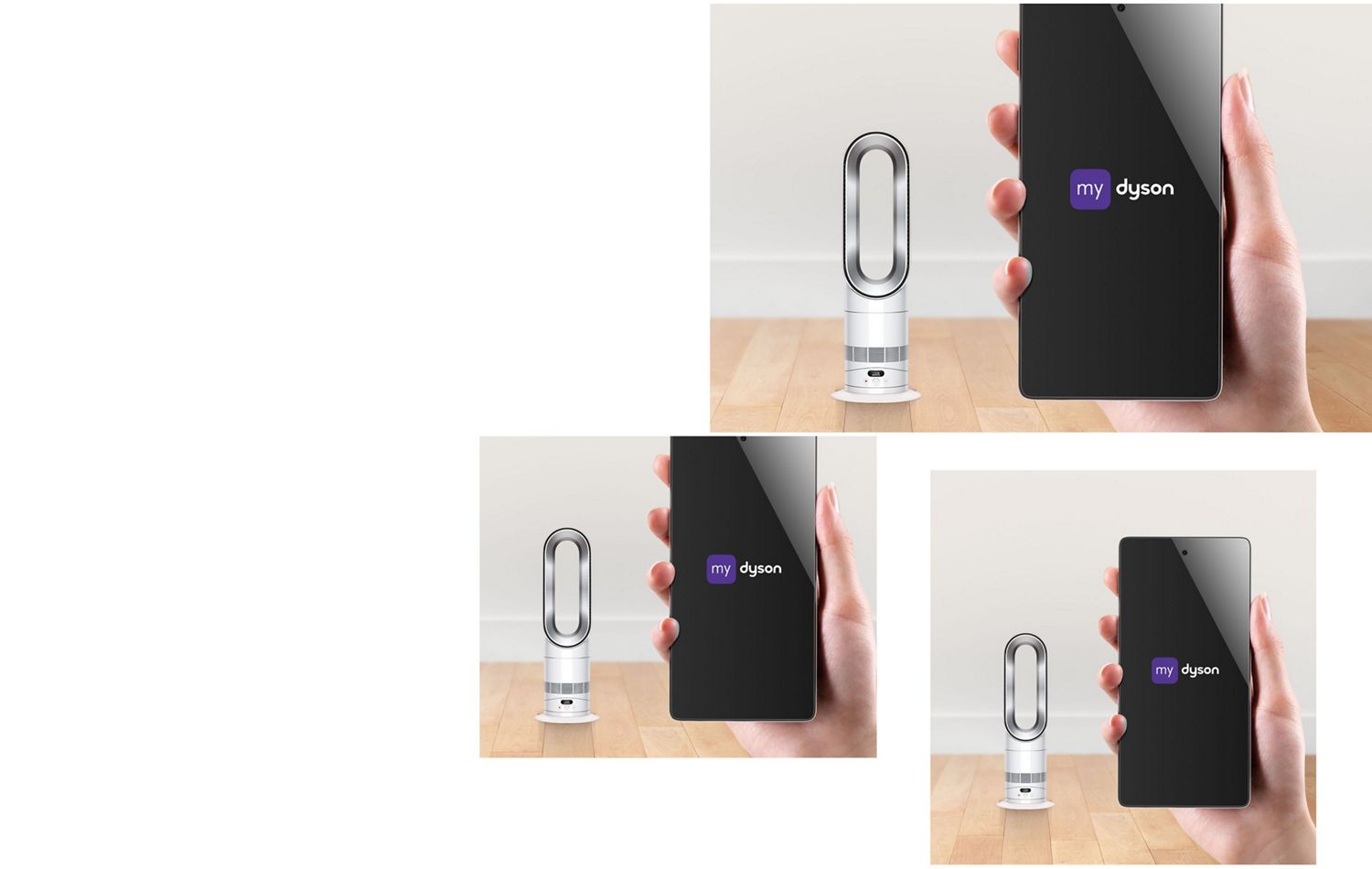
Register now to activate your guarantee, and for instant access to how-to-guides, user manuals, and more. You can also receive tailored support straight to your inbox.
-
Understand your LCD Screen
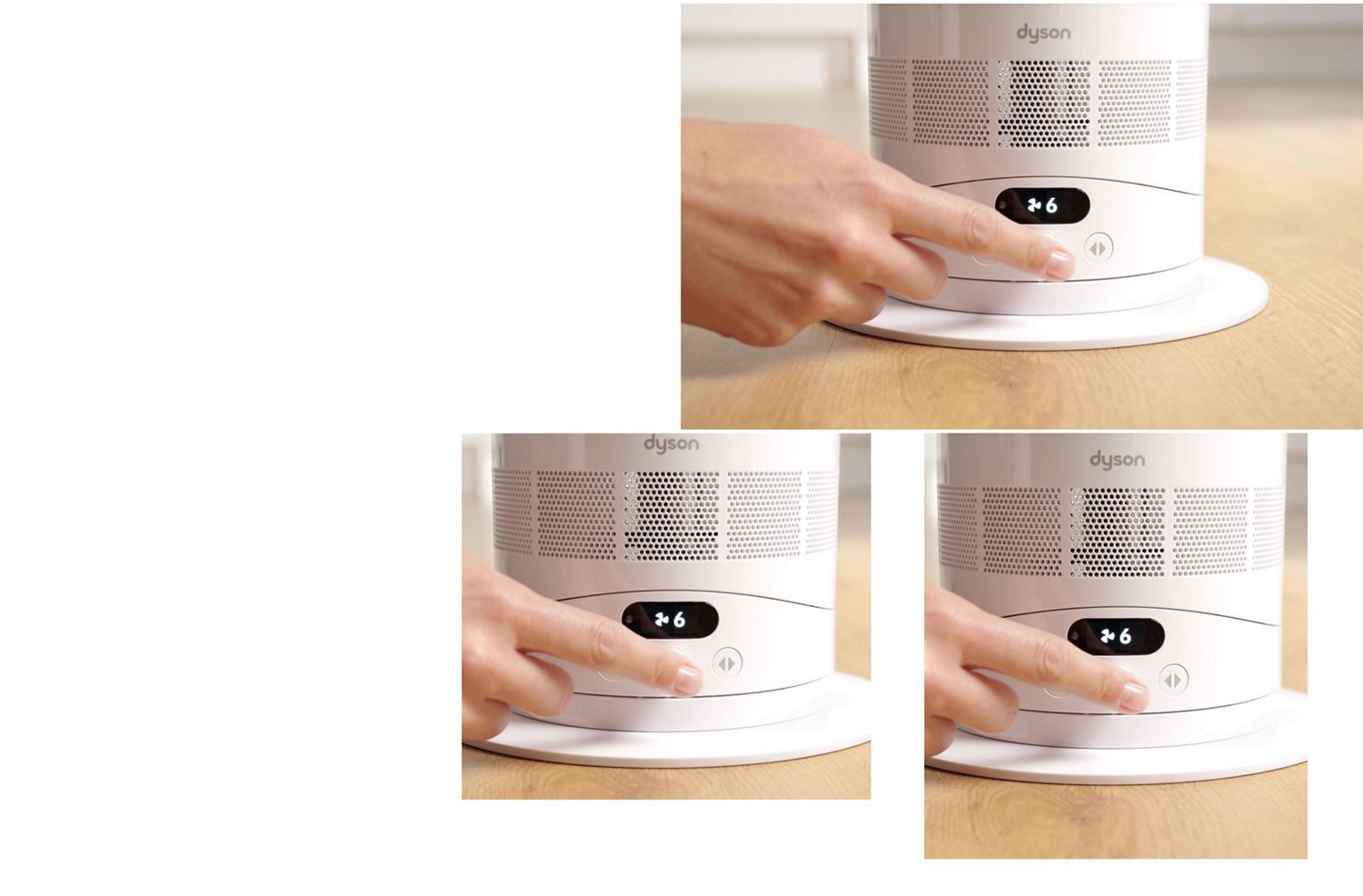
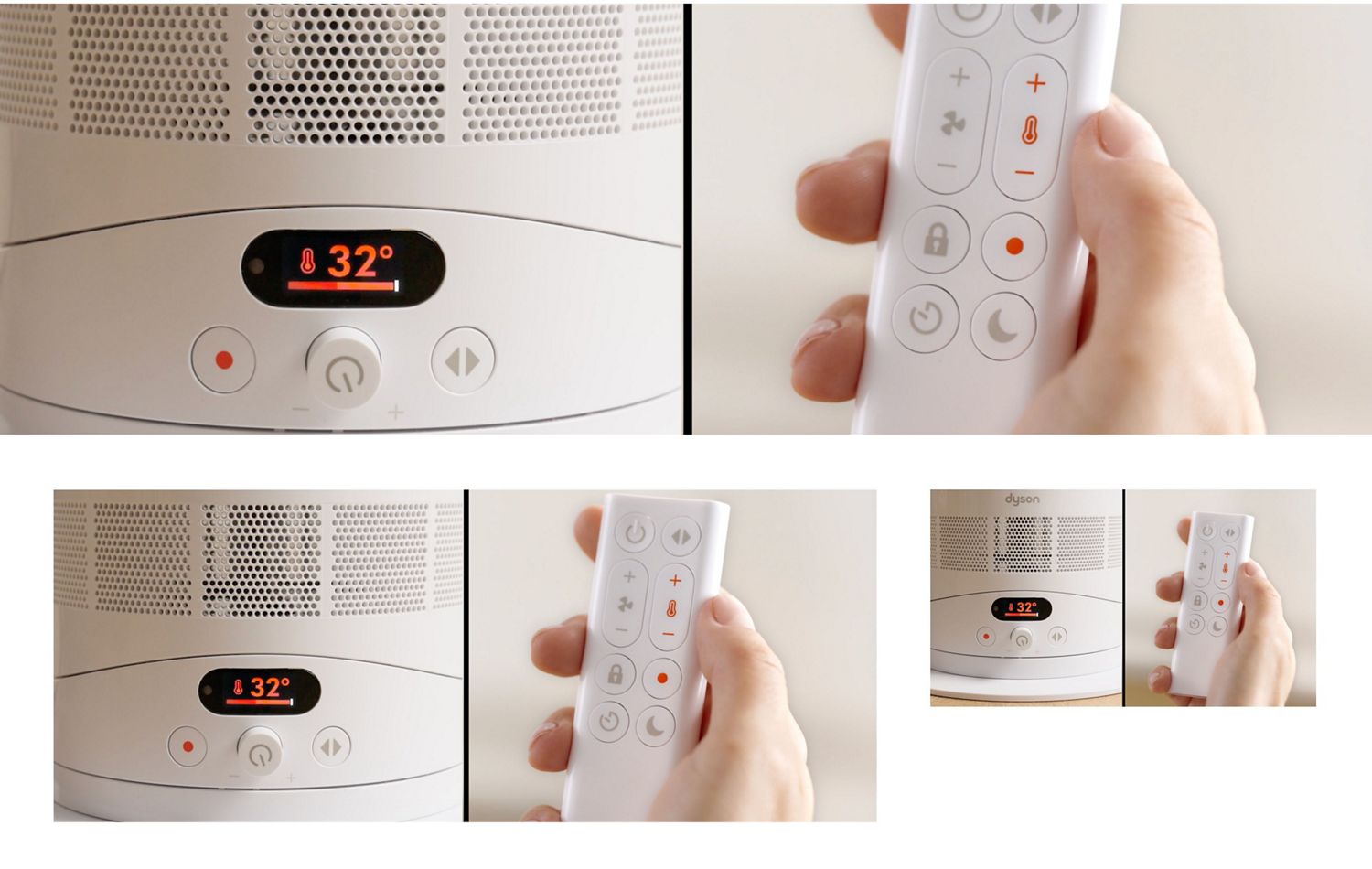
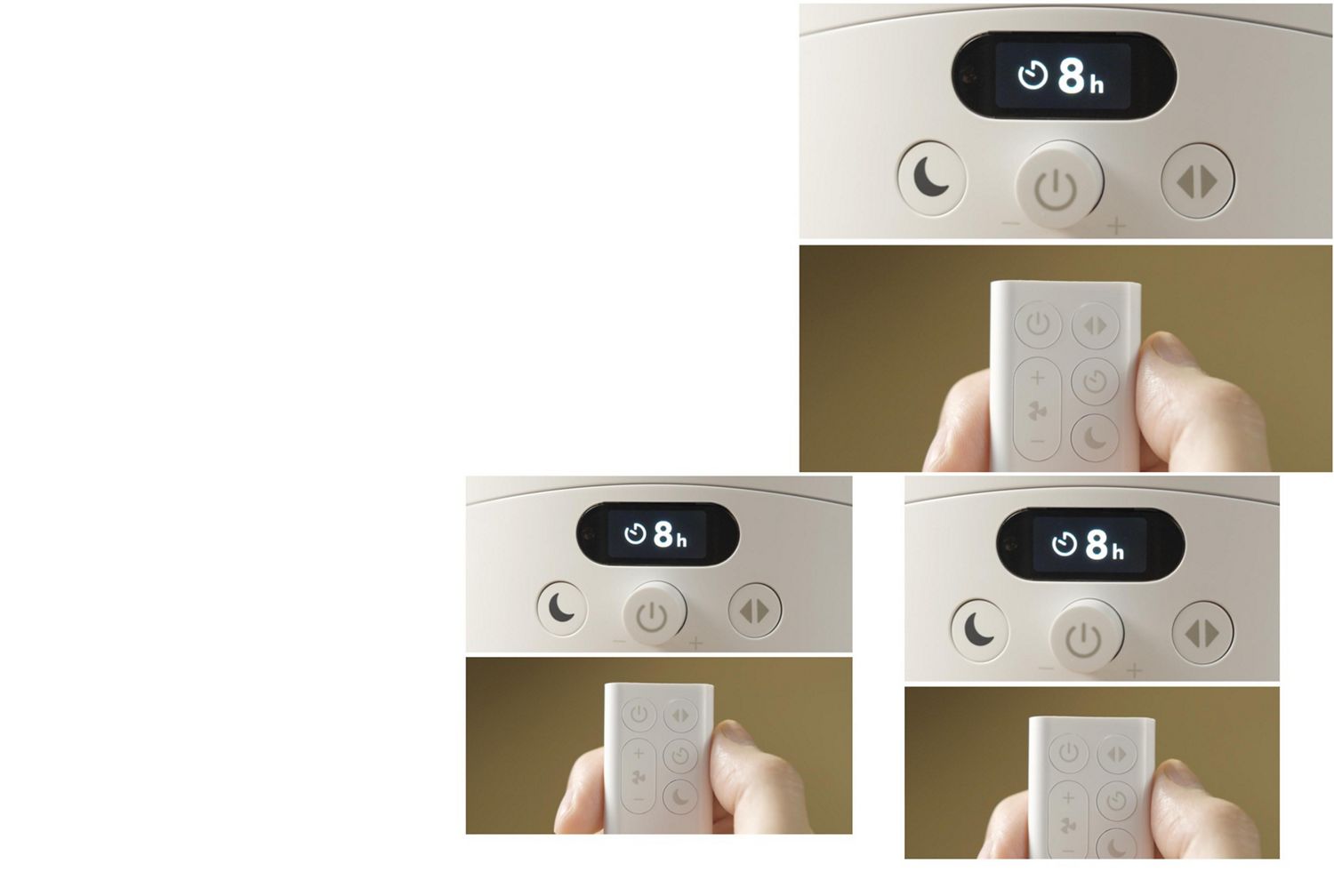
The screen shows your chosen airflow speed and both your target and current room temperature. It also shows when Sleep mode is activated and displays Sleep timer intervals as you cycle through them.
-
Operating the heater
Press the heater button to activate heating mode. The middle dial can now be used to increase and decrease your target temperature. Press and hold the heater button to turn heating off.
-
Setting oscillation and tilt angle
Press the oscillation button to toggle through a range between 15° up to 70°. Hold the base and the bottom of the air loop amplifier to tilt forward or backward.
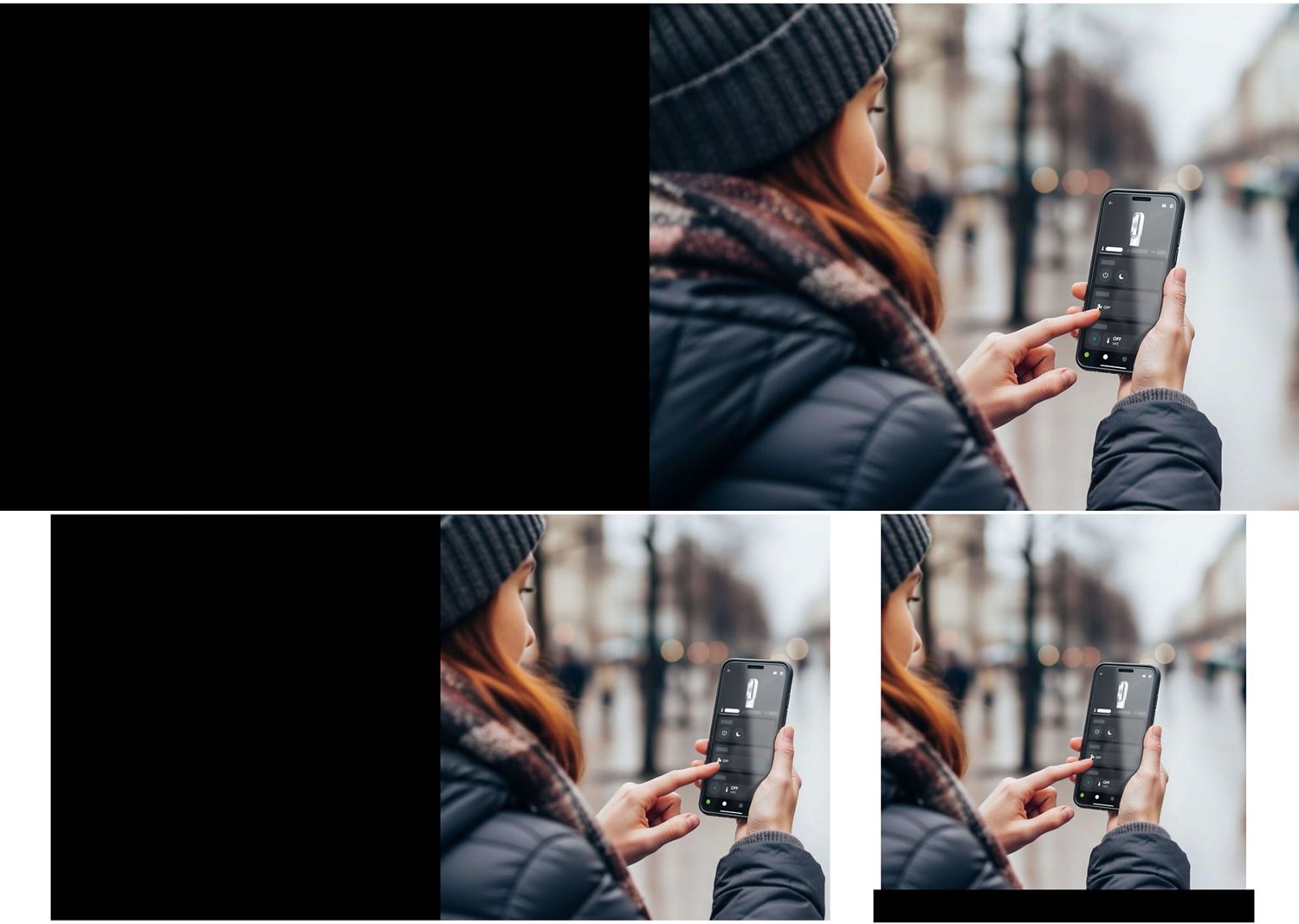
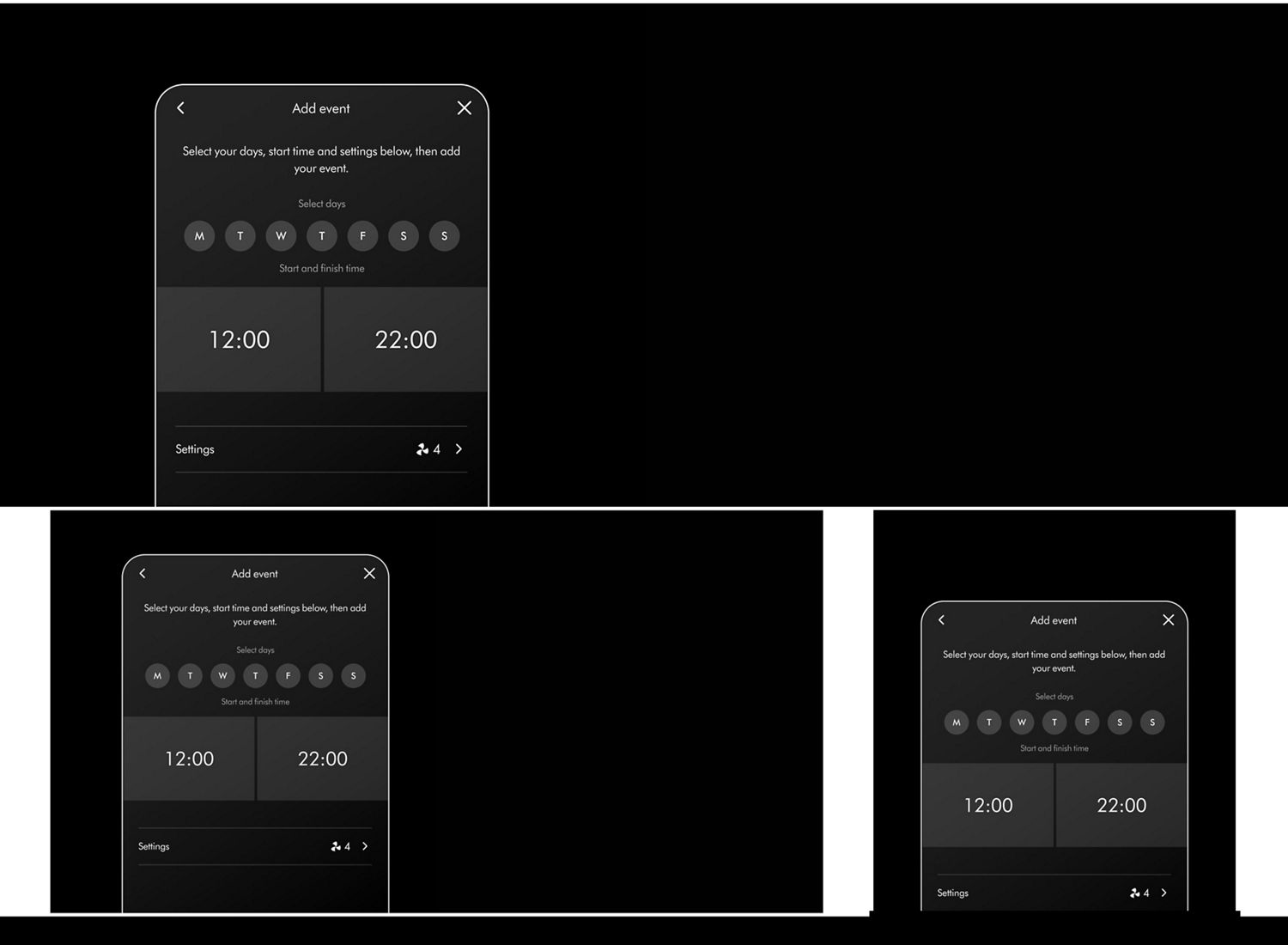
Exclusive app features
Maintaining your heater and cooling fan
-
How to clean your heater and cooling fan
Watch our step-by-step video guide to help keep your machine clean.
-
Replacing your remote battery
Replacing your remote battery is quick and easy to do. Follow our step-by-step video guide.
Frequently asked questions
The battery is type CR2032 and also known as a 'Button Cell'.
No, we recommend that you always unplug the machine and carry it by holding the base.
No, the use of an extension cable is not recommended.