
Have you registered your machine?
Download the MyDyson™ app to register and get access to tailored guides, 24/7 support, and software update reminders.
Alternatively, you can register online here.

Maintaining your Dyson PencilVac™ cleaner
-
Filter maintenance
Learn how to wash your machine’s filter with this instructional video.
-
Washing the cleaner head
Find out how to correctly clean your machine’s cleaner head.
-
Cleaning the bin
Learn how to empty and clean the bin of your machine when required.
Maintenance Frequently asked questions
Keeping on top of your filter's maintenance is key to looking after your Dyson PencilVac™cleaner. We recommend removing the filter and gently tapping away any excess dust or dirt over a bin as often as possible, for easy regular upkeep. For a more extensive clean, complete a filter wash with water at least once every month.
Your Dyson PencilVac™cleaner's LCD screen displays helpful performance information such as power modes, remaining run time and essential maintenance alerts. When your machine is blocked, you will be prompted with the alert: Blockage.
Empty your bin as soon as the dirt level reaches the MAX mark. You may need to clean the filter more often if you use your machine with a full bin, so emptying it often is crucial for optimal performance.

Battery Frequently asked questions
Your Dyson PencilVac™cleaner's LCD screen displays helpful performance information such as power modes, remaining run time and essential maintenance alerts. If the battery is unable to function, you will be prompted with the alert: Battery. The LCD screen constantly displays the machine's remaining run time - so you'll always know how much cleaning time you have left.
Yes, your Dyson PencilVac™cleaner runs on a click-in battery with up to 30 minutes of run time. To extend your cleaning time, you can order an extra click-in battery from Dyson.com.
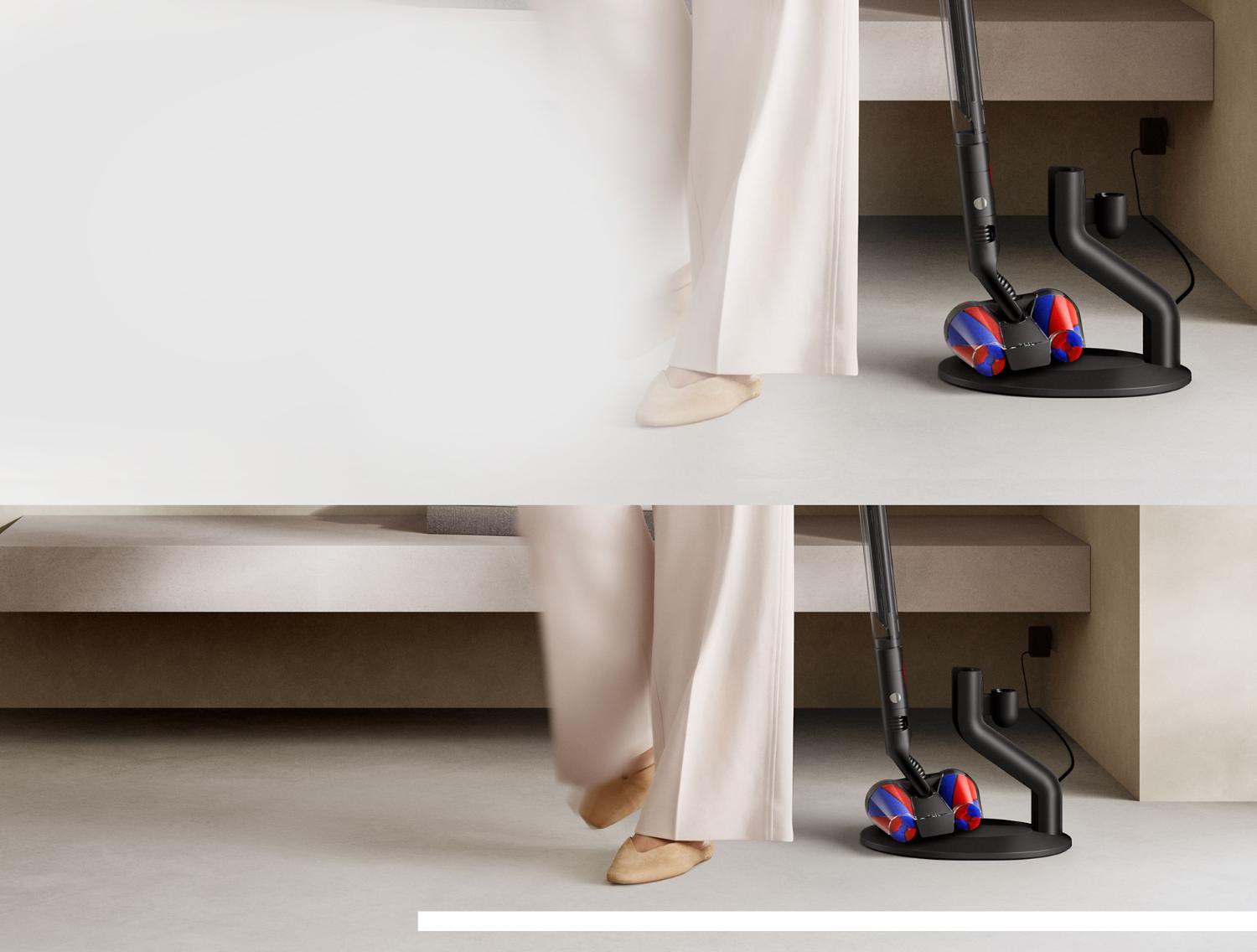
Your battery is designed to charge on the Magnetic charging dock and stops charging once 100% charge is reached. So, return the machine to the dock after use to help maintain battery life and reach maximum run time for your next clean.
Getting to know your tools
-
Cleaning up high
In Brush mode, the Rotating combi-crevice tool is ideal for cleaning more delicate surfaces. Reaching up high, to spots that can be hard to access.
-
Cleaning down low
The Rotating combi-crevice tool is also engineered to tackle tight spaces. In Crevice mode, reach easily behind furniture and into smaller gaps.
-
Removing hair
Fast and motor-driven, ideal for cleaning smaller spaces. With an anti-tangle brush bar that removes hair from pet beds, car seats and stairs.