
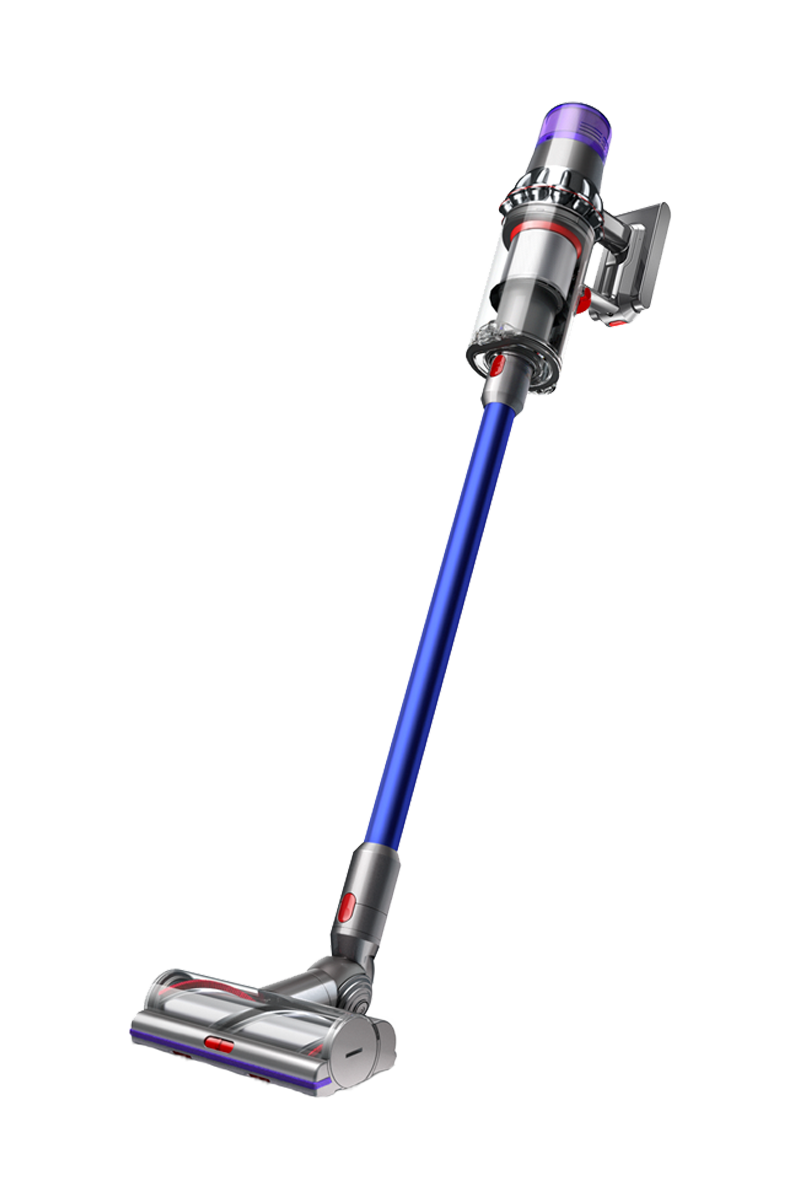
Genuine Dyson spare parts and accessories for your machine:
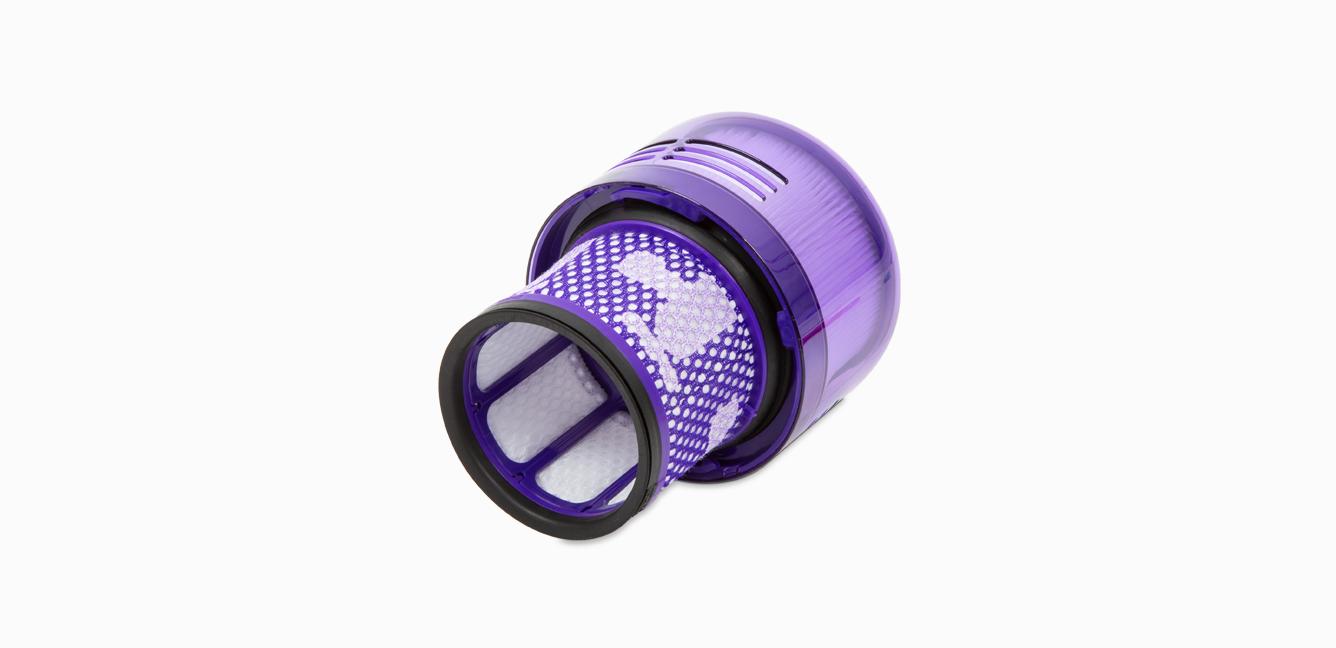
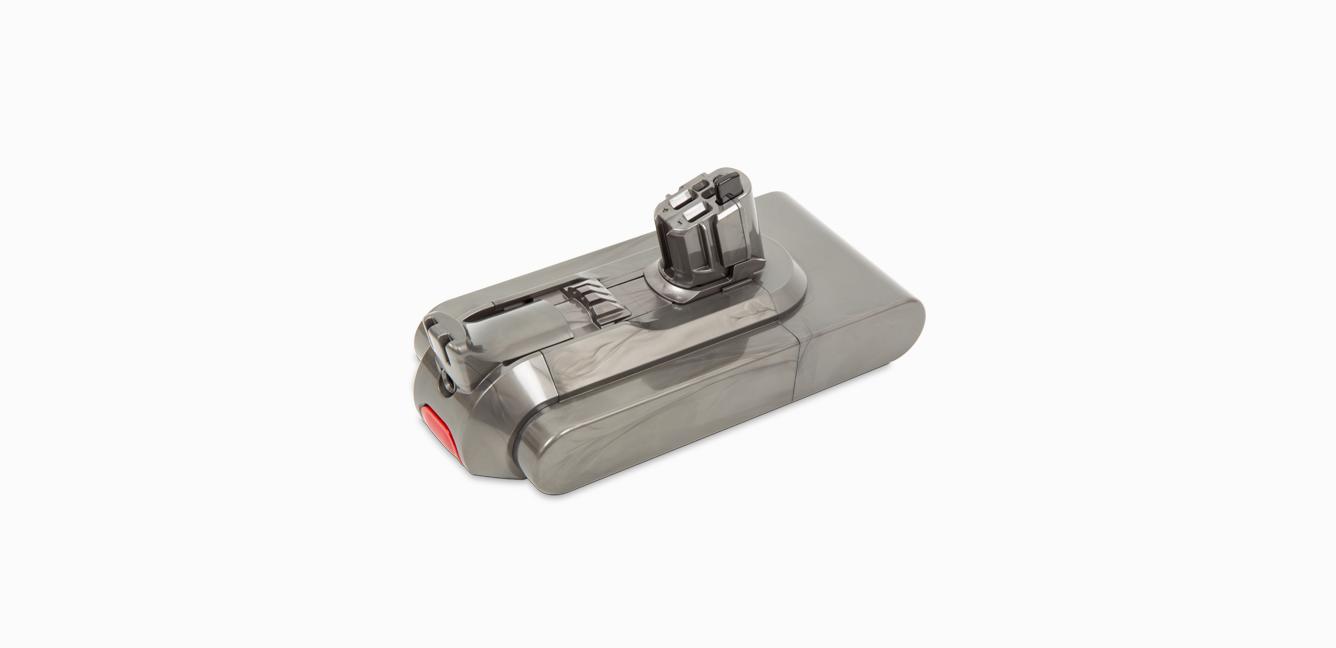
-

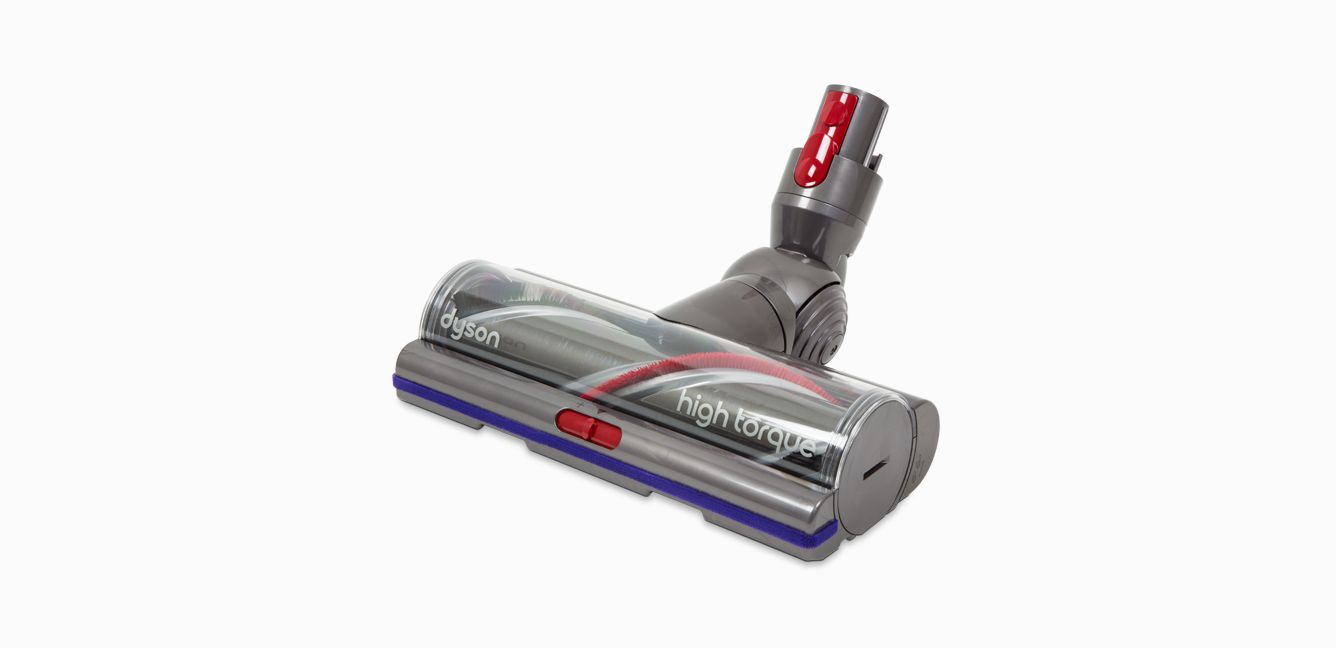
High Torque cleaner head
High Torque cleaner head
Part No. 974720-03
Replacement Torque Drive Motorhead for your Dyson cordless vacuum.
£99.90
-
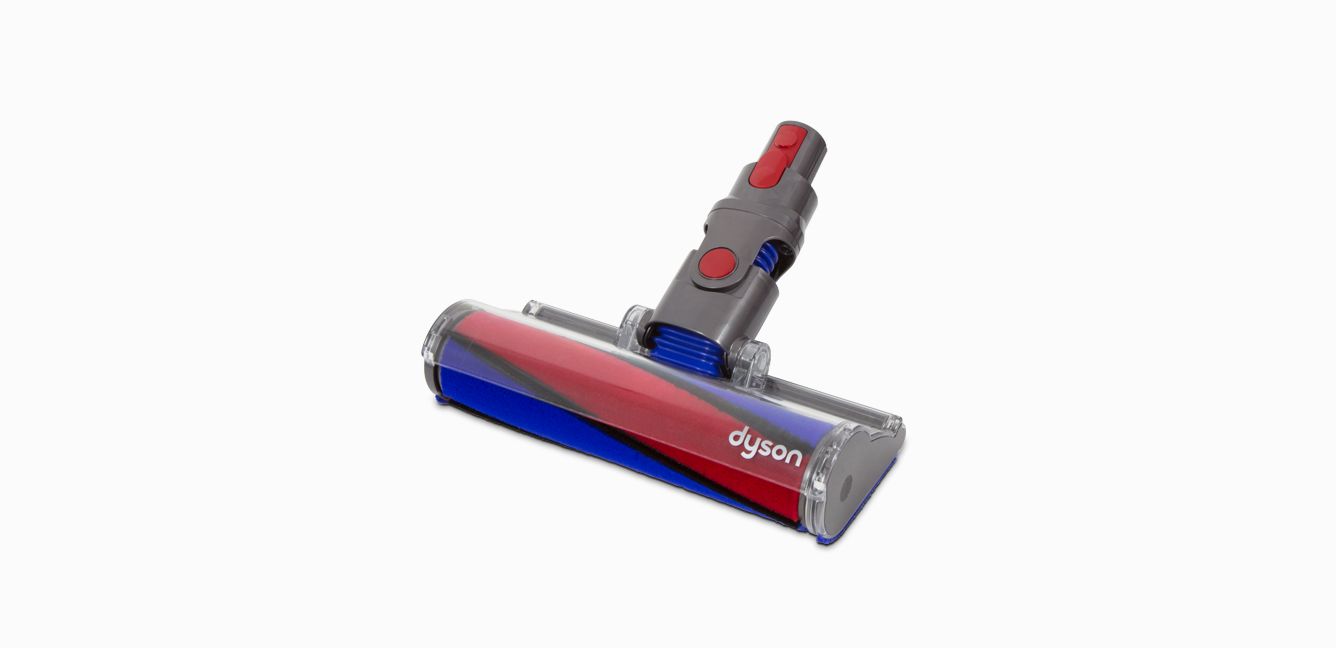
Soft roller cleaner head
Soft roller cleaner head
Part No. 966489-15
Replacement soft roller cleaner head for your Dyson cordless vacuum.
£89.90
How to get your Dyson machine working to its full potential.
-
How to wash the filter
Washing your Dyson filter is quick and easy and keeps your machine performing at its best. Once washed, leave it for at least 24 hours in an area with good airflow, to ensure it's completely dry before returning it to the machine.
-
How to charge your machine's battery
It's important to fully charge your new machine before using it for the first time, and after every clean. This is because the battery and monitoring system's algorithm 'learns' over time, and fully charging your machine helps it to more accurately calculate and display remaining run time.
-
The service includes labour and spare parts where required (excluding additional accessories and filters), which are guaranteed for 24 months or until service support ends for your machine – whichever is soonest.



Frequently Asked Questions
If your Dyson V11™ doesn't have any power, or isn't turning on, it could be for a number of reasons:
- The battery has run out – Charge it on the dock or at the socket.
- The battery needs replacing – Spares and accessories are listed above or order batteries at Dyson.co.uk.
- The main body is faulty – Contact our customer support to organise a replacement.
- The charger is faulty – Spares and accessories are listed above or order a spare charger at Dyson.co.uk.
Please click here for more detailed instructions on how to avoid, or fix, any problems you might experience with your machine.
If your Dyson V11™ cuts out, pulses or keeps shutting off, it could be for a number of reasons:
- The machine is blocked – Take your machine apart and check for blockages.
- The filter may need cleaning – Wash your filter once per month to clean away any debris.
- The cyclone may need cleaning – Remove your bin and clean the cyclone using a microfibre cloth.
Please click here for more detailed instructions on how to avoid, or fix, any problems you might experience with your machine.
If your Dyson V11™ isn't charging, or is losing battery quickly, it could be for a number of reasons:
- The power mode may need changing – Use the correct power mode for different cleaning tasks.
- The filter may need cleaning – Wash your filter once per month to clean away any debris.
- The cyclone may need cleaning – Remove your bin and clean the cyclone using a microfibre cloth.
- The battery needs replacing – Spares and accessories are listed above or order batteries at Dyson.co.uk.
Please click here for more detailed instructions on how to avoid, or fix, any problems you might experience with your machine.
If your Dyson V11™ is performing poorly, or losing suction, it could be for a number of reasons:
- The filter may need cleaning – Wash your filter once per month to clean away any debris.
- The power mode may need changing – Use the correct power mode for different cleaning tasks.
- The tools may need cleaning – Clean them with a microfibre cloth and remove any blockages.
- The cyclone may need cleaning – Remove your bin and clean the cyclone using a microfibre cloth.
Please click here for more detailed instructions on how to avoid, or fix, any problems you might experience with your machine.
If your Dyson V11™ is jammed or blocked, it could be for a number of reasons:
- The filter may need cleaning – Wash your filter once per month to clean away any debris.
- The bin may need emptying – Empty your bin once whenever it reaches the MAX fill line
- The tools may need cleaning – Clean them with a microfibre cloth and remove any blockages.
Please click here for more detailed instructions on how to avoid, or fix, any problems you might experience with your machine.
If your Dyson V11™ trigger isn't working, it could be for a number of reasons:
- The battery isn't fitted correctly – Support the battery with your hand. Press the red battery release button and pull the battery away from the handle. Slide the battery onto the handle until it clicks securely in place.
- The trigger is broken – Book a repair for the trigger.
Please click here for more detailed instructions on how to avoid, or fix, any problems you might experience with your machine.
If you're encountering a blockage or loss in performance with your Dyson V11™, it could be because you need to clean your filter. To do so:
- Remove the filter by turning it anticlockwise. Gently pull it away from the machine.
- Gently tap the filter unit to remove any excess dust and debris before washing it.
- Wash the filter in cold water only. WARNING: Please do not use detergent, do not wash in a dishwasher or washing machine.
- Wash the pleated paper element of the filter unit under a cold water tap with the foam element downwards and run cold water over the pleated paper. Continue washing until the water runs clear.
- Wash the foam element of the filter unit under a cold water tap with the foam element downwards so that dirty water does not contaminate the pleated paper element. Run cold water over the inside and outside of the foam element and squeeze the foam gently to expel the dirt. Continue washing until the water runs clear.
- Wash the outside of the filter unit. Then fill the unit with cold water, place your hands over the open ends and shake gently. Repeat washing the elements and outside of the filter unit until the water runs clear.
- Gently shake the filter unit to remove any excess water and leave to drain with the foam element end facing up.
- Leave the filter to dry for a minimum of 24 hours in an environment with good airflow. Ensure that the filter is completely dry before reinserting it into the machine.
- Insert the filter back into the machine. Turn the filter clockwise until it clicks into place.
- The filter may need to be washed more frequently if you are vacuuming a lot of fine dust, or if the machine is predominantly being used in Eco mode or Auto/Medium mode.
Please click here for more detailed instructions on how to avoid, or fix, any problems you might experience with your machine.
Your Dyson V11™ can show several alerts to let you know when something is needed. They include:
- Battery alert – Your machine needs charging.
- Blockage alert – Your machine has detected a blockage.
- Filter attachment alert – Your filter is not fitted correctly.
- Filter wash alert – Your filter needs cleaning.
Please click here for more detailed instructions on how to avoid, or fix, any problems you might experience with your machine.