
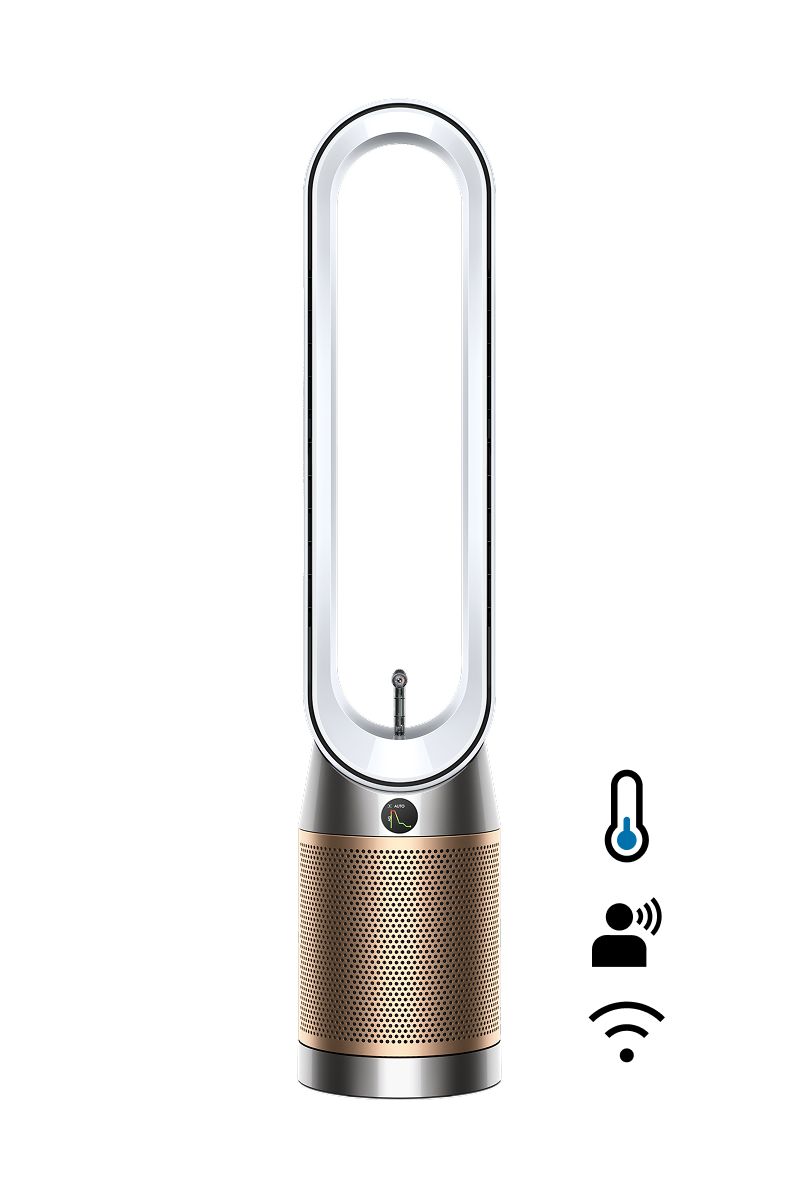

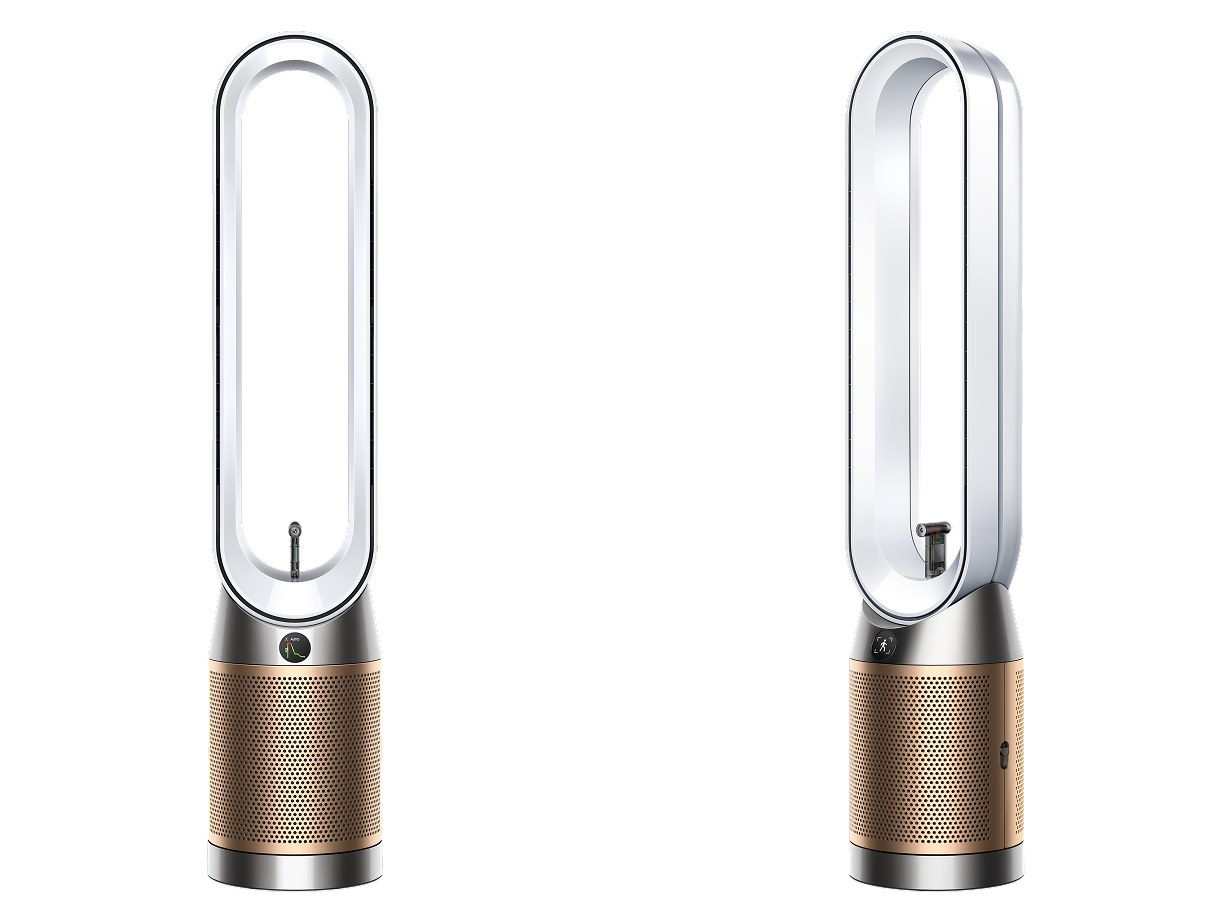
Advanced purification and cooling.¹ Now with Dyson Find+Follow™ air projection.
Directs cooling purified air towards you,¹ even when you move.
Advanced purification and cooling.¹ Now with Dyson Find+Follow™ air projection.
Directs cooling purified air towards you,¹ even when you move.
New Find+Follow™ air projection
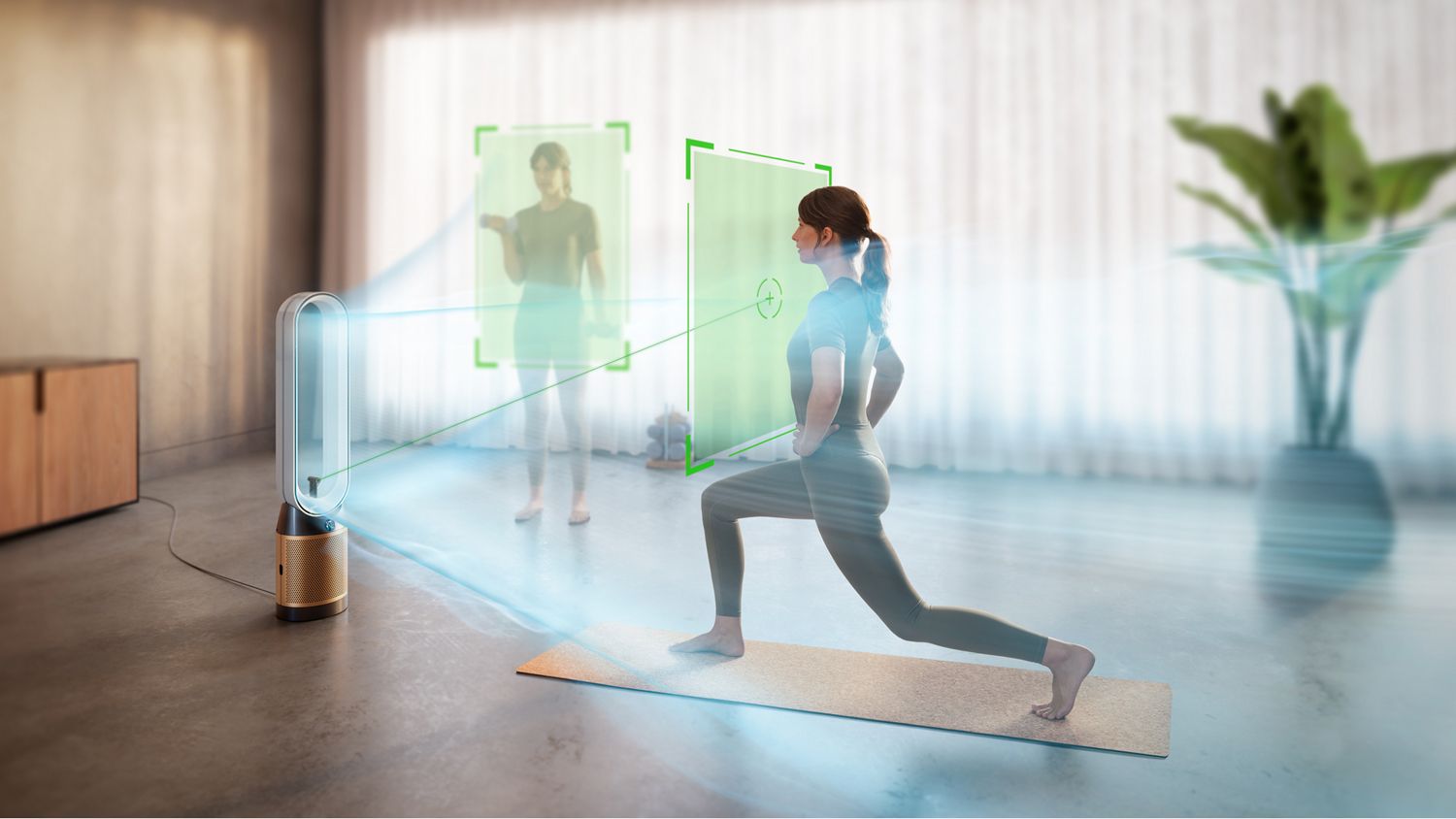
Detects you
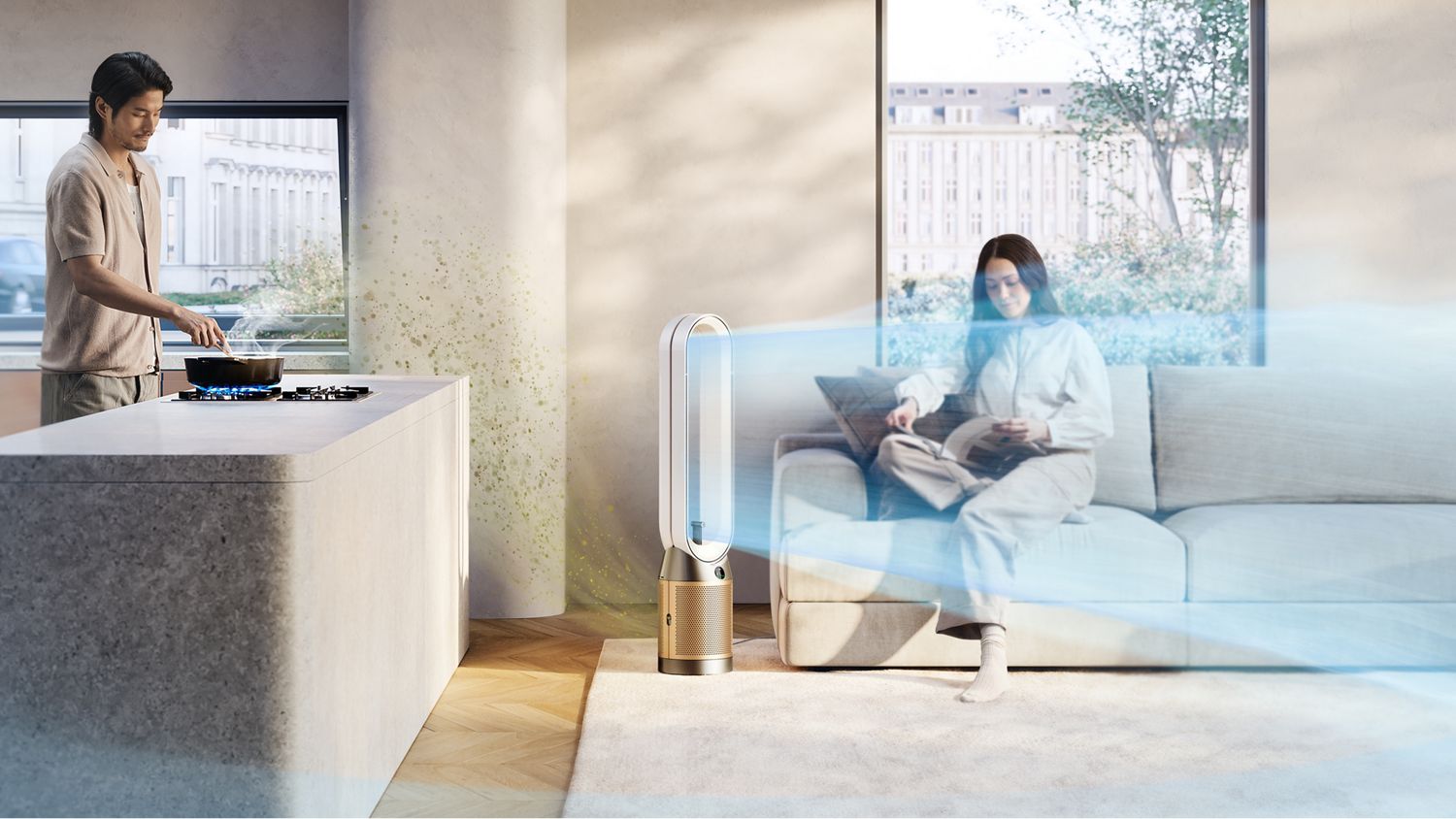
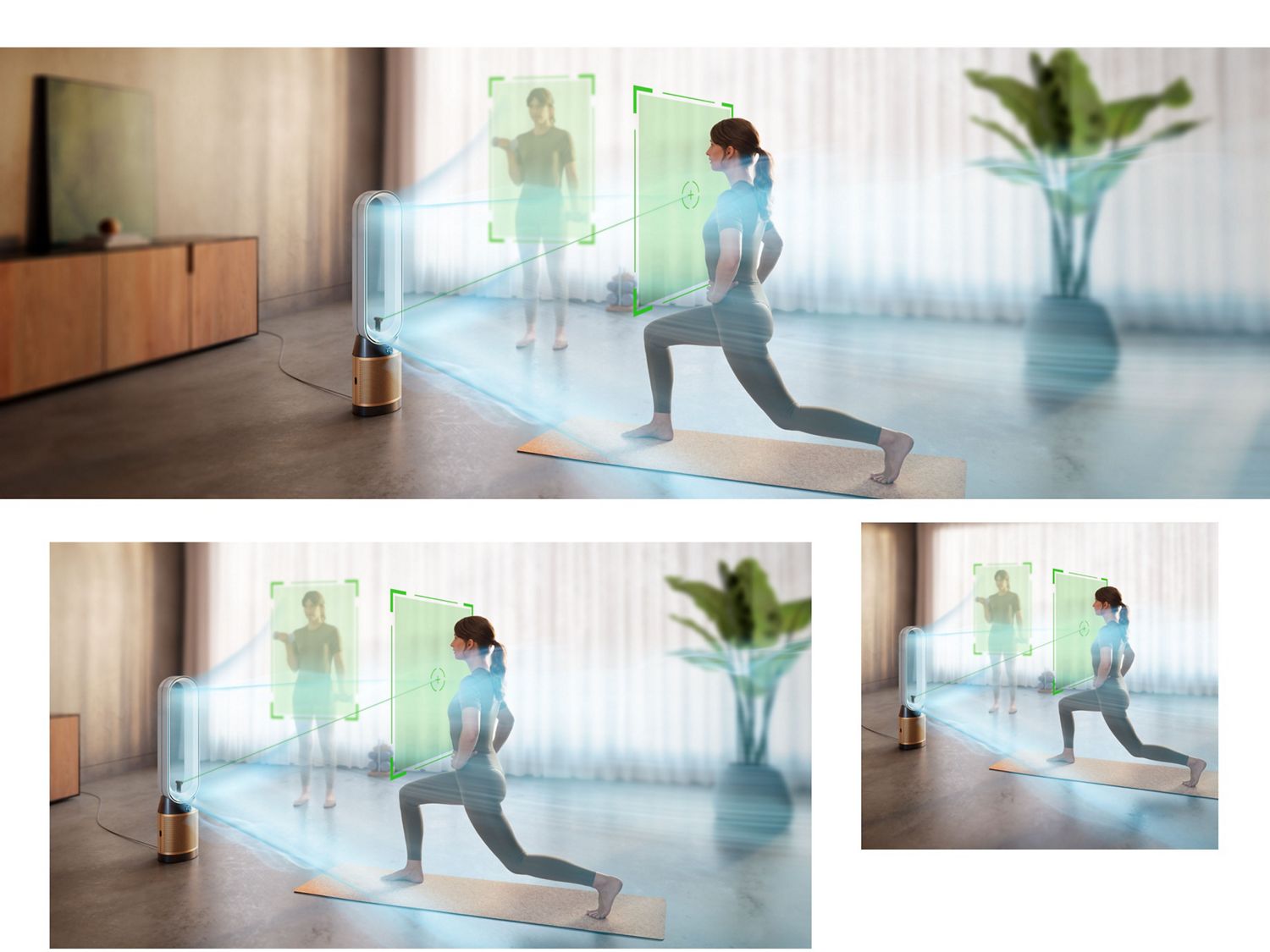
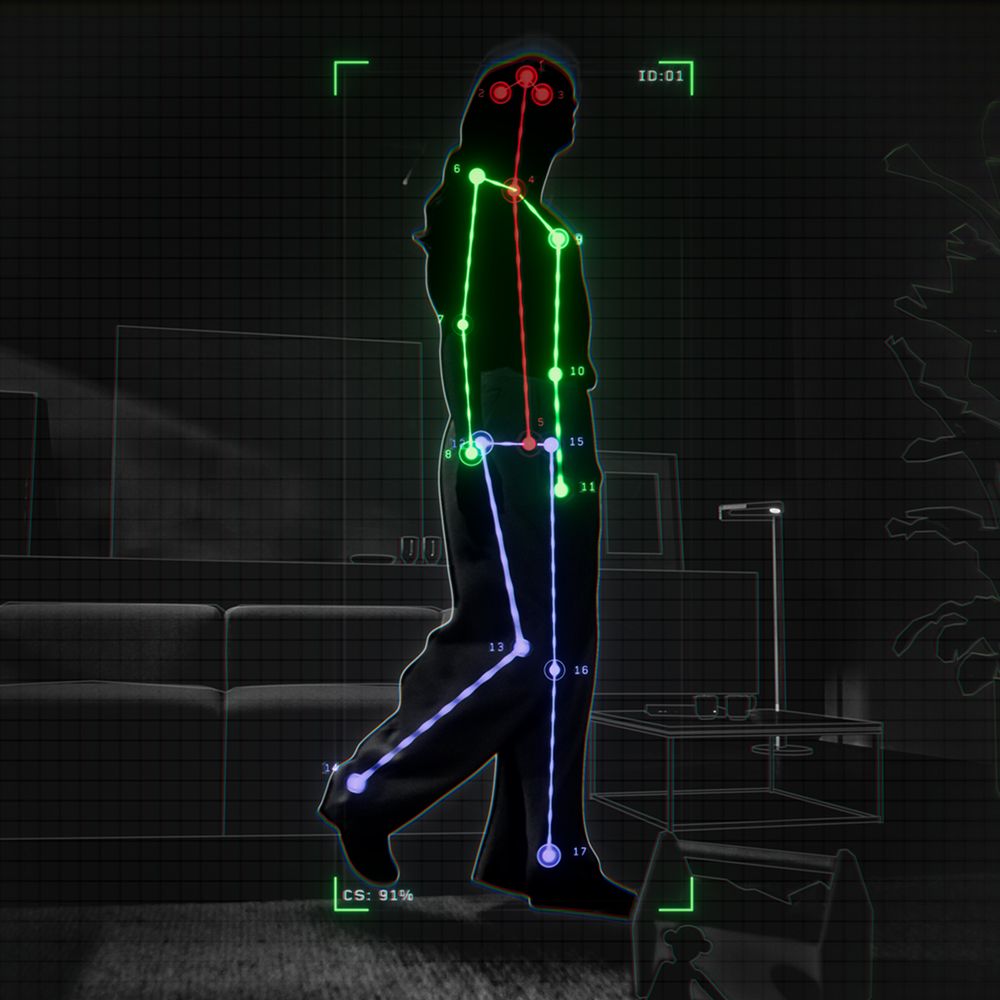
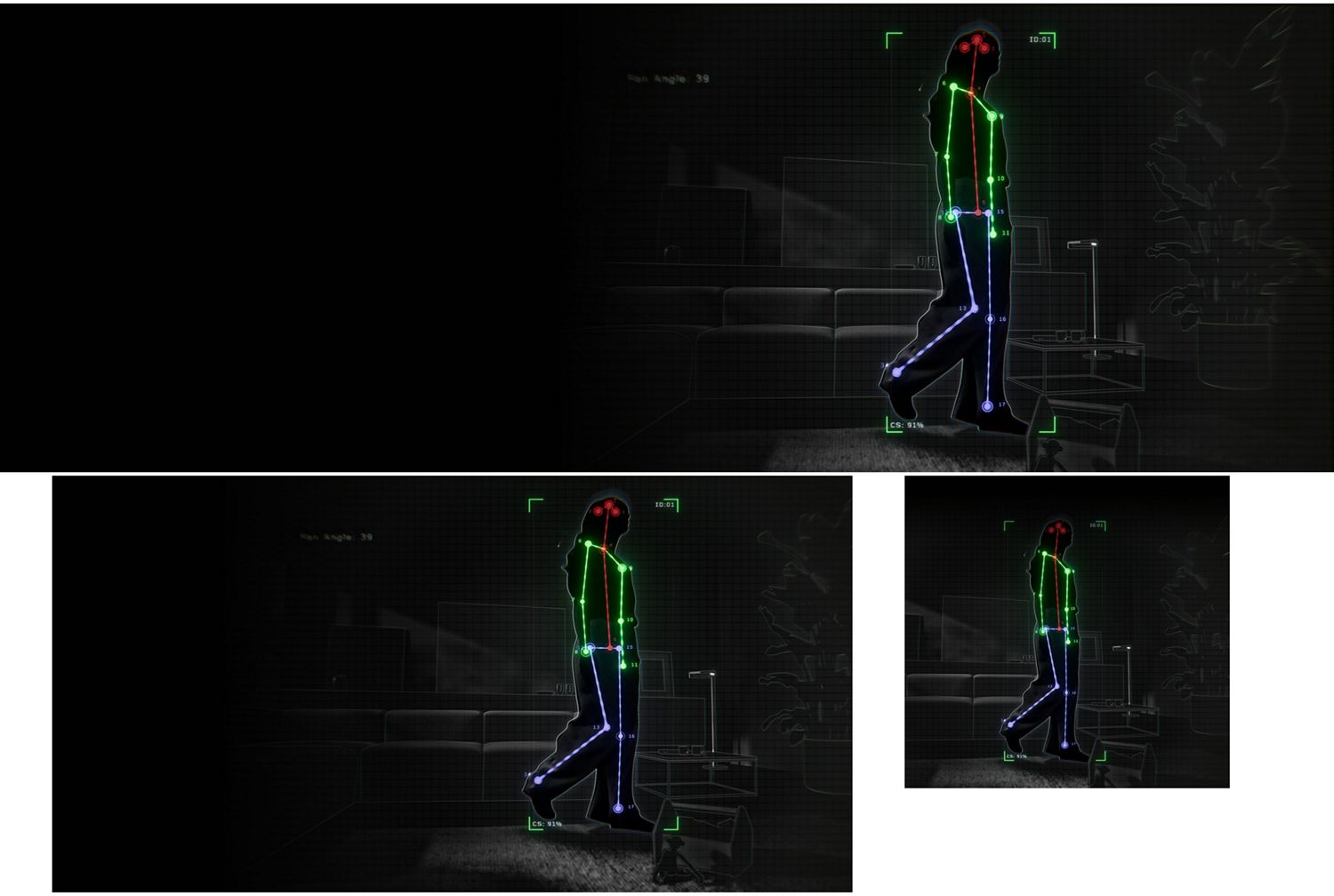
Dyson’s new Find+Follow™ air projection system uses 17-point user detection to automatically direct cooling purified airflow towards you¹ – even when you move.
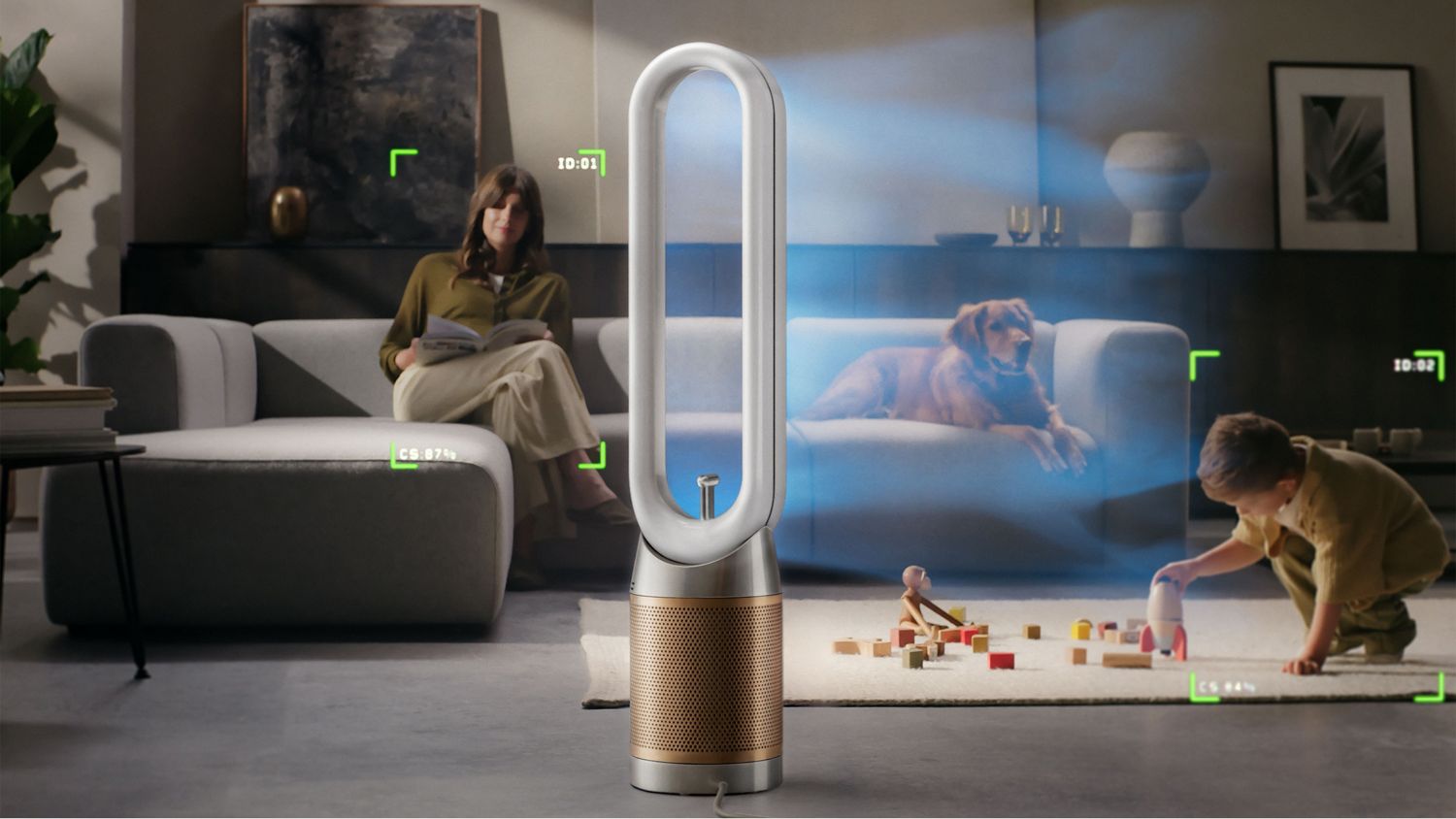
Evenly and efficiently distributes airflow between multiple people
The Dyson Find+Follow™ air projection system auto-adjusts oscillation up to 350° when there’s more than one person in the room – precisely sharing purified air between them.
Find+Follow™ intelligence
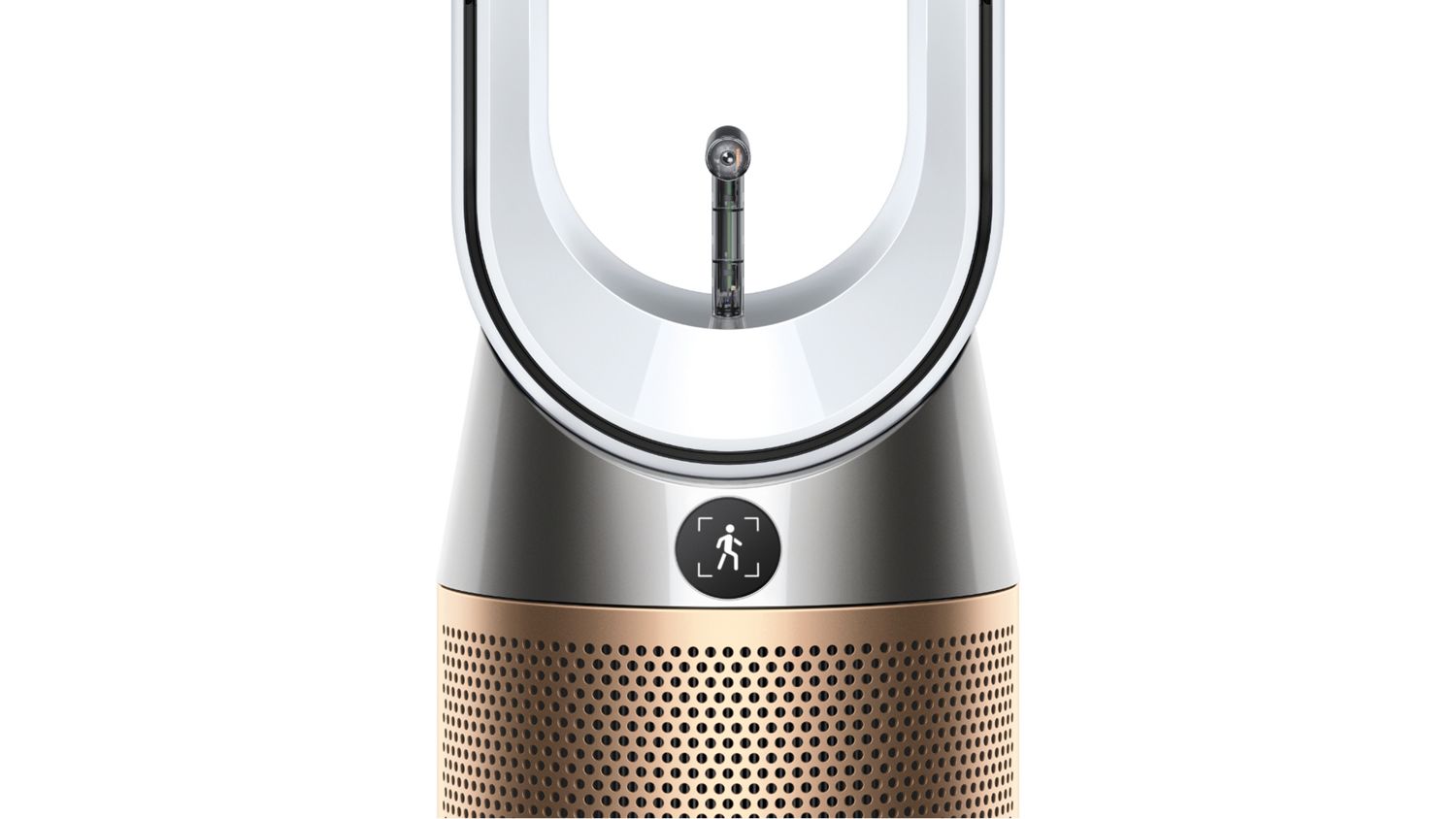
Automatically detects when you leave the room and stops oscillating. The Find+Follow™ system reactivates when you return. Continues to purify the entire the time. If no-one returns after an hour, the machine will enter Auto mode – saving energy as a result.
Your privacy, protected
Dyson’s Find+Follow™ AI vision system never identifies anyone and only detects presence. Images are processed instantly within the machine, deleted and never leave the device.
Energy efficient
In Auto mode, your purifier reacts automatically to remove pollutants – only using energy when needed. It increases fan speed to capture them and purify the air.
Purifies and cools you
Purifies the room
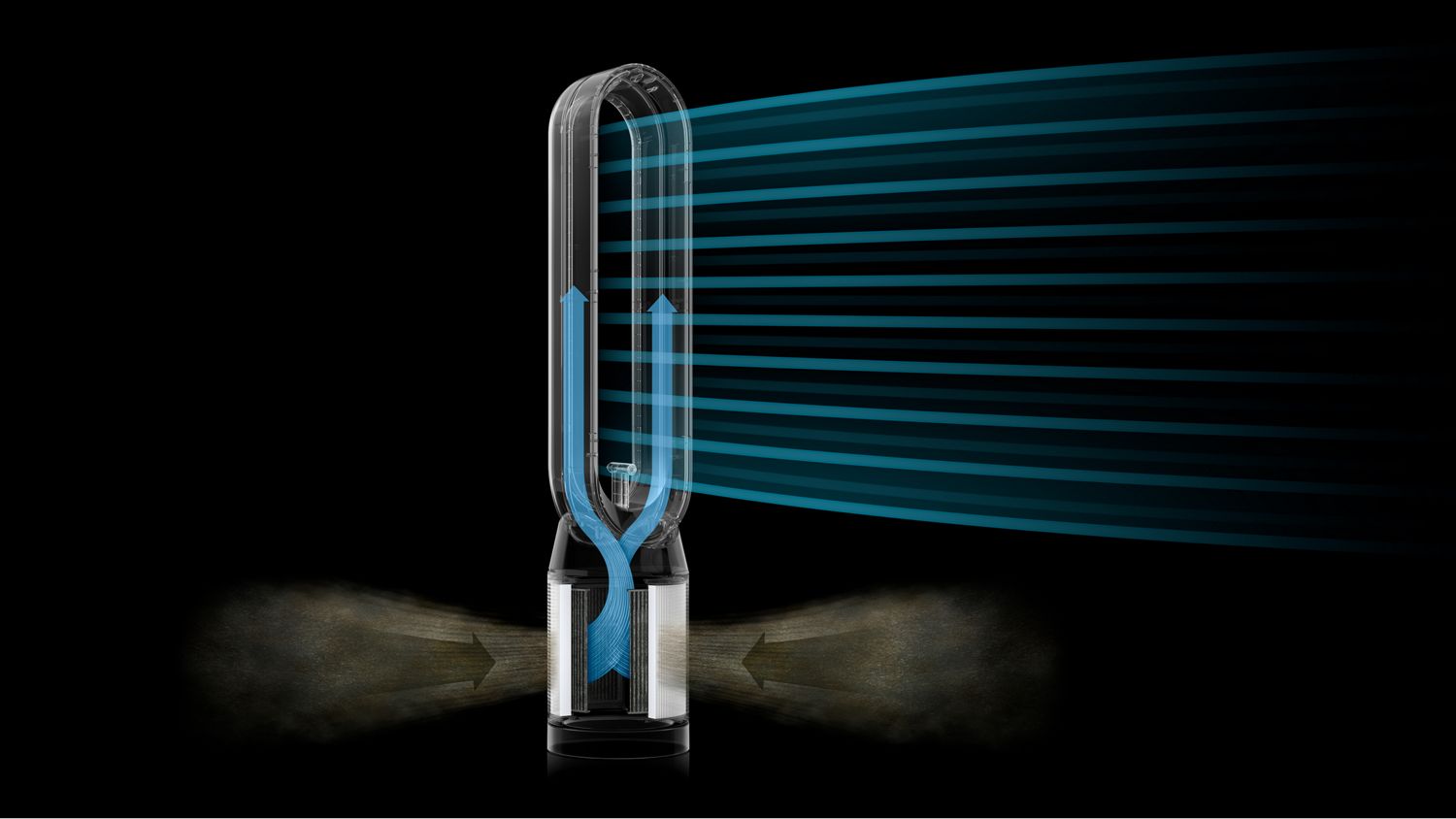
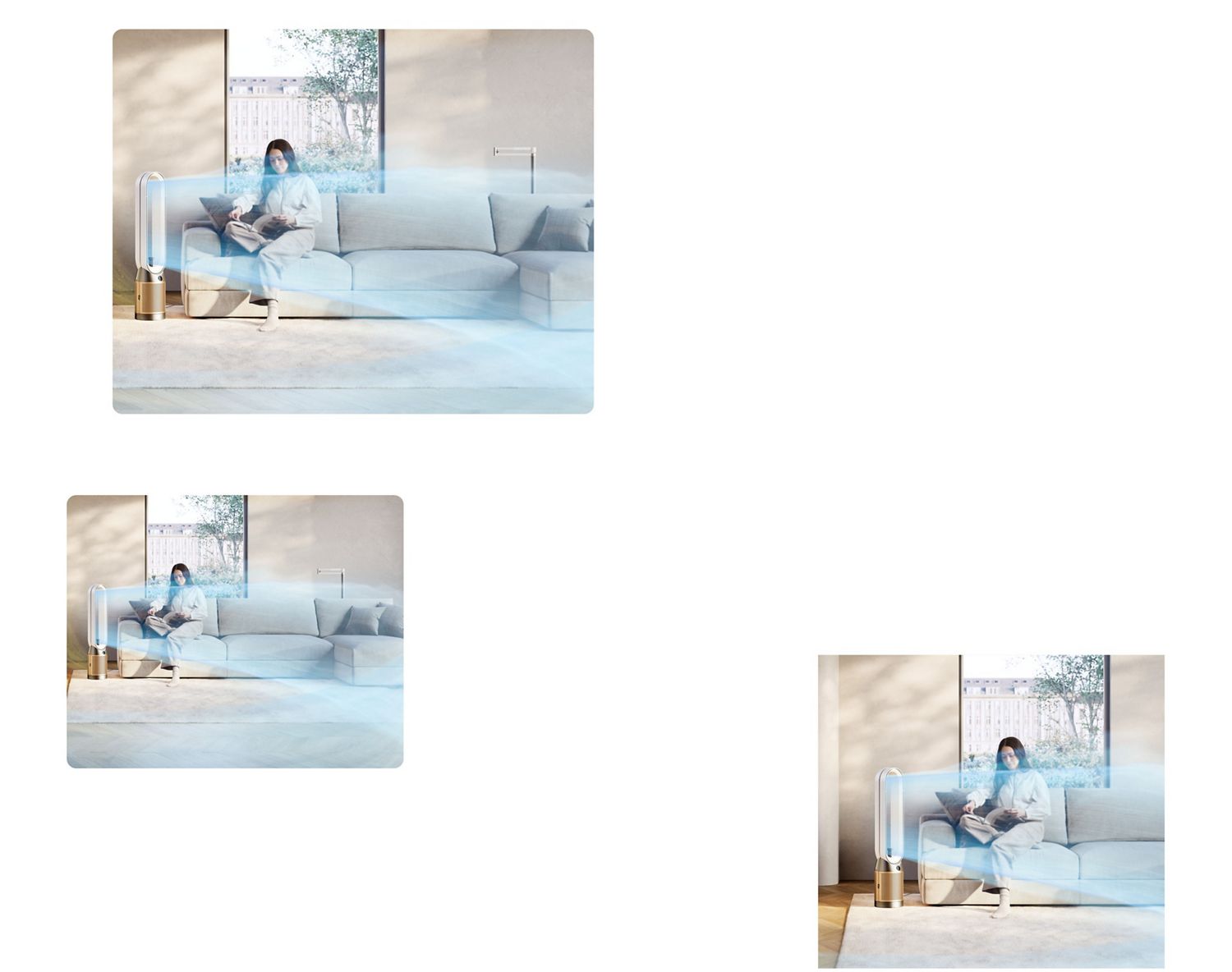
Delivers whole-room air purification, up to 27m².² High-velocity airflow, over 290 litres per second, cools you.¹
Powerful purification
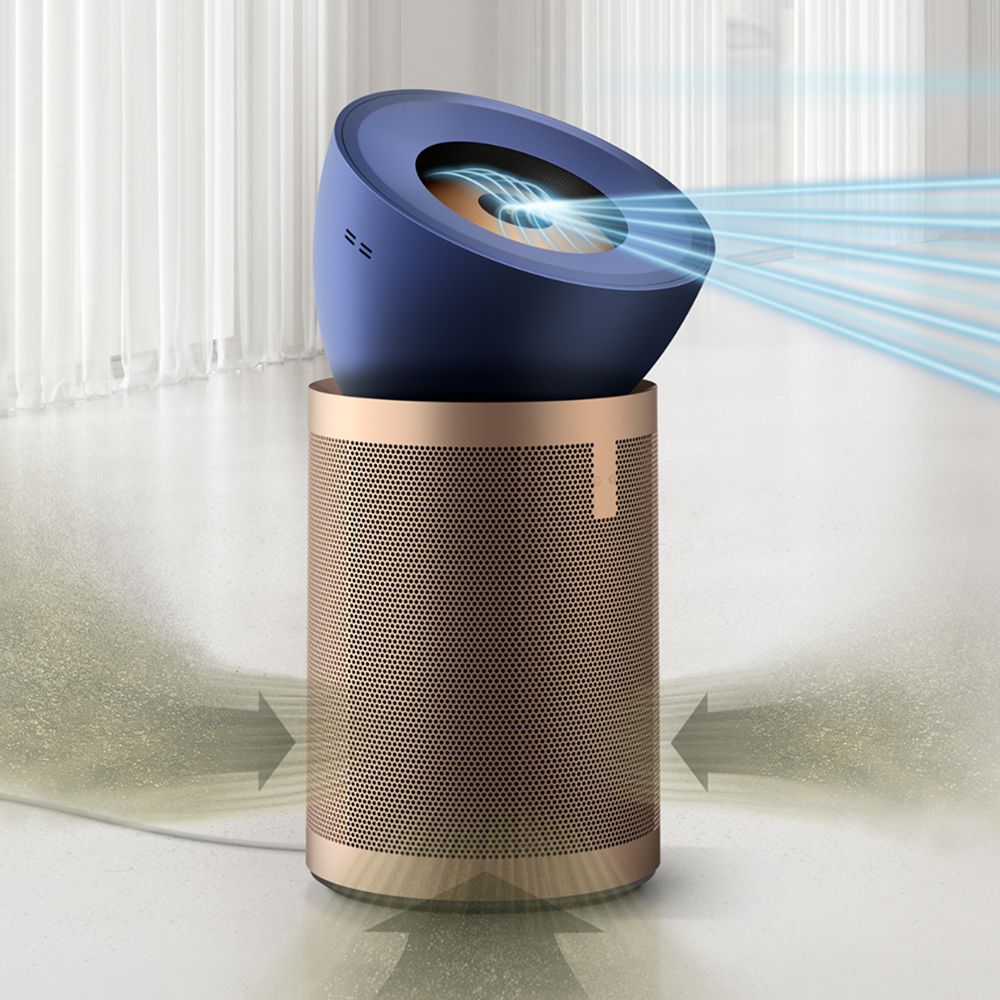
Air Multiplier™ technology projects a powerful stream of air to purify the whole room evenly.²
Purified air – with or without cooling
Select Diffuse mode and purified air is diverted through the back of the machine and dispersed into the room, without directly cooling you.
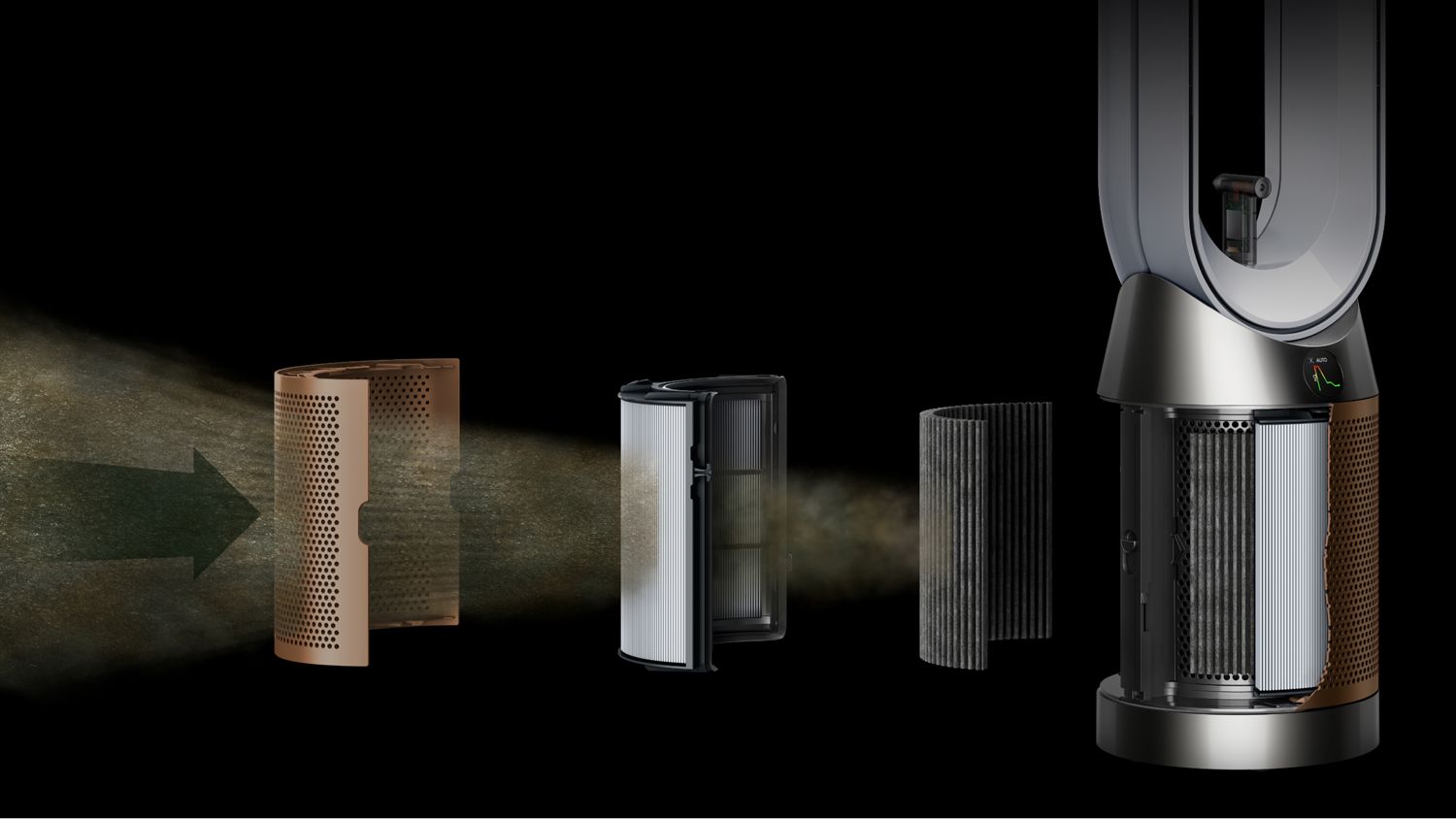
Advanced filtration
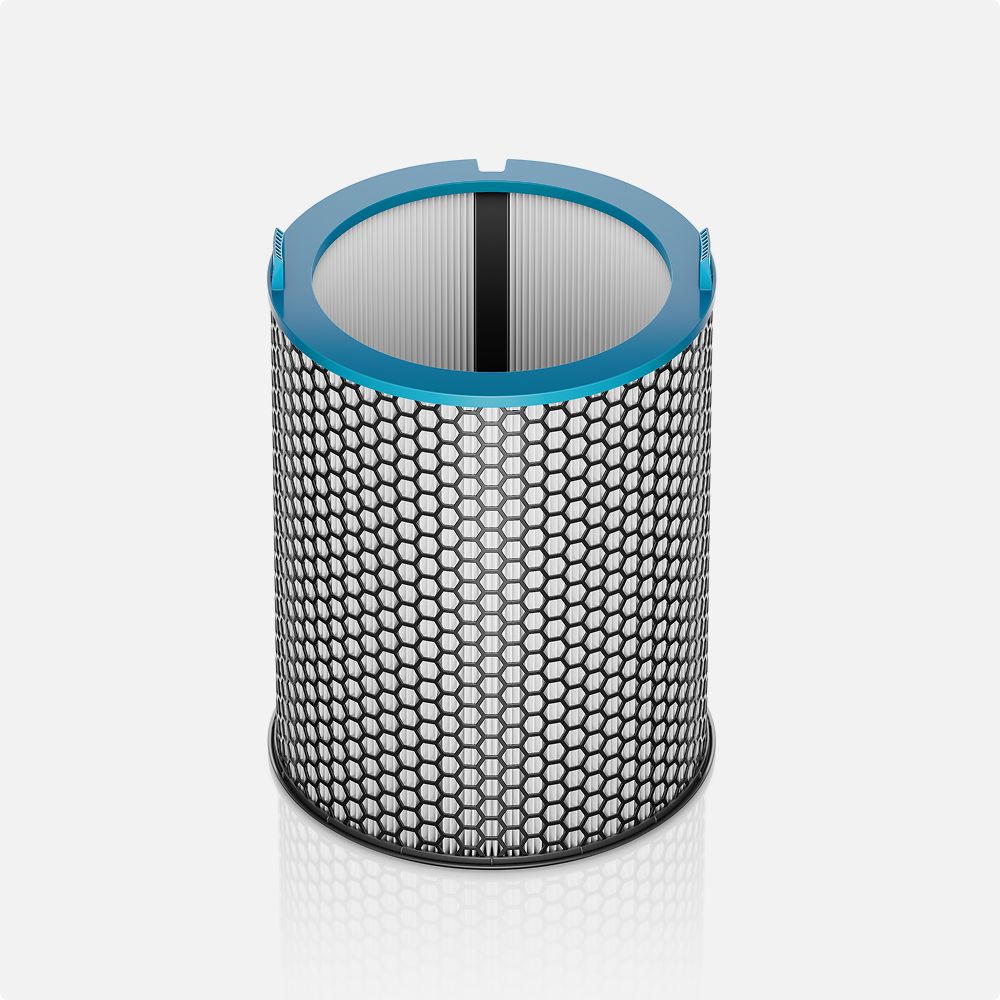
HEPA H13-grade filter
Fully-sealed 360° filter captures 99.95% of particles such as viruses and bacteria, as well as pollen, pet dander and mould spores.³
K-Carbon filter
Removes household odours and gases released from cooking and burning fuels.⁴ Captures 50% more NO₂,⁵ removing a potentially harmful household pollutant.
Connectivity and control
Four sensors for precise monitoring
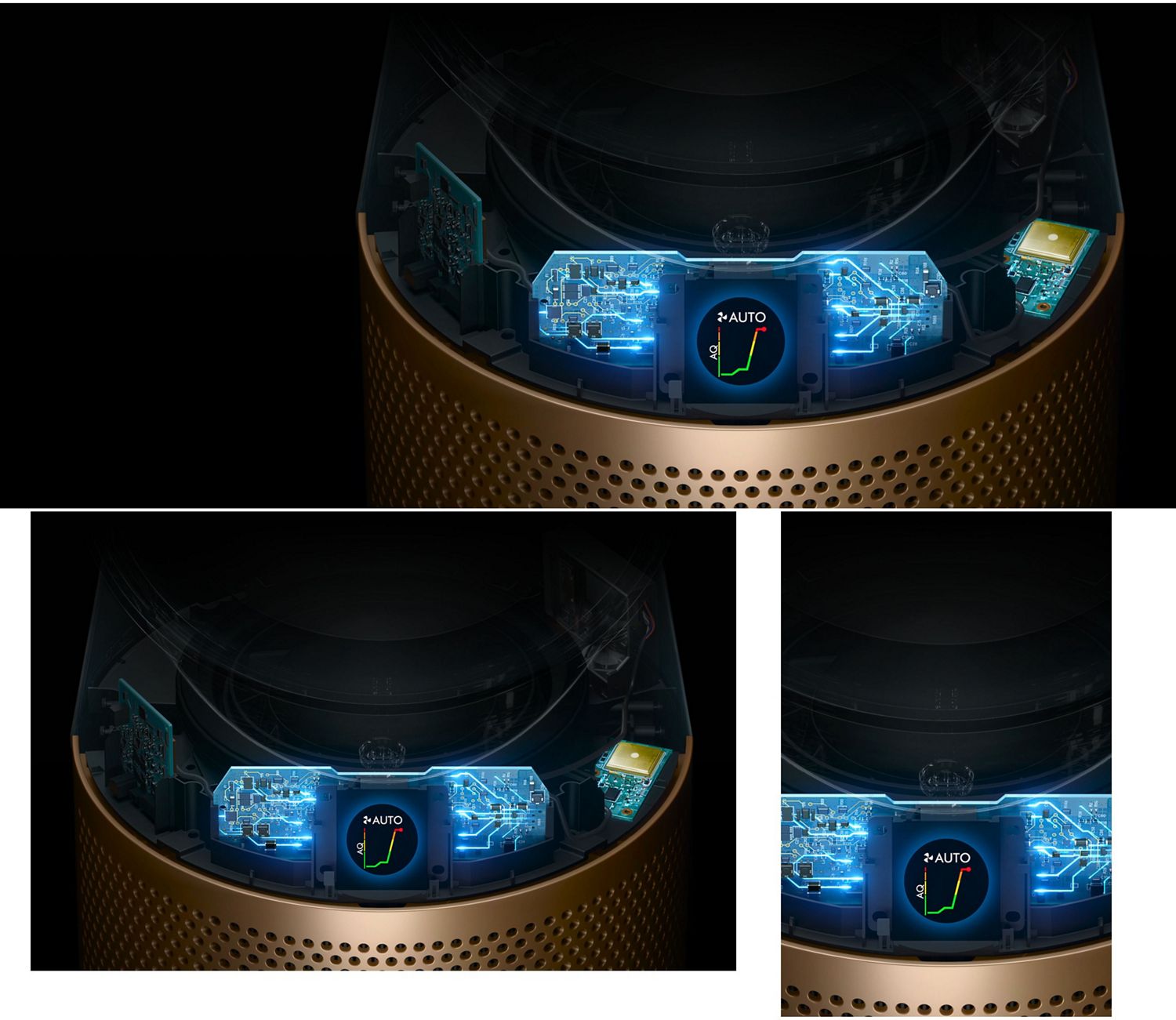
Integrated sensors constantly analyse the air around you and cross-check pollution data. Your machine diagnoses the air at a molecular level, displaying live results on the LCD screen.
Controllable oscillation motor
A high-precision stepper motor and infrared encoder provides variable and controllable oscillation angles, up to 350°.
Control via our app
Monitor air quality, receive alerts, set schedules and view your air quality history via the MyDyson™ app.⁷
Quiet. Convenient. Safe.
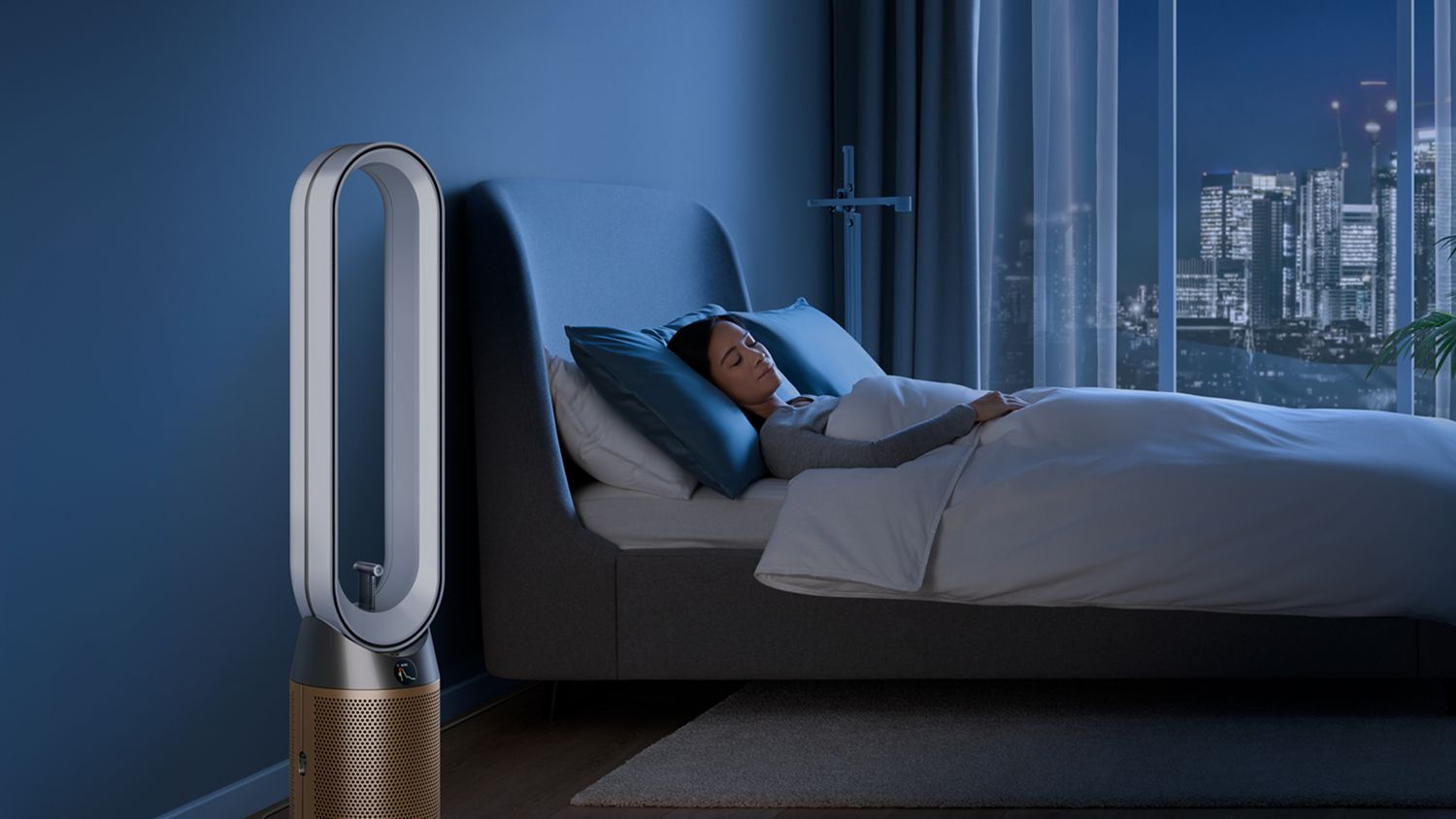
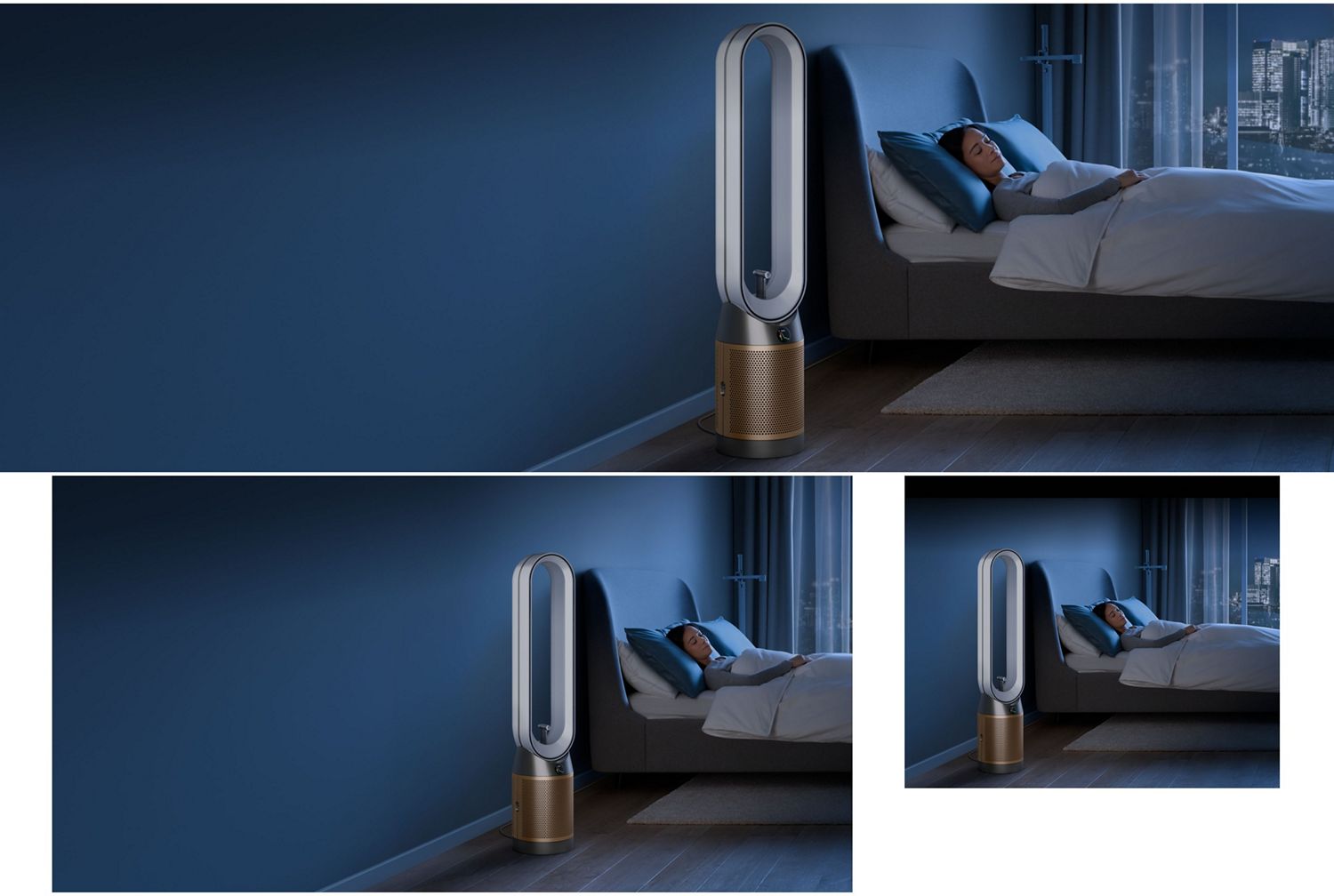
50% quieter in Sleep mode⁸
When sleeping, your purifier can operate at its quietest settings – 50% quieter than maximum airflow⁸ – and with the LCD dimmed. Use the sleep timer to choose when your purifier turns on or off.
Easy to clean
No awkward grilles to remove or dusty blades, just a quick wipe with a cloth.
Safety features
Your purifier will automatically switch off if it tips over.
-
HEPA filter
1-year filter life
-
Room coverage
Medium
-
Sound level (Max)
61.5 dBA
-
Sound level (Quiet Mode)
50 dBA
-
Oscillation/Angle
350 degrees
-
Cord length
1.8 m
-
Product diameter (skirt)
220 mm
-
Weight
5.48 kg
-
Height
1,050 mm
In the box
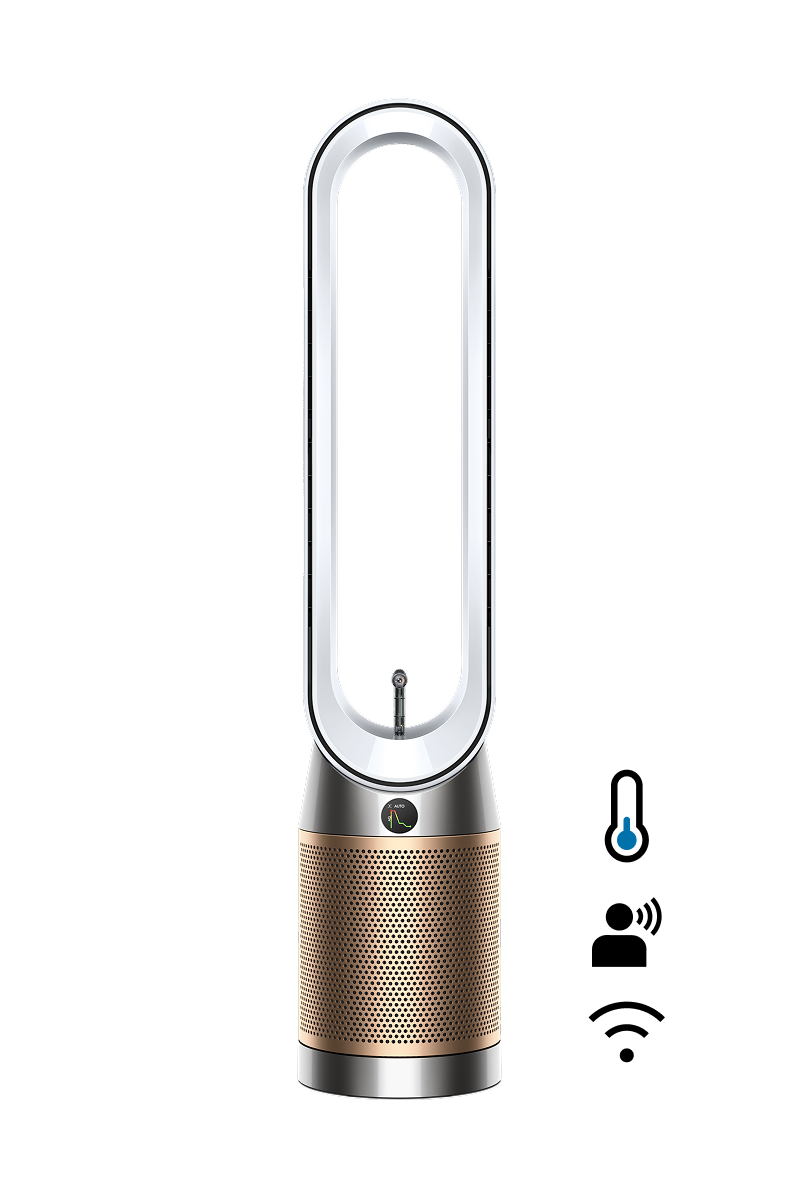
Dyson Find+Follow™ Purifier Cool PC3 purifying fan
-
360° Combi HEPA + K-Carbon Air Purifier Filter
Combined HEPA + K-Carbon filter
-

Remote Control
Curved and magnetised to store neatly on the machine.


-
360° Combi HEPA + K-Carbon air purifier filter
Combined HEPA + K-Carbon filter

See it in action
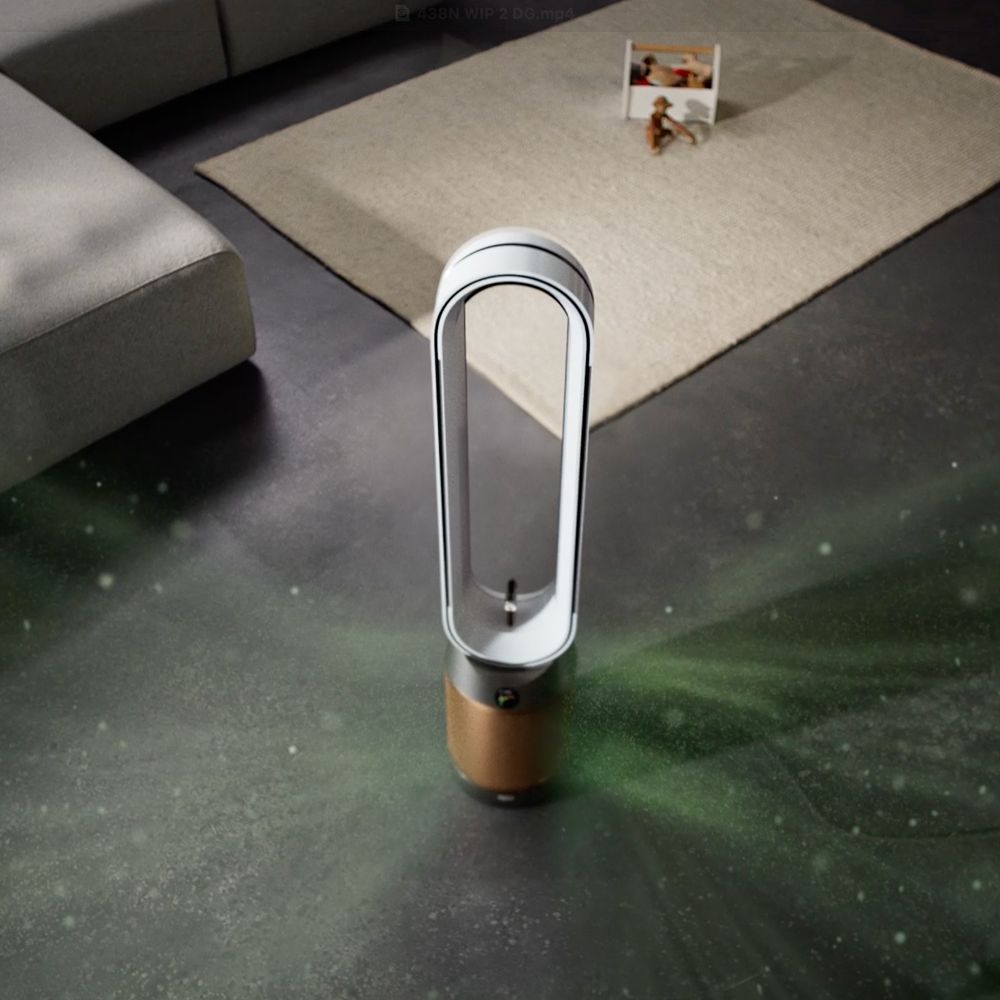
This is a carousel with slides. Use Next and Previous buttons to navigate, or jump to a slide with the slide dots.
New Find+Follow™ air projection
Dyson's new Find+Follow™ air projection uses 17-point AI user detection to cool you with purified air,¹ even when you move.
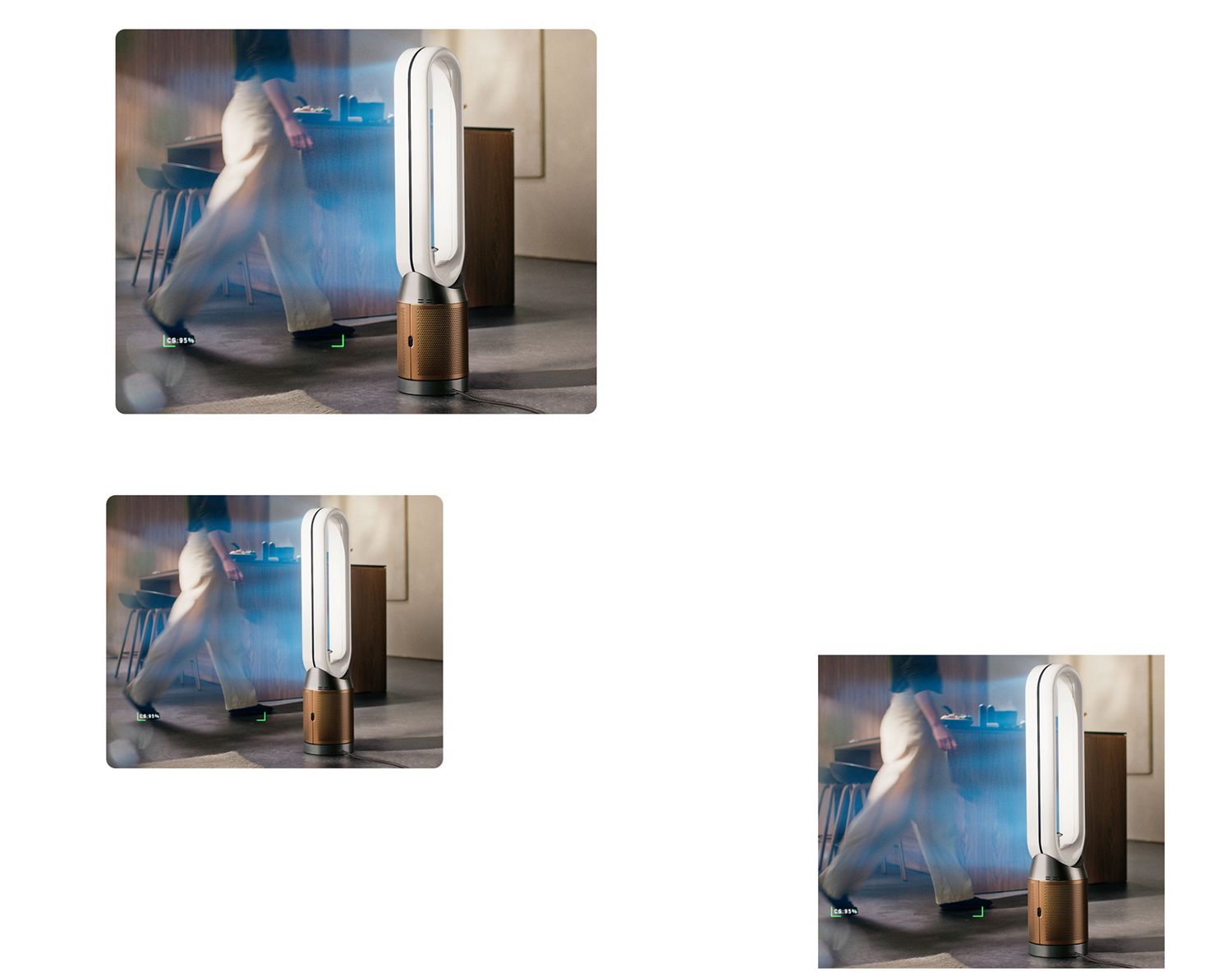
New Find+Follow™ air projection
Dyson's new Find+Follow™ air projection uses 17-point AI user detection to cool you with purified air,¹ even when you move.
Evenly shares airflow
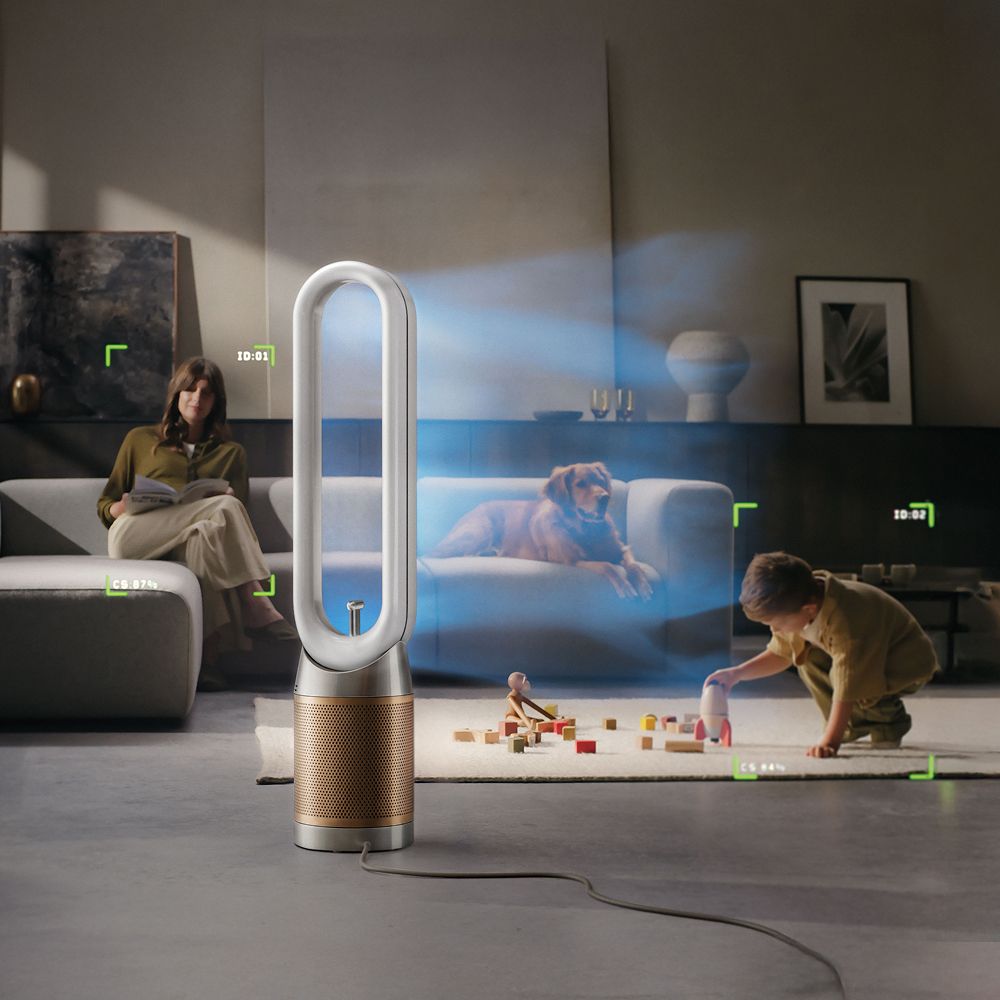
Auto-adjusts oscillation up to 350° when there’s more than one person in the room. Precisely sharing cooling purified air between them,¹ evenly and efficiently.
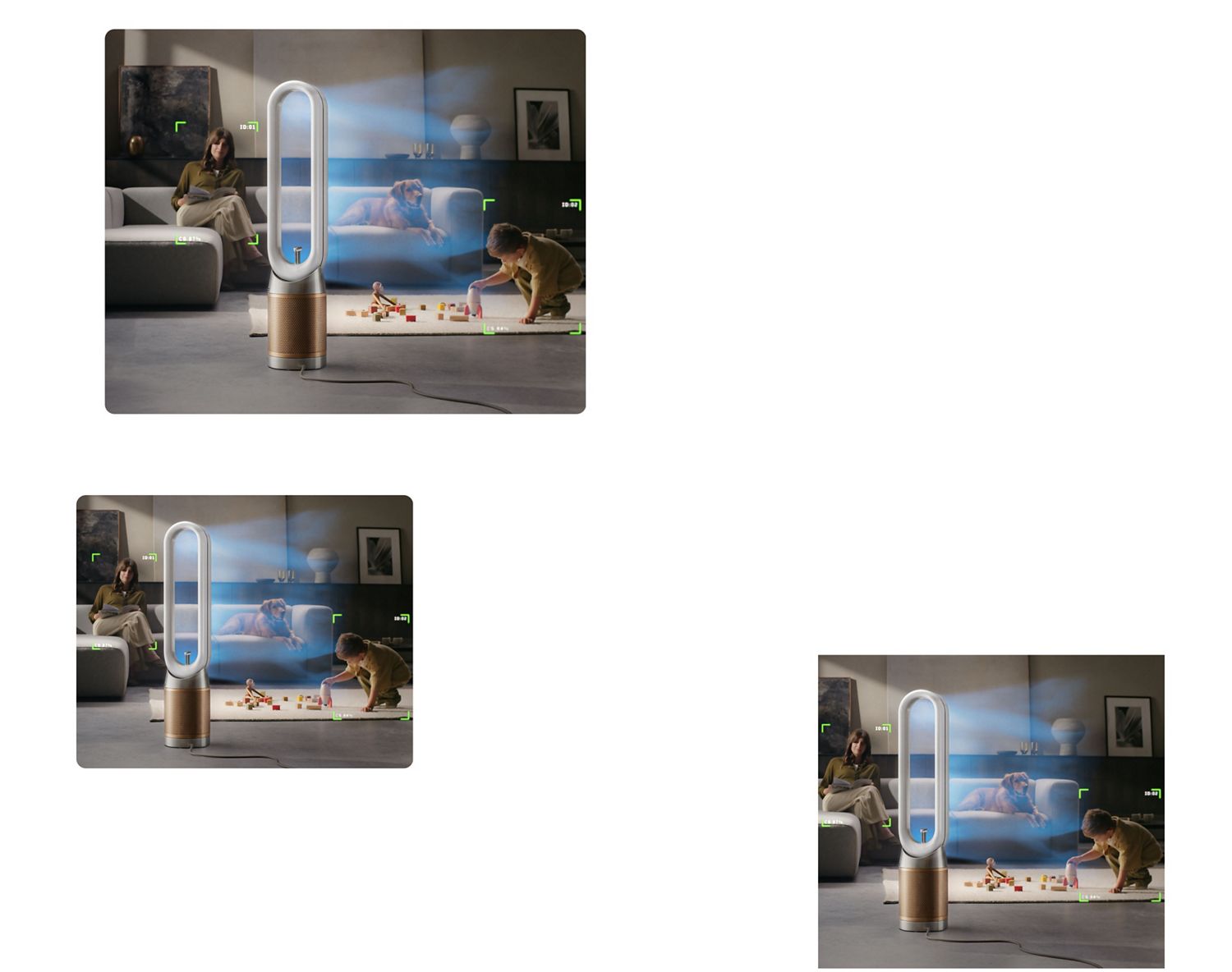
Evenly shares airflow
Auto-adjusts oscillation up to 350° when there’s more than one person in the room. Precisely sharing cooling purified air between them,¹ evenly and efficiently.
Find+Follow™ intelligence
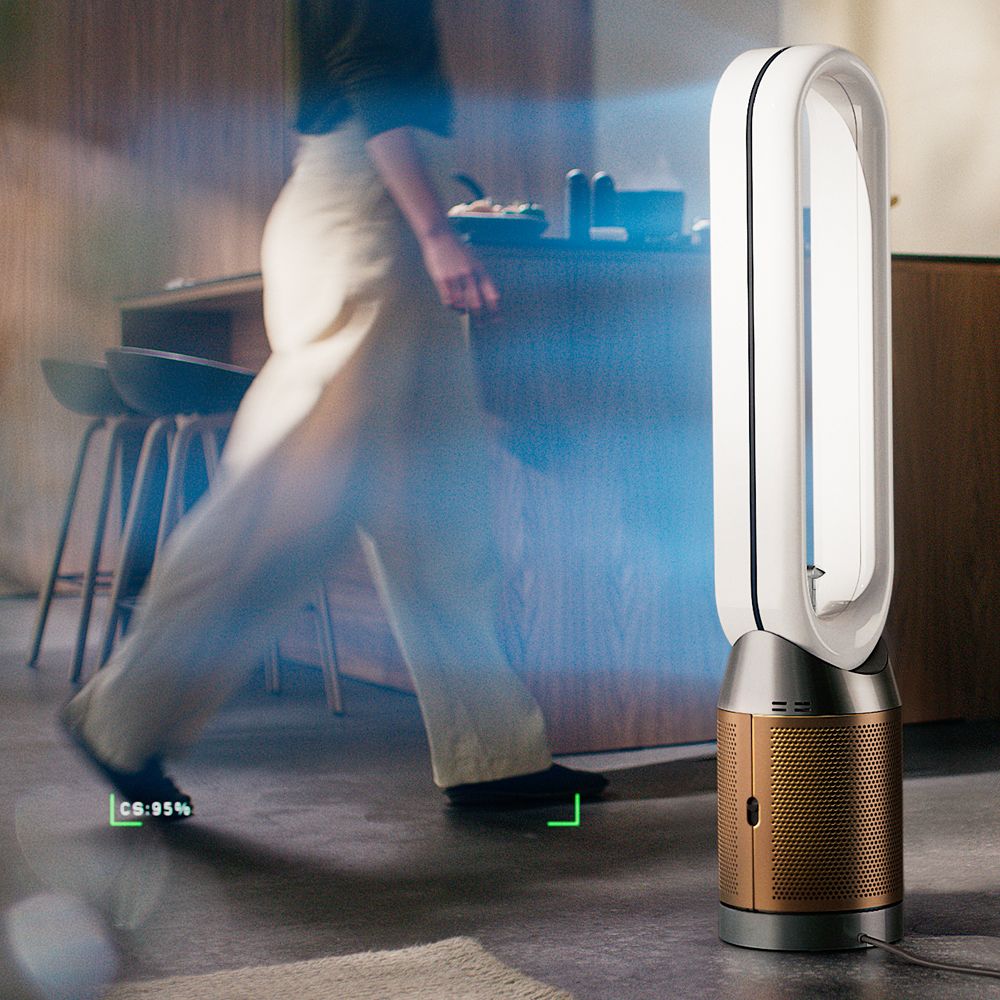
Automatically detects when you leave the room and stops oscillating, then reactivates when you return. If the room remains empty, it continues purifying and switches to Auto mode.
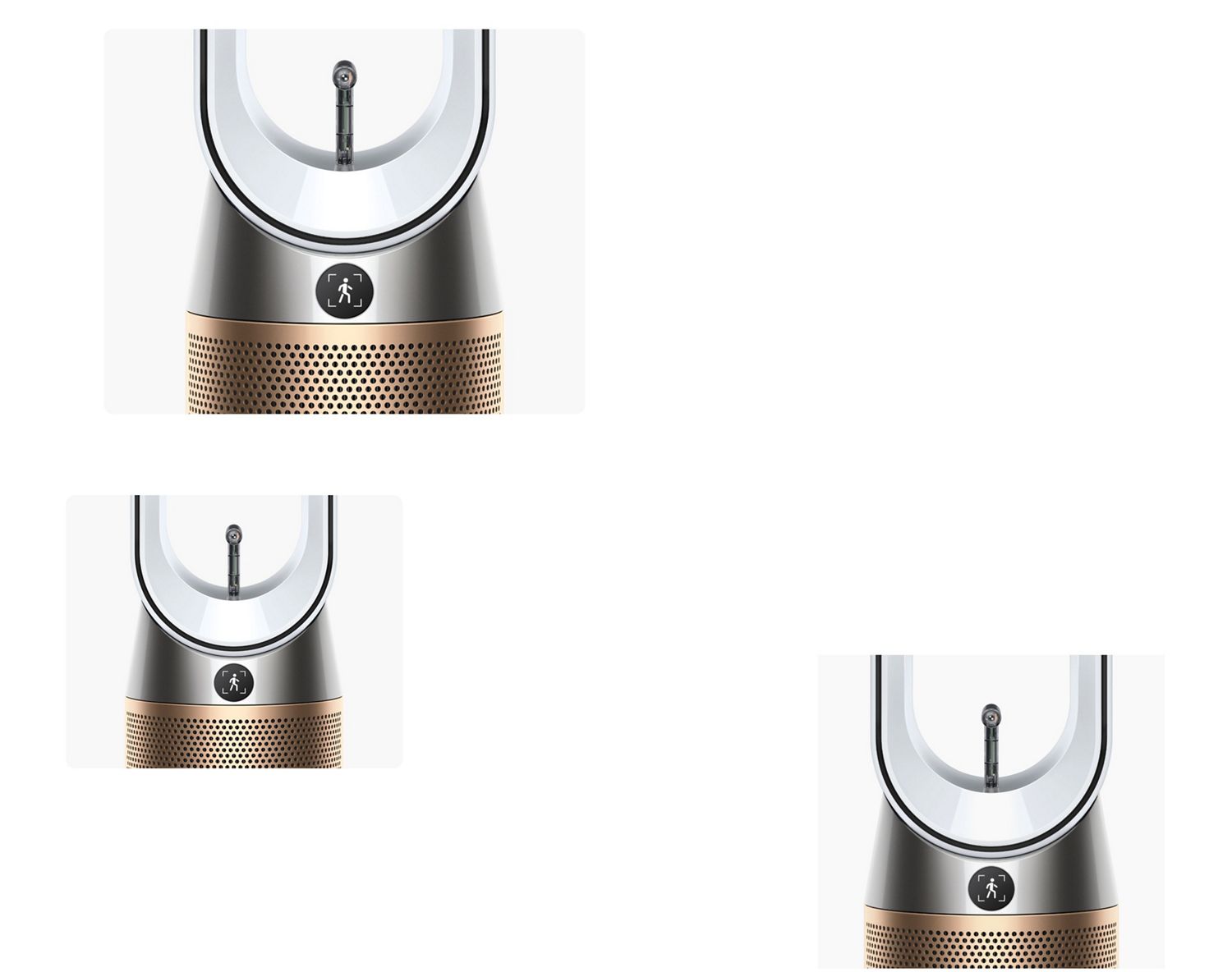
Find+Follow™ intelligence
Automatically detects when you leave the room and stops oscillating, then reactivates when you return. If the room remains empty, it continues purifying and switches to Auto mode.
Powerful purification
Air Multiplier™ technology projects a powerful stream of air to purify the whole room evenly.² High-velocity airflow, over 290 litres per second, cools you.¹
Powerful purification
Air Multiplier™ technology projects a powerful stream of air to purify the whole room evenly.² High-velocity airflow, over 290 litres per second, cools you.¹
Air pollution isn’t just outside. It’s inside too.
Many indoor activities can emit pollution. Cleaning, decorating and cooking can all produce airborne particles and gases.
-
Allergens and pollen
From houseplants, dust mites or mould spores.
-
Mould and viruses
Found on surfaces or in airborne transmission.
-
Pet hair and dander
Microscopic flecks of skin shed by pets.
-
Odours and gases
Odours from food preparation as well as gas from cookers.
-
Household dust
Microscopic particles, including dead skin cells, dust mites and dust.
-
VOCs
From aerosols and cleaning products.
-
Outdoor pollution
Found in fossil fuesl or chemical products entering through open windows.
-
This is a carousel with slides. Use Next and Previous buttons to navigate, or jump to a slide with the slide dots.
Senses and reacts to air pollutants
Sensors continuously analyse the air quality in the room. Pollutants are detected at the molecular level. Displays real-time reports on the LCD display and in the MyDyson™ app.⁷
Senses and reacts to air pollutants
Sensors continuously analyse the air quality in the room. Pollutants are detected at the molecular level. Displays real-time reports on the LCD display and in the MyDyson™ app.⁷
Captures particles with fully-sealed filtration⁹
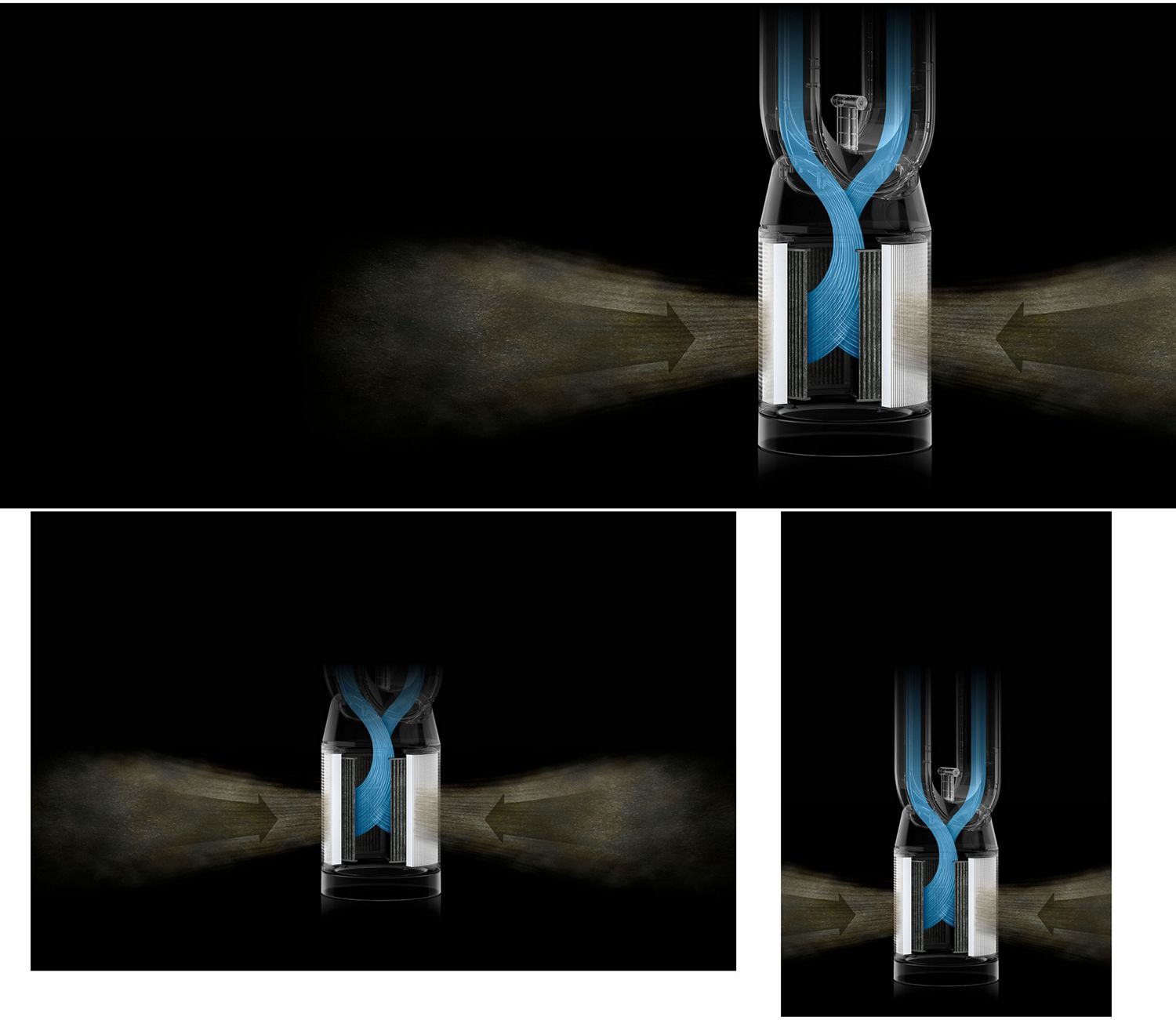
Auto mode automatically reacts when pollutants are detected. Increasing fan speed to capture them and purify the air.
Captures particles with fully-sealed filtration⁹
Auto mode automatically reacts when pollutants are detected. Increasing fan speed to capture them and purify the air.
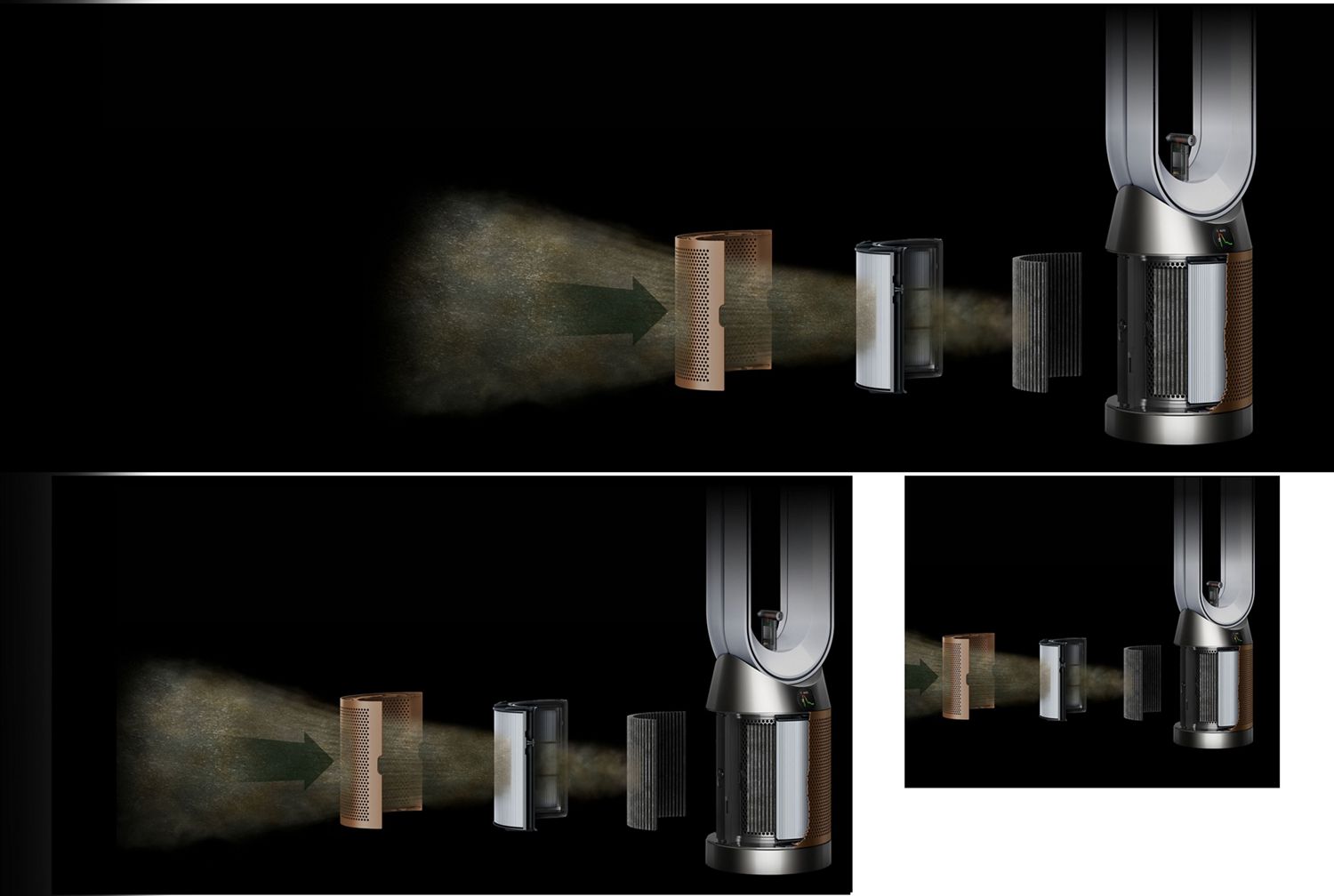
-
HEPA H13-grade filter
Fully-sealed 360° filter contains 21 meters of borosilicate microfibres, pleated over 450 times, captures 99.95% of viruses and bacteria.³ Traps allergens like pollen, pet dander and mould spores to keep them locked in.
-
K-Carbon filter
Our K-Carbon filter is impregnated with potassium carbonate (K₂CO₃) and can absorb 50% more nitrogen dioxide – a common and potentially harmful household pollutant.⁵

-
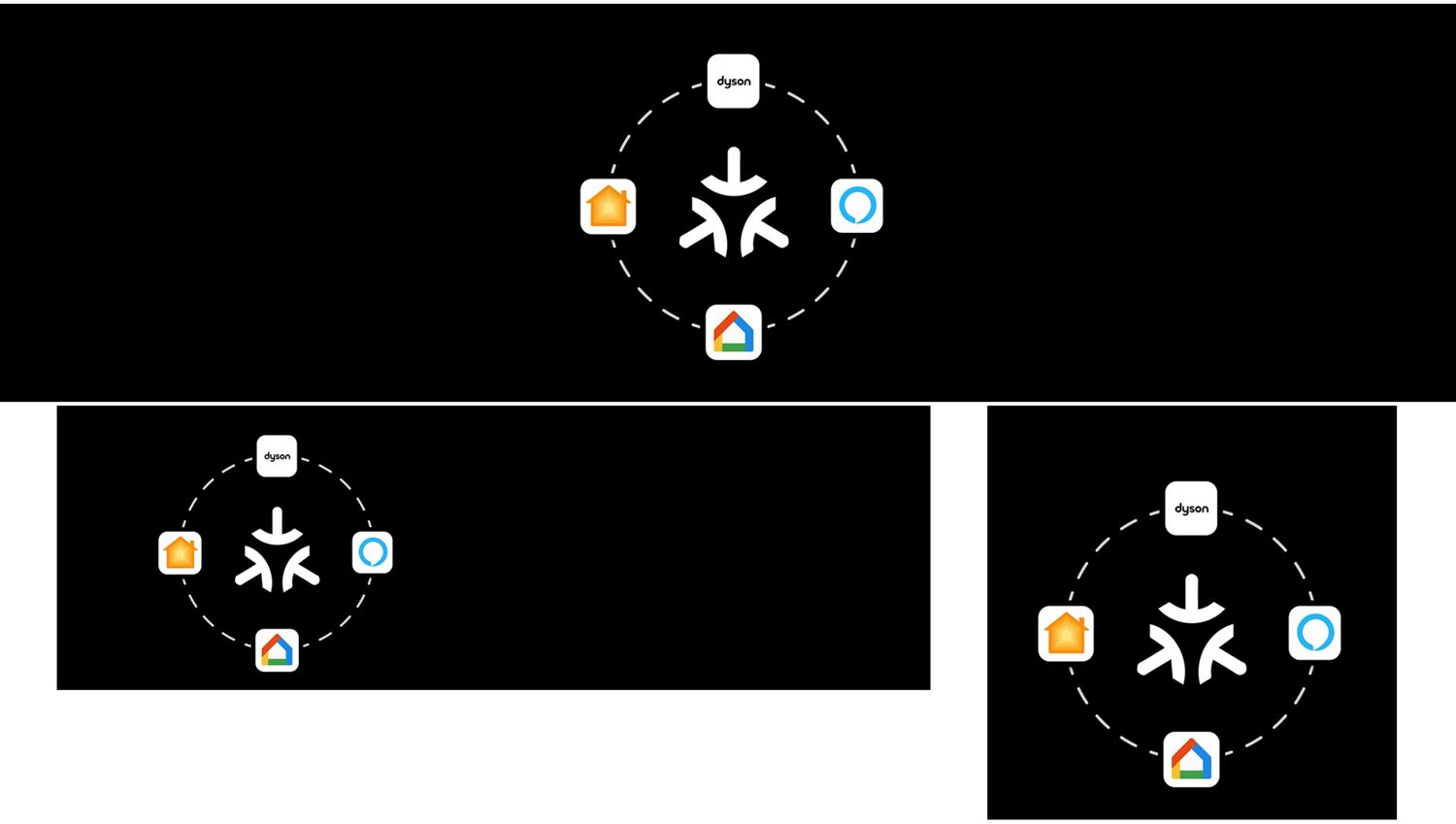
Smart home enabled
Adjust airflow, switch modes, or power off with your voice.⁷
-
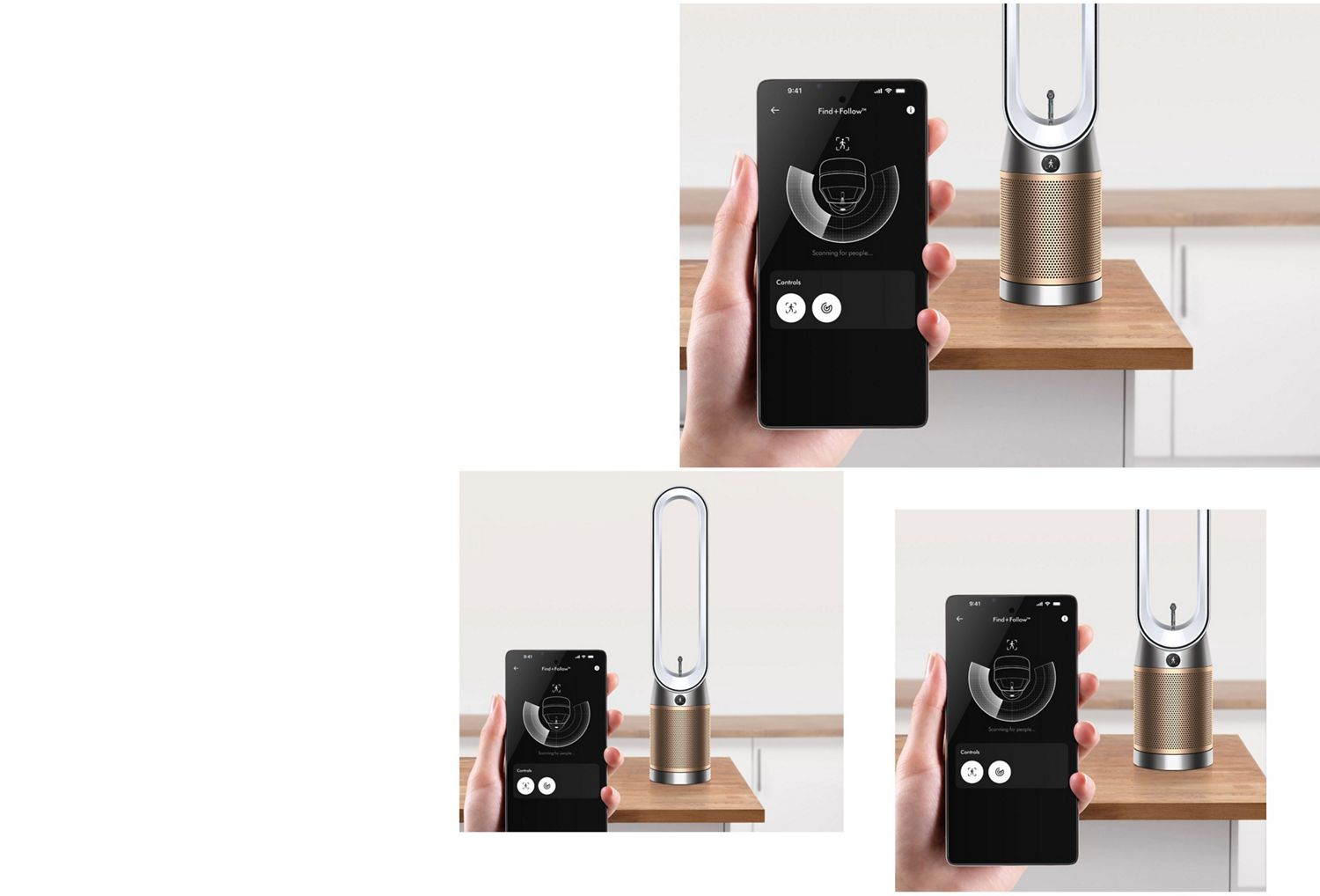
Convenient control
Remotely control Find+Follow™ air projection and other settings.
-
Accurate tracking
The MyDyson™ app accurately tracks the air quality in your home. For informed purification.
-
Easy maintenance
Automatic filter-life notifications on the LCD screen. So you know when it needs replacing.
Additional features
-
Auto mode
In Auto mode, your purifier reacts automatically to remove pollutants – only using energy when needed.
-
Safety features
Your purifier will automatically switch off if it tips over.
Reviews powered by Bazaarvoice
Dyson Find+Follow™ Purifier Cool PC3 purifying fan
Overall rating
Frequently asked questions
Detects you: Find+Follow™ air projection uses 17-point user detection to automatically direct cooling purified air towards you – even when you move.
Evenly distributes airflow between multiple people: Find+Follow™ air projection auto-adjusts oscillation when there’s more than one person in the room. Precisely sharing purified air between them, evenly and efficiently.
The Dyson Find+Follow™ Purifier Cool is able to serve as a fan, which can help cool you. It projects over 290 litres per second of smooth, yet powerful cooling airflow. It is not an air conditioner.
Yes. Via the My Dyson app™ and the remote control, you can switch off the Find+Follow™ air projection feature and use oscillation as normal on the machine. Turning the feature off this also turns the sensor off.
The timer can be set from 30mins to one hour, two hours, four hours and eight hours on the machine. It can be set for 15, 30 and 45 minutes, and then every hour up to nine hours on the MyDyson™ app.
We’ve included multiple projection angles so you can change the direction of airflow to suit your needs. This purifier also oscillates to change the direction of projection, and you can reduce the speed of airflow manually using the remote or MyDyson™ app.
Discover Dyson air treatment
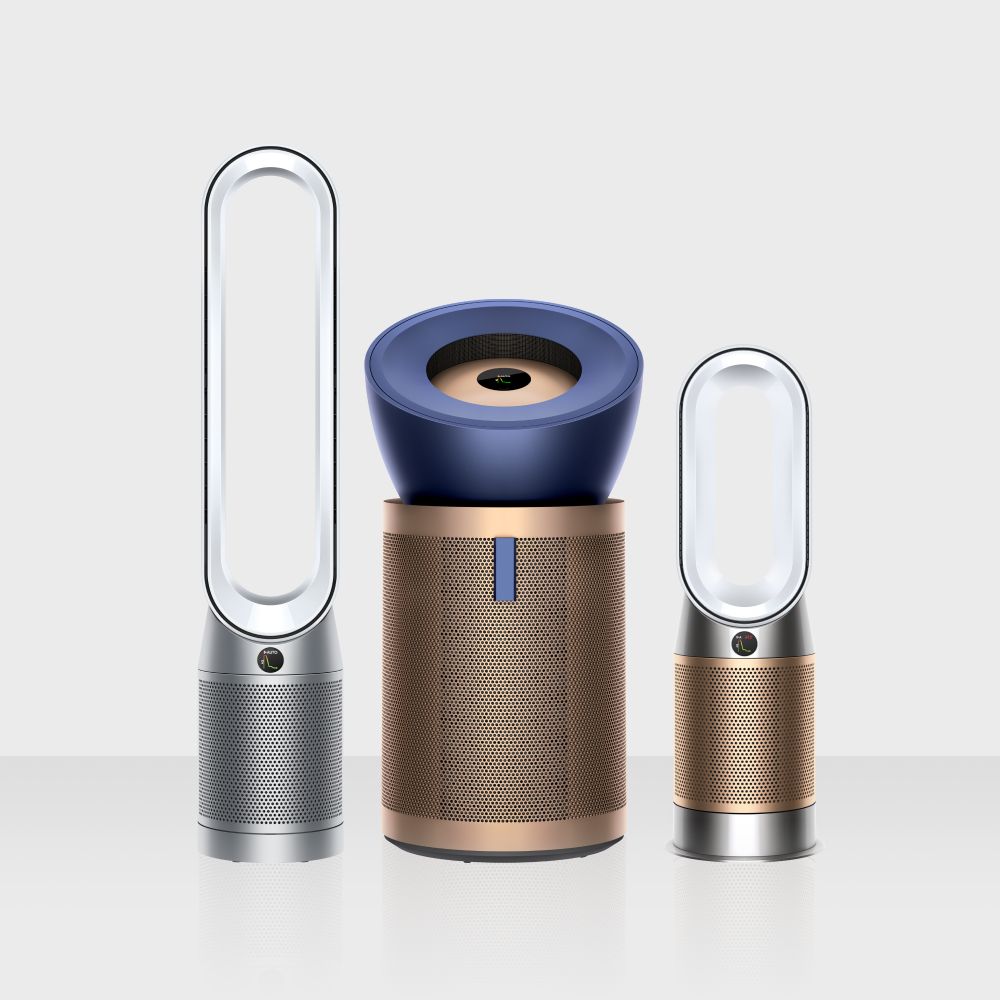
Explore our air treatment range.
¹EC025
²EC012
³EC002
⁴EC009
⁵EC0128
⁶EC001
⁷EC013
⁸EC0131
⁹EC006
Apple, the Apple logo, and Siri are trademarks of Apple Inc. App Store is a service mark of Apple Inc.
Google Play, the Google Play logo, Google Assistant are trademarks of Google Inc.