
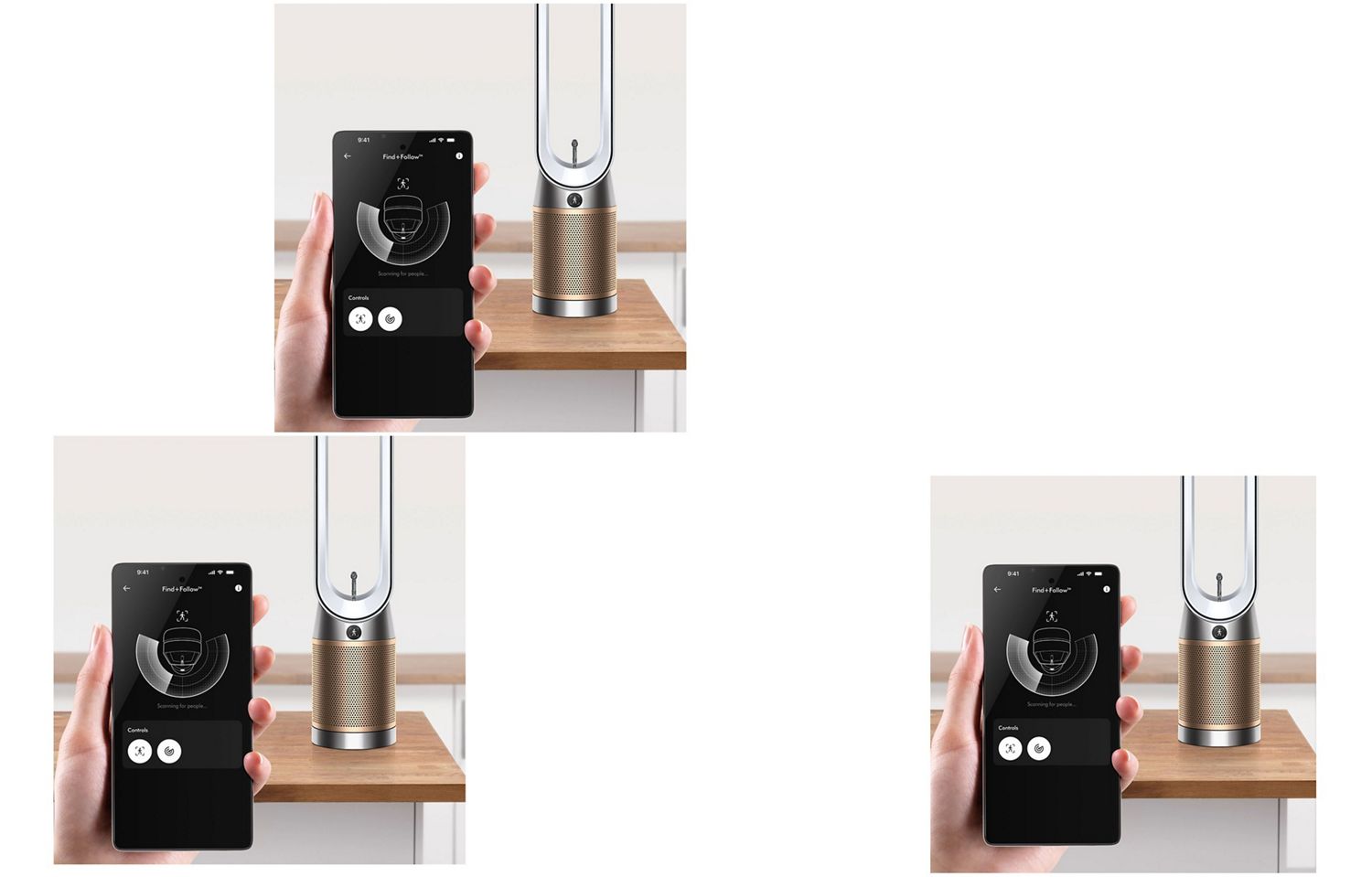
Take control of your purifier with our app
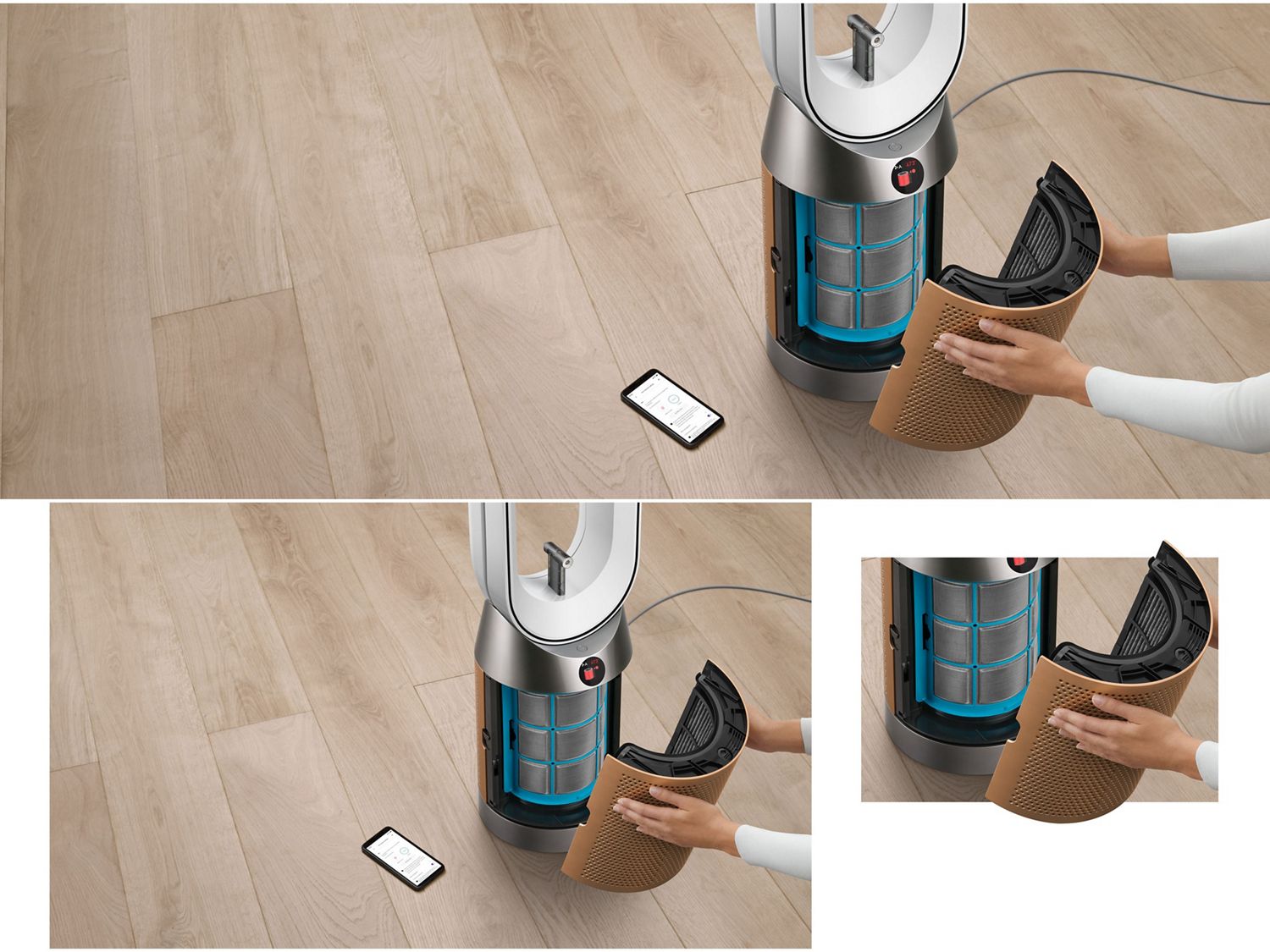
Download the MyDyson™ app to control your purifier’s Find+Follow™ air projection from your phone or tablet. Register for fast access to tailored guides, 24/7 support, and filter replacement reminders.
Alternatively, you can register online here.
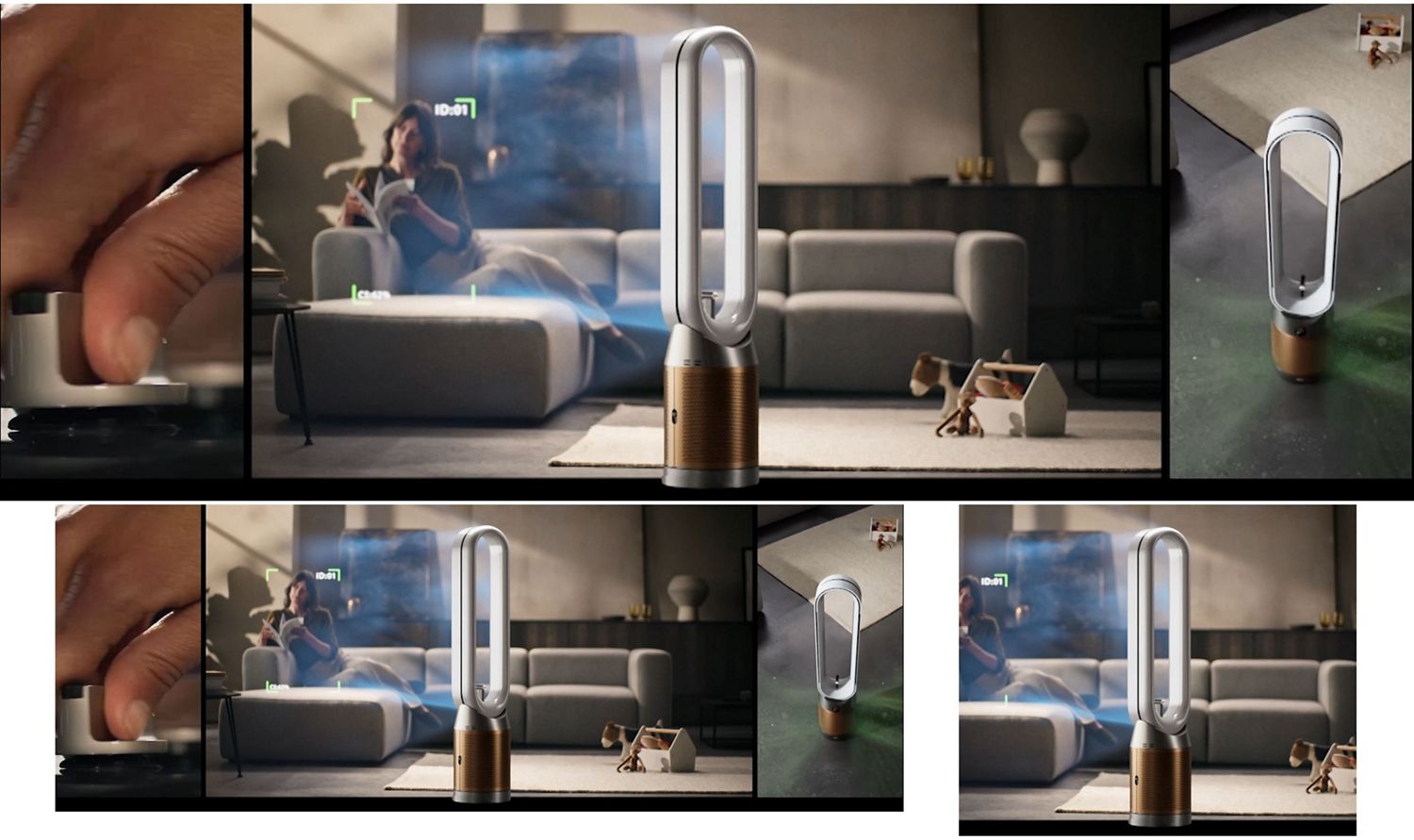
Using your new purifying fan
Watch the video below to get started with your machine and experience cooling purified air directed towards you, even when you move.


-
Set and forget
Adjust airflow, switch modes, or power off with your voice.⁷
-
Convenient control
Remotely control Find+Follow™ air projection and other settings.
-
Air quality report
The MyDyson™ app accurately tracks the air quality in your home. For informed purification.
-
Filter status
Automatic filter-life notifications on the LCD screen. So you know when it needs replacing.
-
Adjusting the airflow
Both the speed and direction of airflow can be adjusted.
-
Oscillation range
Shows the AI vision system’s field of view when following someone.
-
Sleep timer and Sleep mode
Set the Sleep timer to turn your purifier off. Or use Sleep mode to make the machine 50% quieter.⁸
-
Filter life
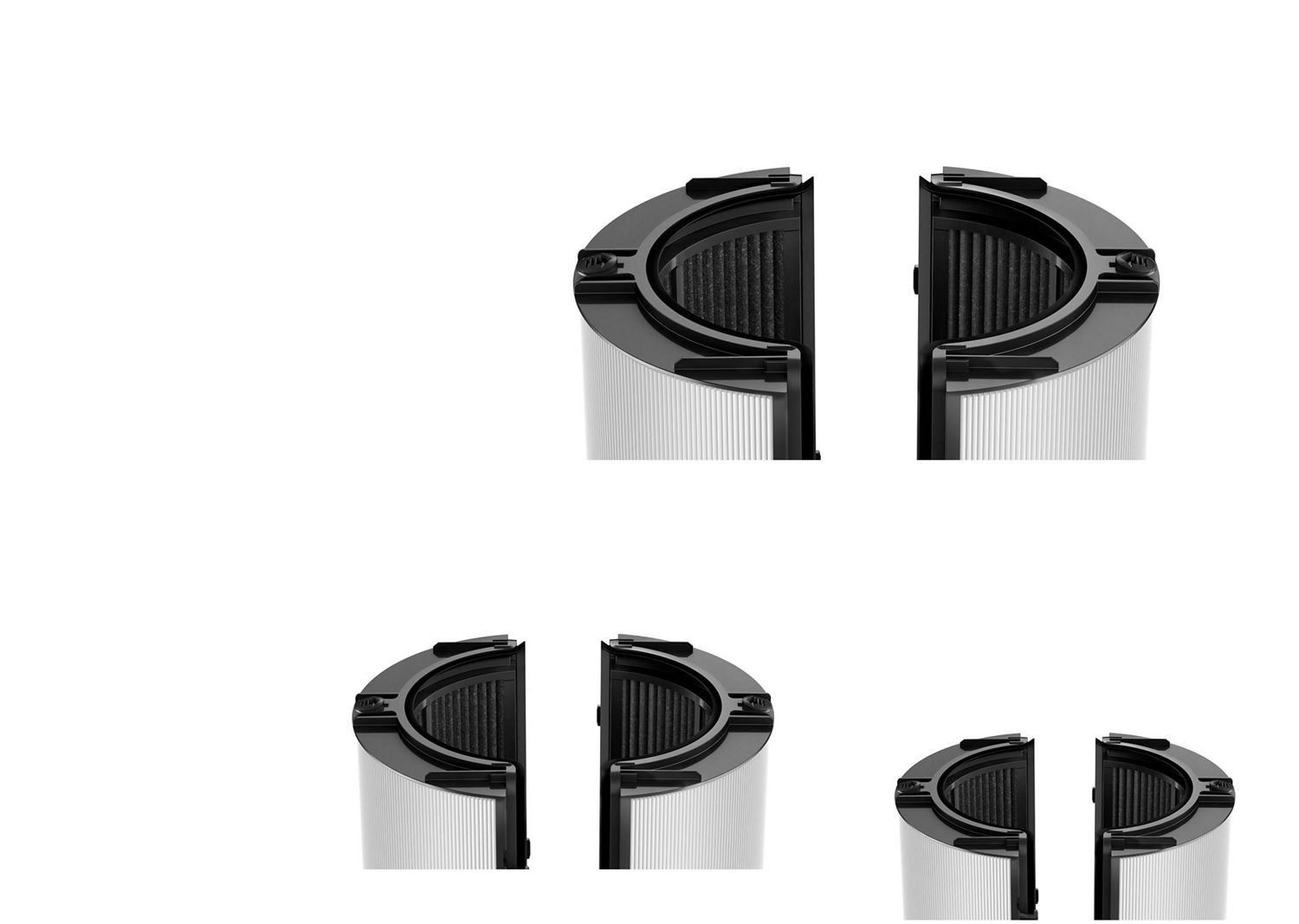
Shows how much filter life remains on the HEPA+K-Carbon filter. So you know when to replace it.
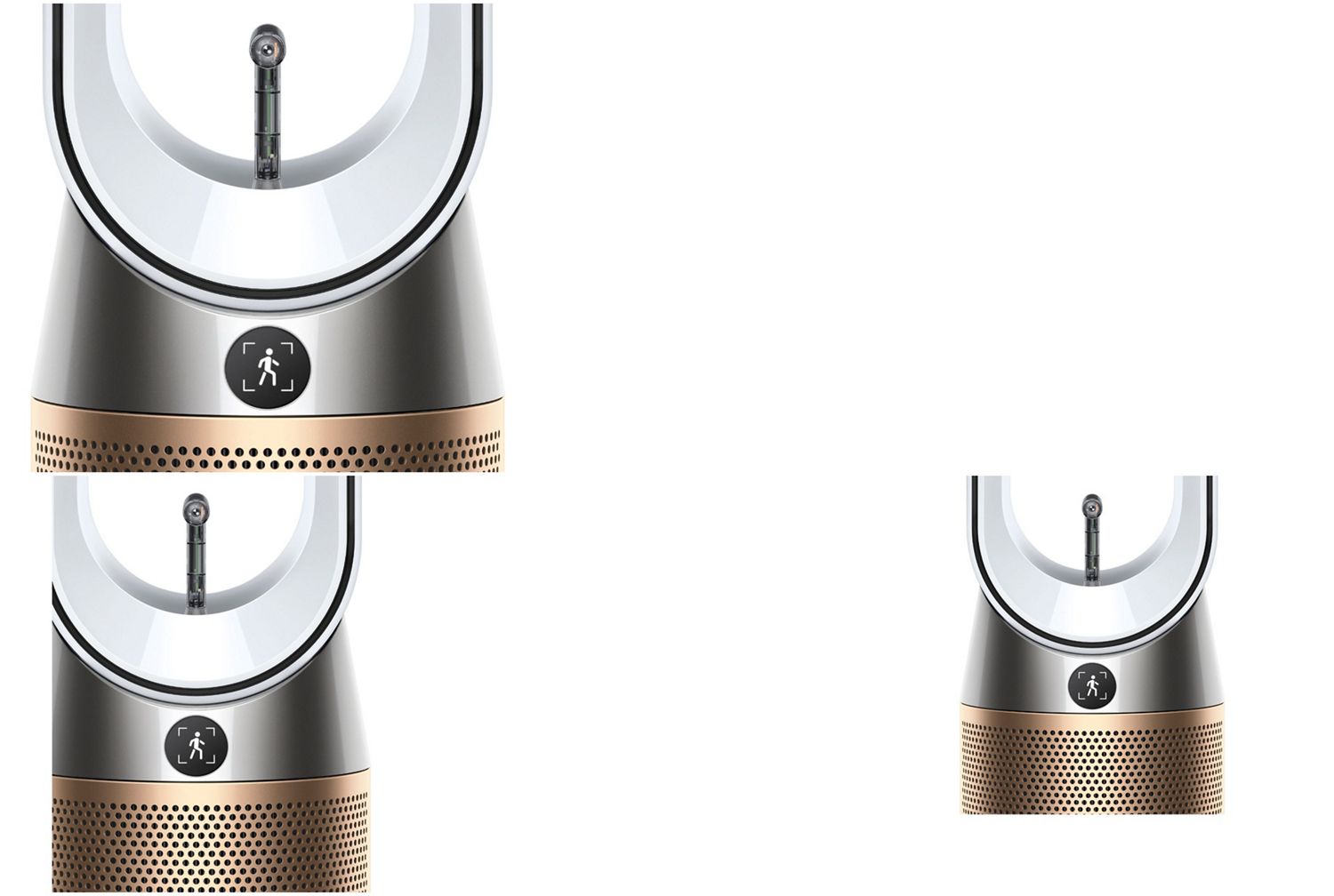
-
Find+Follow™ air projection
Shows that the 17-point AI vision system for user detection is active.
-
Find+Follow™ air projection disabled
Shows that the 17-point AI vision system is not active.
-
People scanning
Shows that your machine is scanning for other people in the room.
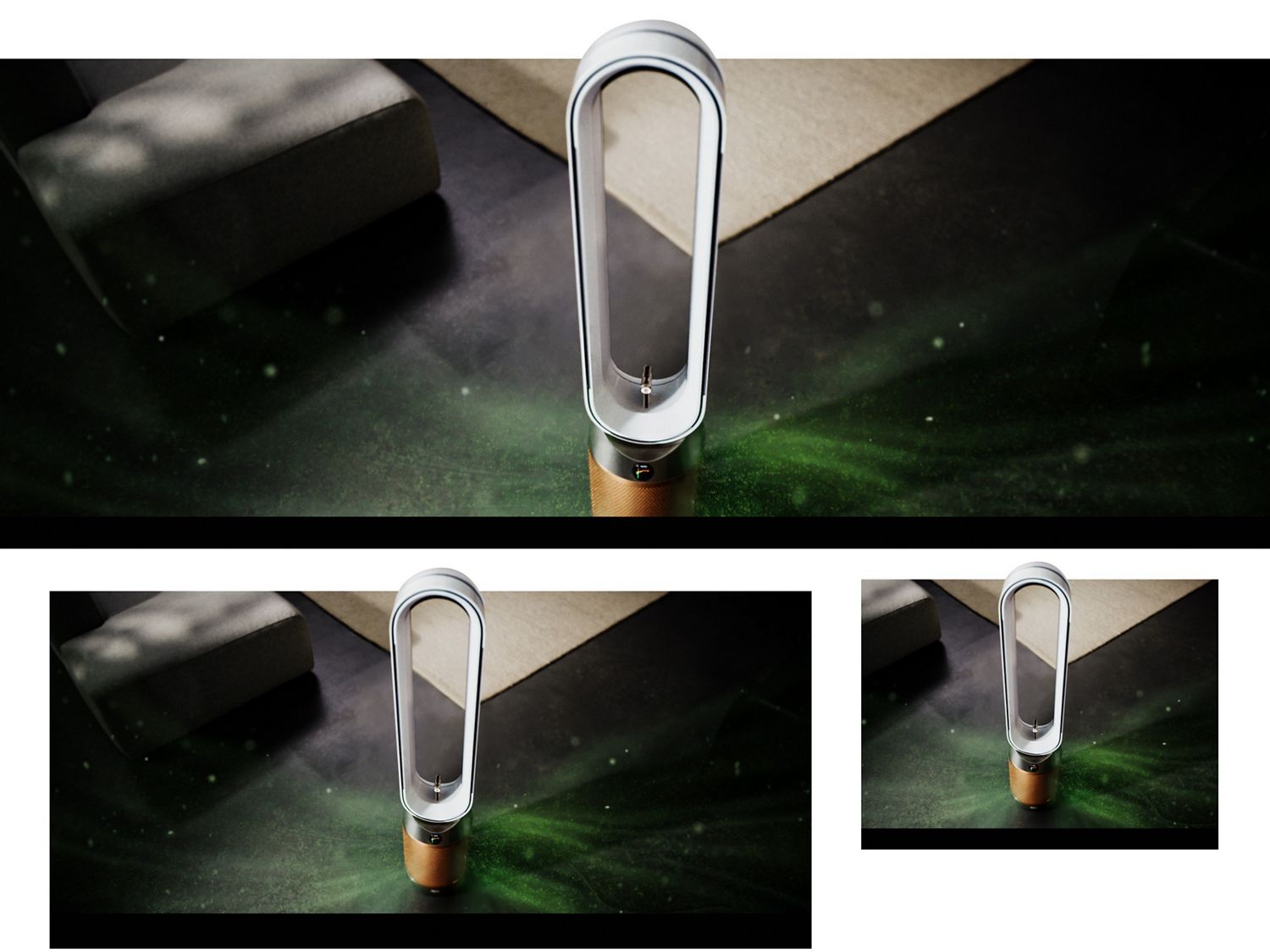
-
Good
When the green section of the coloured bar is highlighted, your purifier is detecting a very low level of the type of pollutant.
-
Fair
When the yellow section of the coloured bar is highlighted, your purifier is detecting a moderate level of the type of pollutant.
-
Poor
When the orange section of the coloured bar is highlighted, your purifier is detecting a high level of the type of pollutant.
-
Very poor
When the red section of the coloured bar is highlighted, your purifier is detecting a very high level of the type of pollutant.
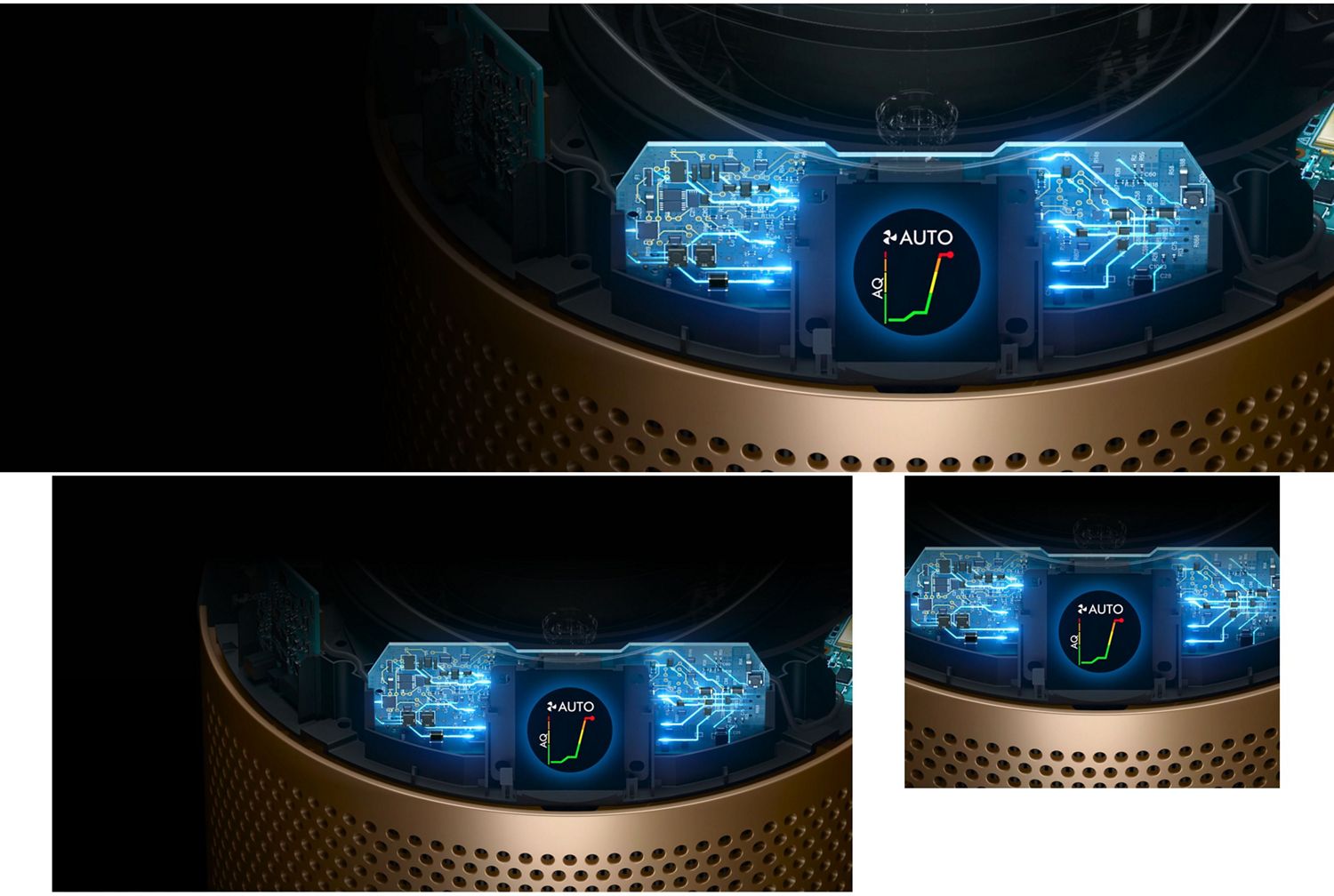
What your purifier is capturing
Your machine’s LCD screen highlights the different particles and gases it captures.
-
PM2.5 level
Shows microscopic particles smaller than 2.5 microns – including smoke, bacteria and allergens.
-
PM10 level
Shows particles smaller than 10 microns – including dust, mould and pollen.
-
NO₂ level
Shows oxidising gases such as NO₂ – includes cigarette smoke, car emissions, candles and gas stoves.
-
Formaldehyde level
Shows the machine’s electrochemical cell is precisely detecting formaldehyde, which it does for the lifetime of the device.
Frequently asked questions
When Find+Follow™ air projection is turned on the AI vision system will detect presence within the room. Once presence has been detected the machine will direct cooling purified air towards you.
If you move within the room, Find+Follow™ air projection will automatically adjust the direction of airflow. Projecting purified air directly at you as your location changes.
The machine will continually detect the location of people within the room. If multiple users are in the room, Find+Follow™ air projection will adjust its oscillation field to efficiently project purified air.
The gas sensor is very sensitive and can sometimes become contaminated by strong solvents. The sensor will recover naturally over a couple of days. If a user wants to immediately reset the sensor, they can remove power to the machine at the plug for 30 seconds and then reapply power. This will cause the sensor to perform a short recalibration.
The first time a new machine is turned on, the gas sensors need to acclimatise. This usually takes two minutes, after which they will be fully functional. During the acclimatisation process the machine will continue to purify.
Dyson purifiers are optimal when left switched on in ’Auto mode’. This allows the purifier to constantly monitor your air quality, and automatically sense and capture pollutants. It adjusts the airflow speed, only purifying when needed.
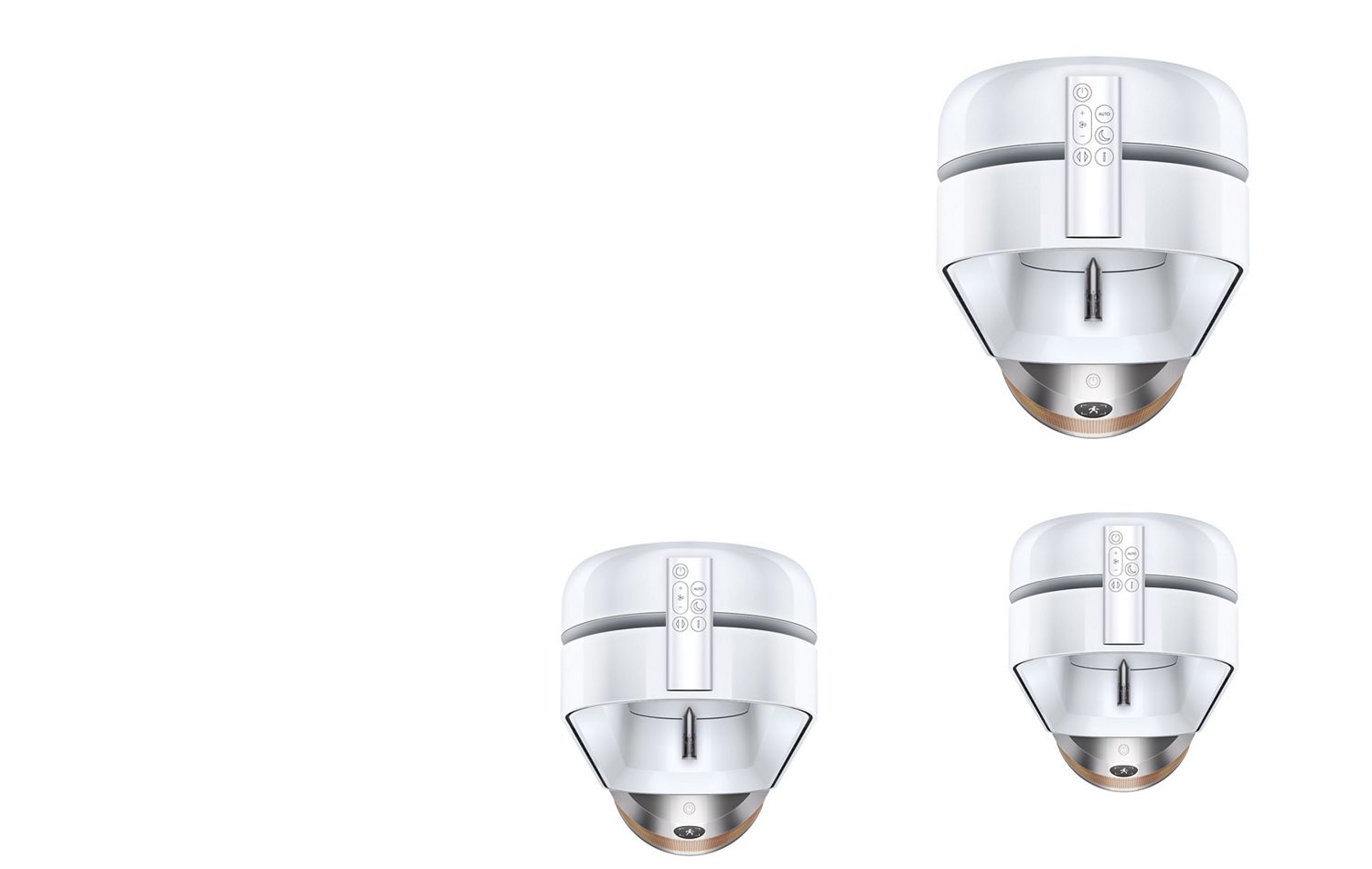
The machine can switch the direction of the airflow depending on a user’s needs. It has forward-facing ‘Fan mode’, or ‘Diffused mode’. If the user desires purification without being cooled, purified air can be directed out the back of the machine. Users can continue to enjoy the benefits of purification when they don’t require the cooling airflow.
⁷EC013
⁸EC0131
Apple, the Apple logo, and Siri are trademarks of Apple Inc. App Store is a service mark of Apple Inc.
Google Play, the Google Play logo, Google Assistant are trademarks of Google Inc.