

Have you registered your machine?
Download the MyDyson™ app to register. Plus, fast access to tailored guides, 24/7 support, and roller replacement reminders.
Alternatively, you can register online here.
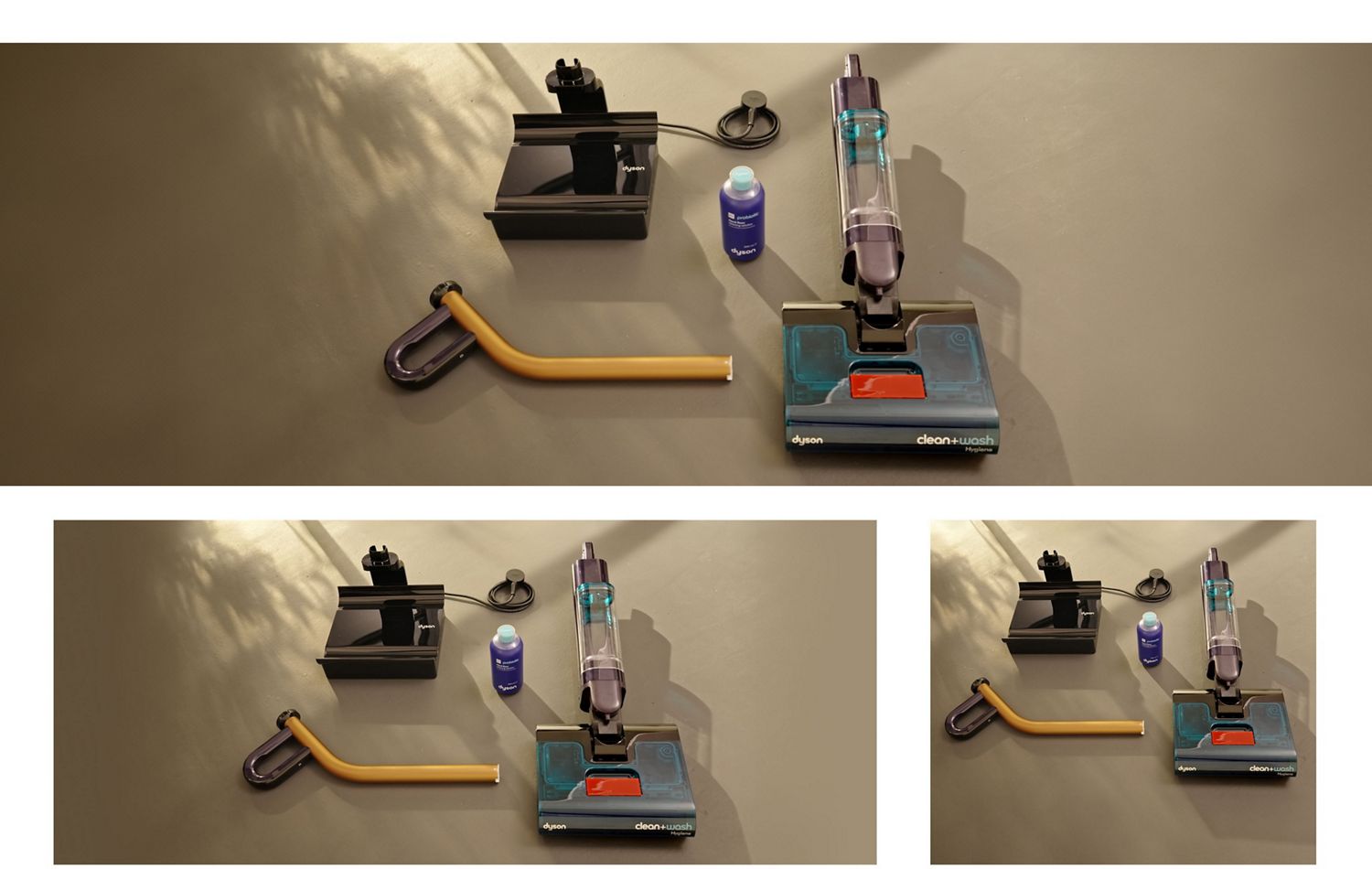
Dock set-up and charging
A docking station is included to store, charge, clean and dry your machine after use.
-
Setting up the dock
Choose a convenient, cool space in your home to set up the dock. Keep out of direct sunlight where possible, as overheating could impact battery health.
-
Charging your battery
It's important to fully charge the battery of your machine before first use. This optimises future battery monitoring and run time.
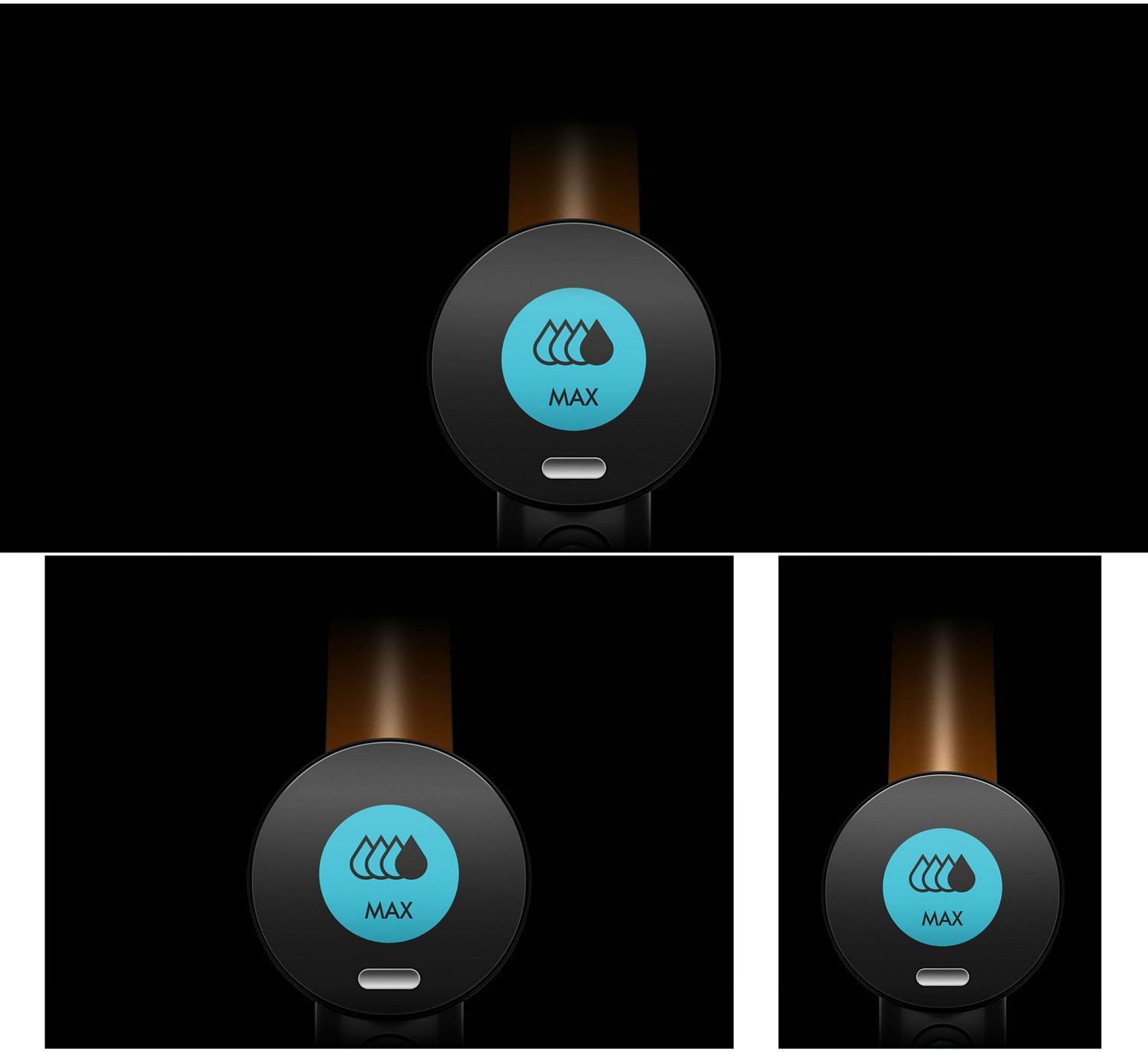
Choosing power modes
Press the mode button to cycle through the menu:
-
Low
Dust, hair and liquid spills.
-
Med
Debris, hair and moderate stains.
-
High
Tough, dried-on stains and sticky spills.
-
Max
Use in moderation. For the most stubborn stains.
Addressing alerts
The LCD screen provides helpful notifications like remaining run time, when to empty the dirty water tank, and when to replace the roller. Act on these alerts in good time to help maintain performance.
-
Your dirty water tank is full
-
Your machine has low battery
-
Your machine is charging
-
Check for debris around the roller
-
Self-clean in progress
-
Hot-air drying in progress
-
Charge machine to at least 30%
-
You’re due a roller replacement

Routine maintenance
Run the Self-clean cycle after every clean
-
Empty the dirty water tank and debris tray.
-
Fill the clean water tank to MAX.
-
Select ‘Self-clean’ to start the cycle.
-
Hot-air drying will automatically follow.
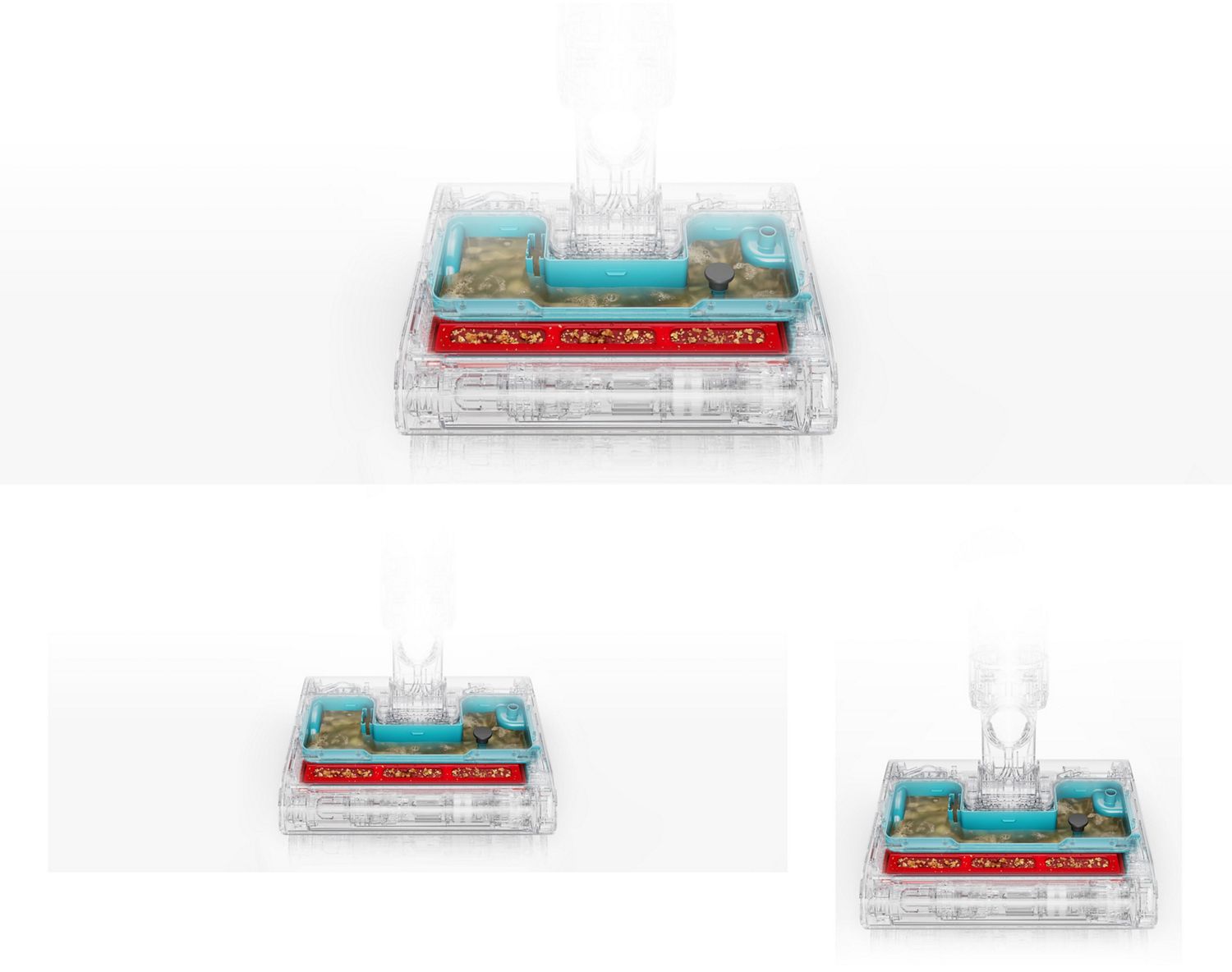
Cleaning the debris tray
Separate the debris tray from the system and tap any dirt into the bin. Rinse the tray, the Anti-tangle comb and the sprung mangle under clean running water.
-
Remove the debris tray
-
Tap to remove dirt
-
Rinse under running water and refit
Caring for the roller
It’s good to check over your machine’s roller every other week, and give it a more thorough clean if necessary.
-
Remove the roller from position
-
Wash in warm water and detergent
-
Rinse under running water
-
Dry thoroughly before use

Frequently asked questions
No. Vacuuming is not necessary, as Dyson Clean+Wash Hygiene picks up and separates both wet and dry debris, including hair.
There are 4 power modes with varying water flow to address different cleaning needs. Low for debris, hair and light spills; Medium for mealtime mess, spills and wet footprints; High for sticky spills, muddy boot marks and dried-on stains; Max mode for stubborn stains.
The Dyson Clean+Wash Hygiene is equipped with a self-cleaning and hot air drying function that minimises the need for regular manual maintenance.
We recommend emptying both the clean and dirty water tanks and debris tray after every clean to maintain machine hygiene.
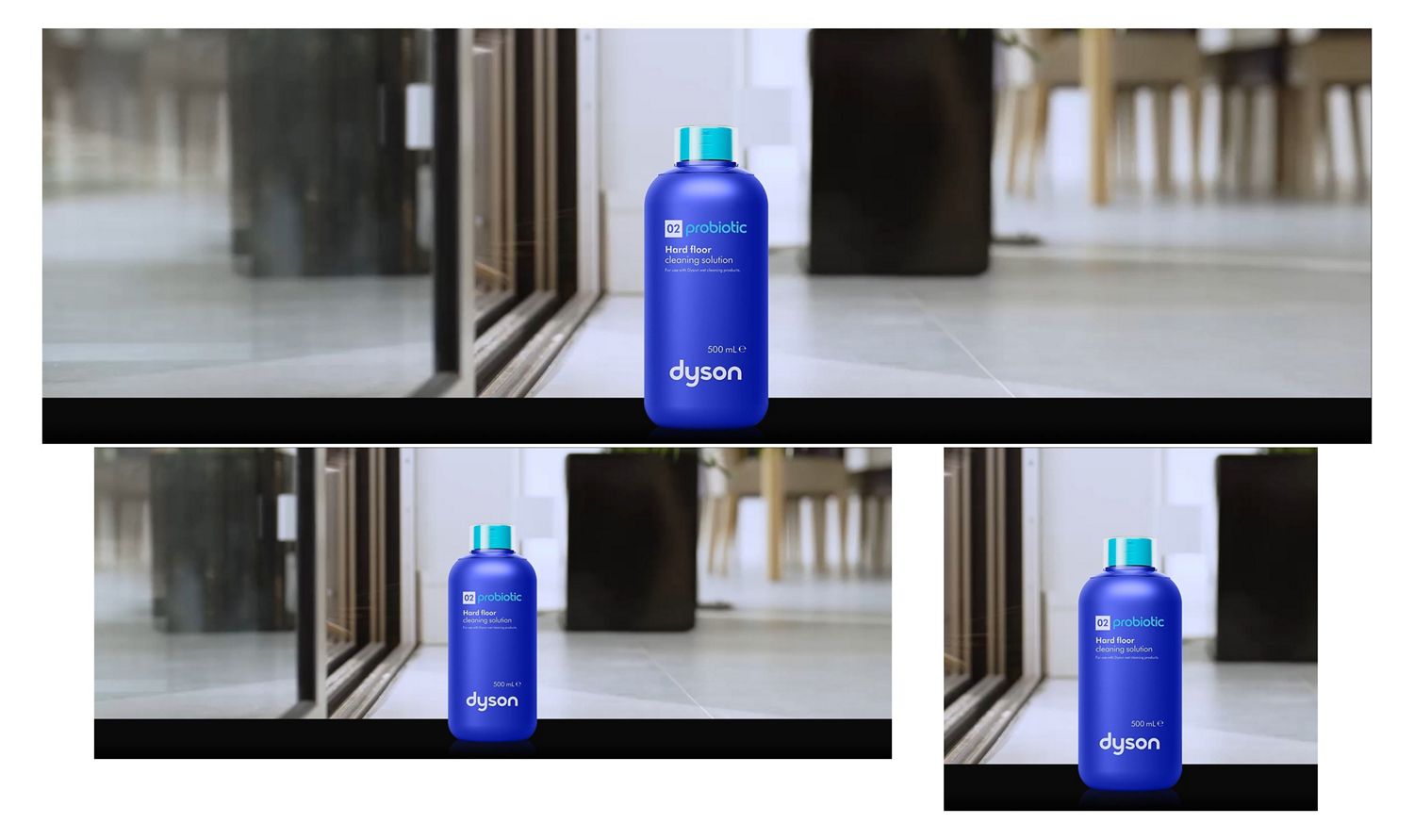
Place the machine on the charging dock. Empty both water tanks and the debris tray. Refill the clean water tank with water and add your chosen 02 Probiotic/01 Cleaning Solution/ low-foam hard floor cleaning solution (if using), then place the tanks and debris tray back into the machine. Select the Self-clean cycle on the UI screen. The machine will flush the system and rinse the rollers. The cycle takes around 145 seconds. Hot air drying takes place automatically right after self-cleaning.
Hot air drying takes place automatically right after self-cleaning. Leave the machine on the dock while it is hot air drying.