
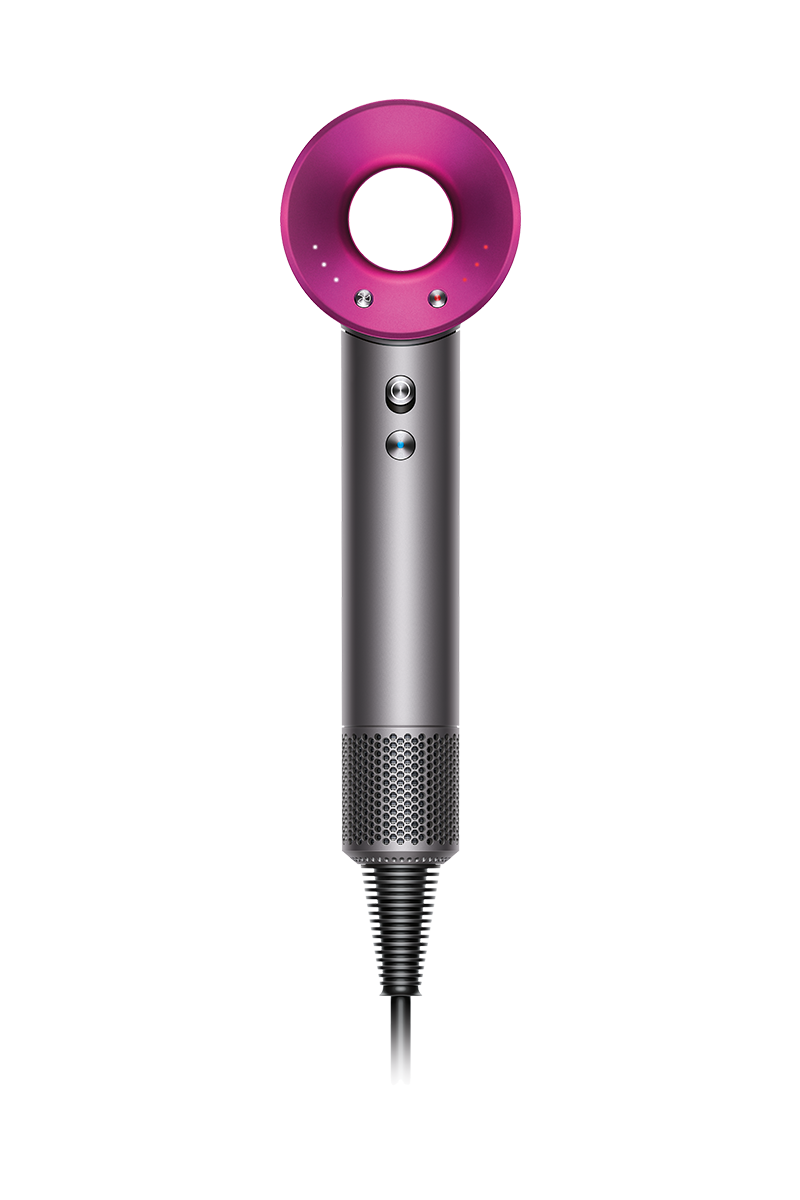
Genuine Dyson spare parts and accessories for your machine:
-

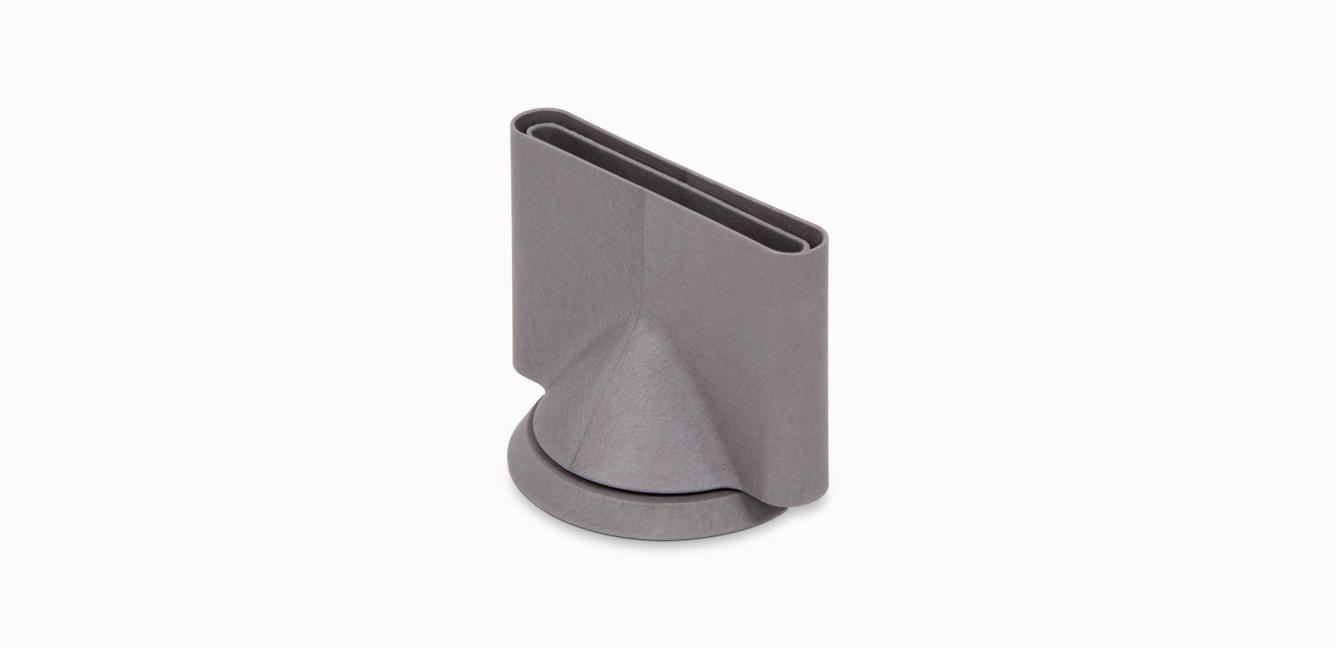
Gentle air attachment
Gentle air attachment
Part No. 969749-01
Diffuses the air, creating a gentle, cooler air flow.
£29.90
-
Styling concentrator
Styling concentrator
Part No. 970265-05
Style your hair one section at a time with precise, controlled airflow
£29.90

How to get your Dyson machine working to its full potential.
-
How to use the Smoothing nozzle
Create an amplified smooth look, with volume at the roots and a bend at the ends.
-
How to use the Gentle air attachment
Designed to be kinder to fine hair and sensitive scalps. Add volume at the roots, or create texture through the lengths.
-
The service includes labour and spare parts where required (excluding additional accessories and filters), which are guaranteed for 24 months or until service support ends for your machine – whichever is soonest.



Frequently Asked Questions
If your Dyson Supersonic™ hair dryer doesn’t have any power, or isn’t turning on, it could be a number of reasons:
- The filter is blocked – Clean your filter regularly.
- The switch is faulty – Contact customer support.
Please click here for more detailed instructions on how to avoid, or fix, any problems you might experience with your machine.
If your Dyson Supersonic™ hair dryer cuts out, works intermittently or keeps shutting off, it's likely because:
• The filter is blocked – Clean your filter regularly.
Please click here for more detailed instructions on how to avoid, or fix, any problems you might experience with your machine.
If your Dyson Supersonic™ hair dryer is emitting a bad or burning smell, it could be for a number of reasons:
- The filter is blocked – Clean your filter regularly.
- The machine is faulty – Contact customer support.
Please click here for more detailed instructions on how to avoid, or fix, any problems you might experience with your machine.
Your Dyson Supersonic™ hair dryer features lights to communicate processes and needs to you.
They include:
- Three white flashing lights – Clean the filter.
- Three red flashing lights - Clean the filter. If the problem persists, contact customer support.
- All flashing lights – Contact customer support.
Please click here for more detailed instructions on how to avoid, or fix, any problems you might experience with your machine.
It's important to regularly clean your Dyson Supersonic™ hair dryer filter.
To do so:
- Clean your filter regularly to maintain powerful airflow and keep your hair dryer performing at its best. We recommend cleaning once a month, or when the three LEDs flash continuously.
- Unplug your machine from the mains electricity supply and allow to cool before cleaning your filter.
- To remove the filter cage, hold the handle firmly and gently rotate the filter cage anticlockwise.
- Pull the filter cage down and away from the machine.
- Clean the filter mesh with a soft, dry toothbrush or a C-brush. Don't use chemicals or water.
- Clip the filter cage back onto the machine. Lock in place by ensuring the dot is below the closed circle.
Please click here for more detailed instructions on how to avoid, or fix, any problems you might experience with your machine.
If you need to replace your Dyson Supersonic™ hair dryer filter cover, follow the instructions below:
- Before beginning, turn off and unplug the appliance. Do not cut the power cord.
- Secure the cord and broken filter cover in the cardboard packaging. Cut the filter cover with a pair of scissors.
- Clip the replacement filter cover over the power cord. Ensure it is securely fastened.
- Slide the filter cover over the filter.
- Twist to lock and check that the cover is secured onto the appliance.
- The cardboard packaging and the metal filter cover are recyclable.
Please click here for more detailed instructions on how to avoid, or fix, any problems you might experience with your machine.