
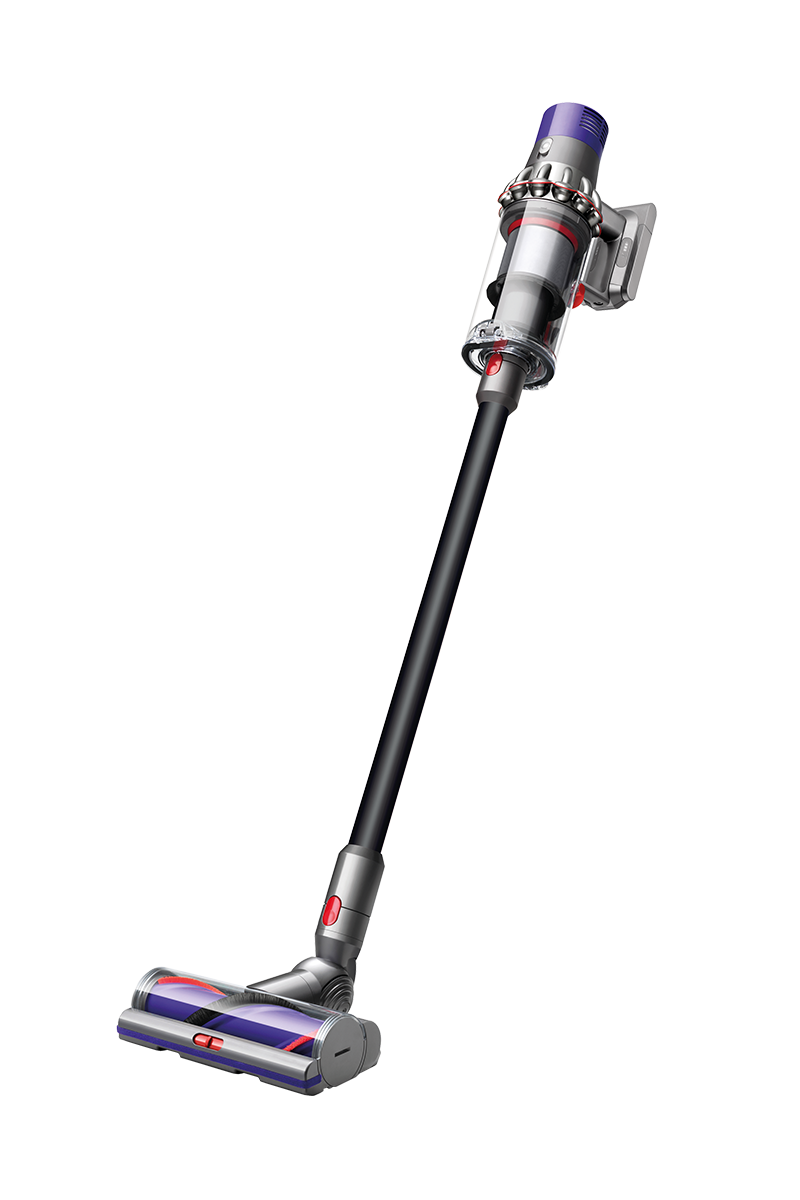
Genuine Dyson spare parts and accessories for your machine:

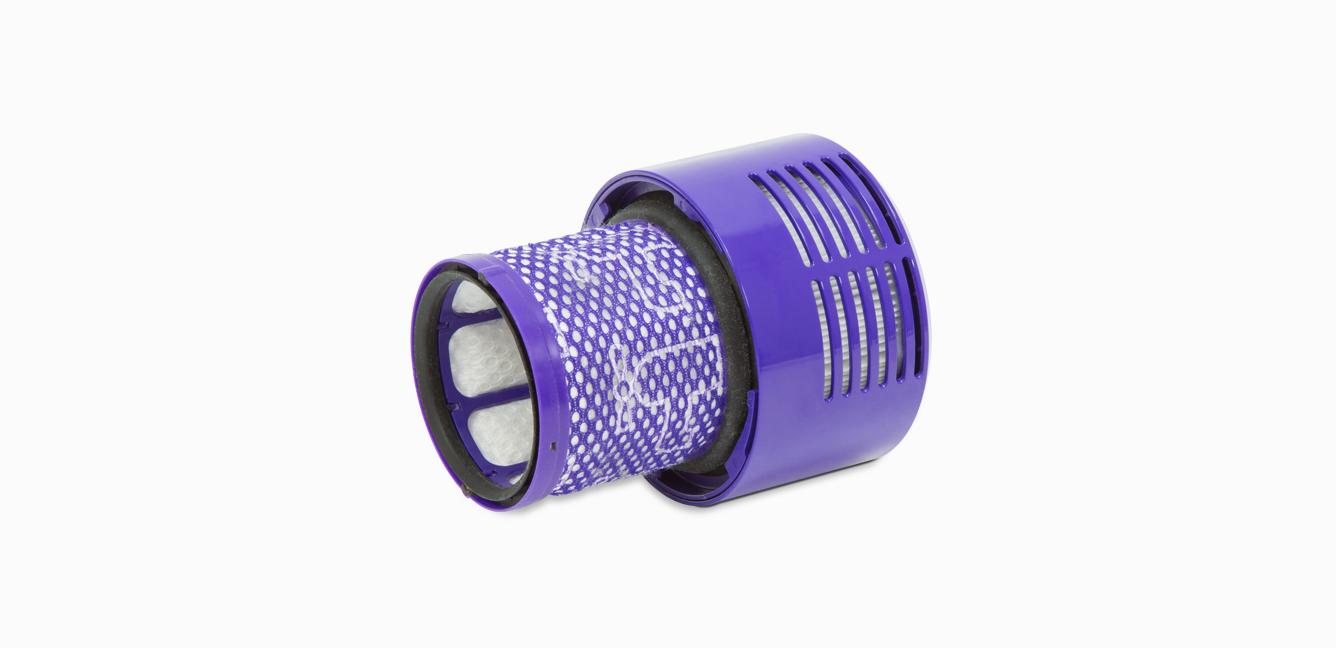
-

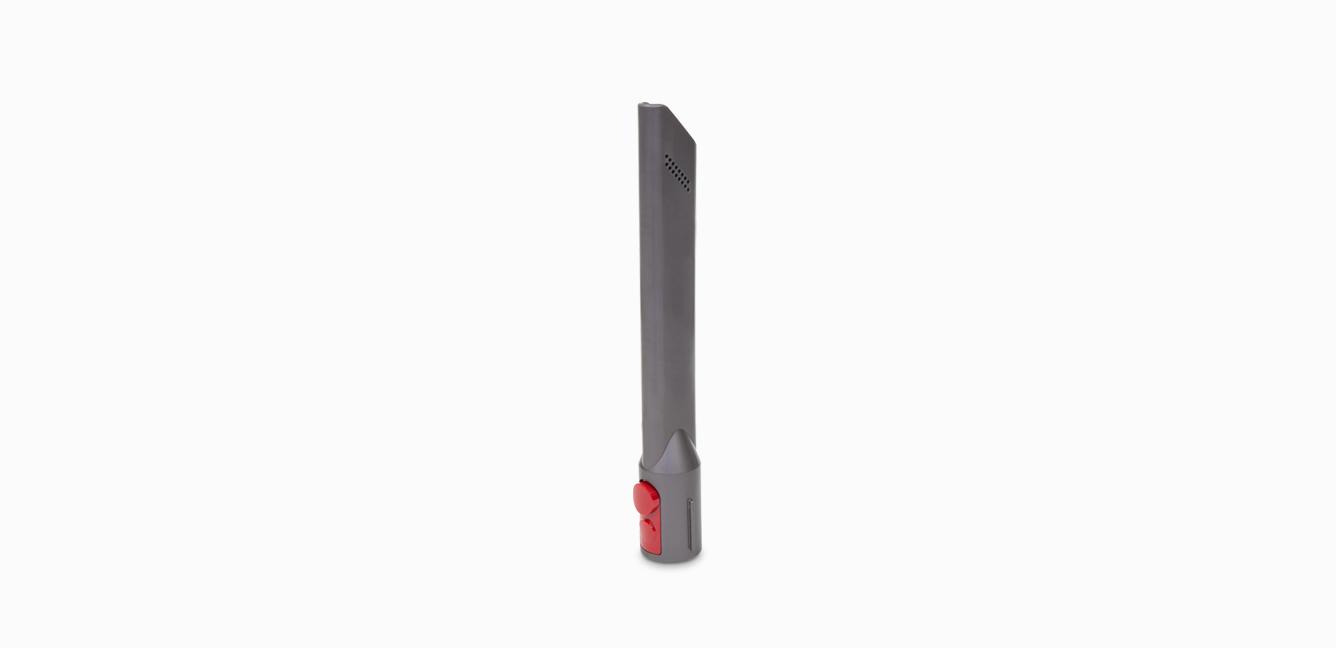
Crevice tool
Crevice tool
Part No. 967612-01
Engineered for precise cleaning around tricky edges and into hard-to-reach narrow spaces.
£3.50
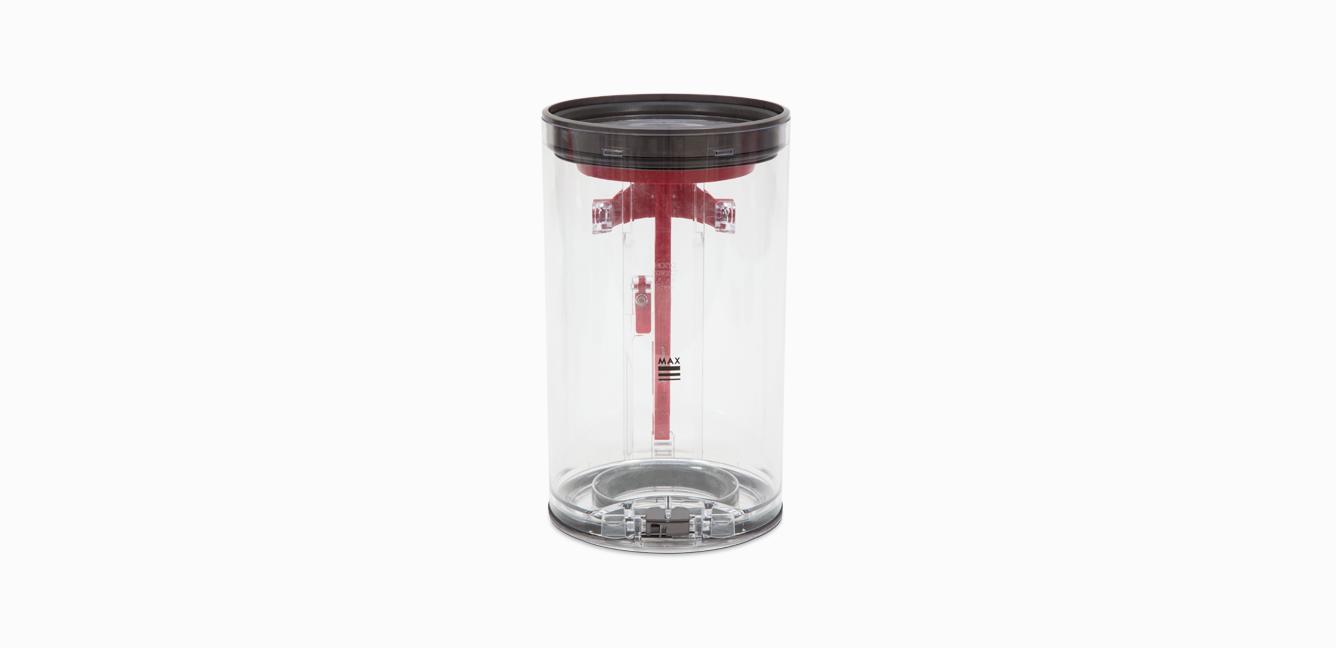
How to get your Dyson machine working to its full potential.
-
How to wash your filter
Washing your Dyson filter is quick and easy. Clean it regularly to keep your machine performing at its best. Once washed, leave it for at least 24 hours in an area with good airflow, to ensure it's completely dry before returning it to the machine.
-
How to respond to light signals
Learn about the lights on your machine and what to do if they turn on, or start flashing.
-
The service includes labour and spare parts where required (excluding additional accessories and filters), which are guaranteed for 24 months or until service support ends for your machine – whichever is soonest.



Frequently Asked Questions
If your Dyson Cyclone V10™ doesn't have any power, or isn't turning on, it could be for a number of reasons:
- The battery has run out – Charge it on the dock or at the socket.
- The filter may need cleaning – Wash your filter once per month to clean away any debris.
- The machine is blocked – Dissassemble and check for blockages.
- The battery needs replacing – Spares and accessories are listed above or order batteries at Dyson.co.uk.
- The main body is faulty – Contact our customer support to organise a replacement.
- The charger is faulty – Spares and accessories are listed above or order a spare charger at Dyson.co.uk.
Please click here for more detailed instructions on how to avoid, or fix, any problems you might experience with your machine.
If your Dyson Cyclone V10™ cuts out, pulses or keeps shutting off, it could be for a number of reasons:
- The machine is blocked – Take your machine apart and check for blockages.
- The filter may need cleaning – Wash your filter once per month to clean away any debris.
- The cyclone may need cleaning – Remove your bin and clean the cyclone using a microfibre cloth.
Please click here for more detailed instructions on how to avoid, or fix, any problems you might experience with your machine.
If your Dyson Cyclone V10™ cuts out, pulses or keeps shutting off, it could be for a number of reasons:
- The machine is blocked – Take your machine apart and check for blockages.
- The filter may need cleaning – Wash your filter once per month to clean away any debris.
- The cyclone may need cleaning – Remove your bin and clean the cyclone using a microfibre cloth.
Please click here for more detailed instructions on how to avoid, or fix, any problems you might experience with your machine.
If your Dyson Cyclone V10™ is performing poorly, or losing suction, it could be for a number of reasons:
- The filter may need cleaning – Wash your filter once per month to clean away any debris.
- The power mode may need changing – Use the correct power mode for different cleaning tasks.
- The tools may need cleaning – Clean them with a microfibre cloth and remove any blockages.
- The cyclone may need cleaning – Remove your bin and clean the cyclone using a microfibre cloth.
Please click here for more detailed instructions on how to avoid, or fix, any problems you might experience with your machine.
If you're encountering a blockage or loss in performance with your Dyson Cyclone V10™, it could be because you need to clean your filter. To do so:
- Remove the filter by twisting anticlockwise to the open position and gently pull away. Remove any excess debris from the filter prior to washing.
- Wash the inside of the filter first; hold it upright under the cold tap and agitate using a rotation motion.
- Wash the outside of the filter; fill it with cold water, place your hand over the open end and shake gently.
- Repeat washing the inside and outside of the filter until the water runs clear. Gently tap the filter to remove any excess water.
- Leave the filter to dry with the open end facing up for as long as possible. Ensure the filter is completely touch dry prior to refitting.
- To refit, return the filter to the open position and twist clockwise until it clicks into place.
Please click here for more detailed instructions on how to avoid, or fix, any problems you might experience with your machine.
If your Dyson Cyclone V10™ has a short run time, it could be for a number of reasons:
- The power mode may need changing – Use the correct power mode for different cleaning tasks.
- The filter may need cleaning – Wash your filter once per month to clean away any debris.
- The cyclone may need cleaning – Remove your bin and clean the cyclone using a microfibre cloth.
- The battery needs replacing – Spares and accessories are listed above or order batteries at Dyson.co.uk.
Please click here for more detailed instructions on how to avoid, or fix, any problems you might experience with your machine.
Your Dyson Cyclone V10™ features lights to communicate processes and needs to you. They include:
Lights during charging
- One blue flashing light – Charging, low charge.
- One solid blue light & one blue flashing light – Charging, medium charge.
- Two solid blue lights & one blue flashing light – Charging, nearly full.
- No lights – Fully charged.
Lights during use
- Three solid blue lights – High level of charge.
- Two solid blue lights – Medium level of charge.
- One solid blue light – Low level of charge.
- One flashing blue light – Battery empty, charging needed.
- One flashing red light – Battery fault.
- One solid red light – Main body fault.
- One red flashing light & one blue flashing light – Charger fault.
Other lights
- Blockage light – A blockage is detected.
- Solid filter light – Filter needs washing.
- Flashing filter light – Filter is not fitted correctly.
Please click here for more detailed instructions on how to avoid, or fix, any problems you might experience with your machine.